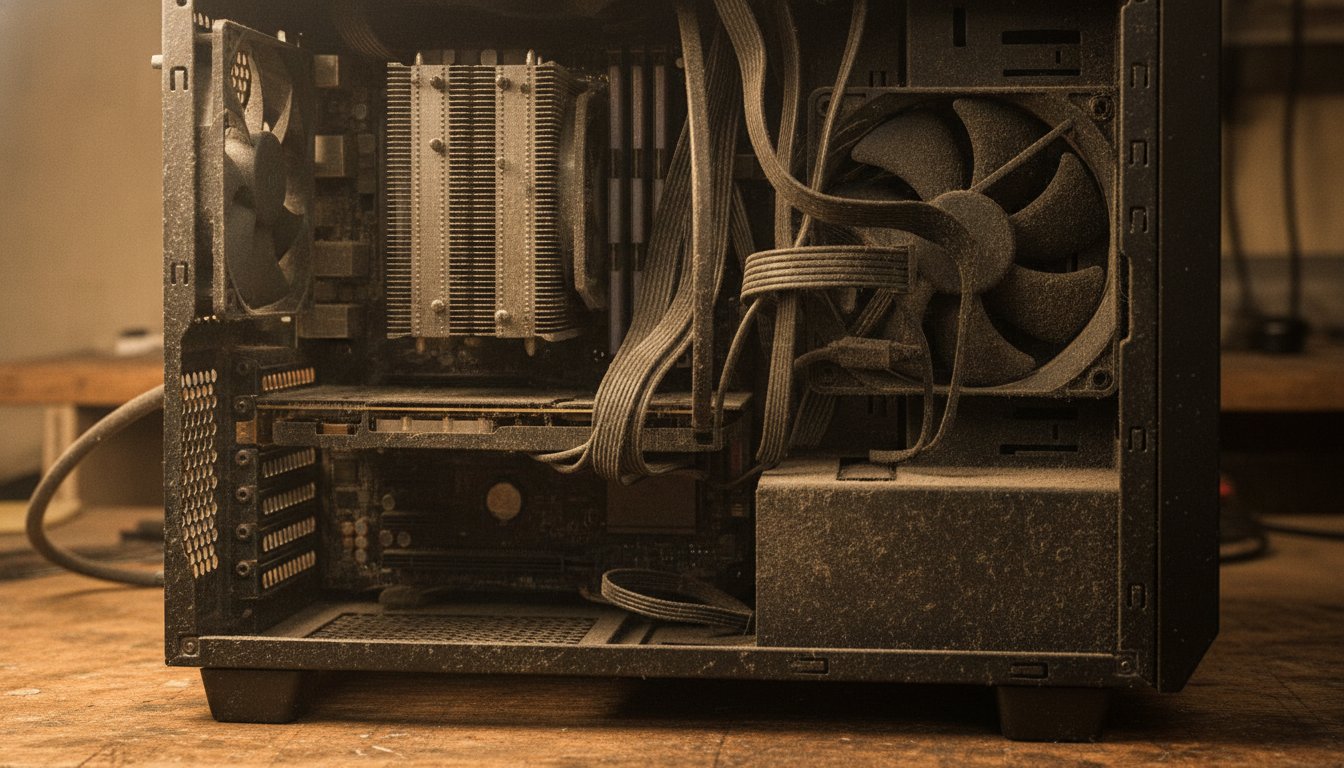
Does cleaning PC improve performance? Yes, but only when heat is the bottleneck. Independent tests show that removing heavy dust drops CPU and GPU temperatures by 2 to 12 degrees Celsius and restores roughly 2 to 12 percent in benchmarks and gaming frame rates, on machines that were hot enough to throttle.
A system that already runs cool gains almost nothing from dusting. This page shows you how to tell which machine you own.
Does Cleaning PC Improve Performance? The Short Answer
Does cleaning PC improve performance is really a question about heat. Dust does not slow a computer down by existing. It slows a computer down by trapping heat against the parts that do the work, and modern processors respond to heat by cutting their own speed on purpose. Remove the dust and the heat leaves with it, which lets the processor hold full speed for longer.
That is why the honest answer is conditional. In a 2026 retailer bench test, cleaning a dust-clogged system raised frame rates by 8 to 12 percent in demanding games. In a 2024 test on a lightly dusted machine, the same job was worth about 2 percent in a benchmark. Both results are real. The difference was how hot each machine ran before the cleaning started.
Stateline Tech cleans computers for a living, and we will tell you the same thing across the counter: find out whether heat is your actual problem before you spend a Saturday on it. The safe method, the tools, and the schedule live in our guide on how to clean your PC the safe way. This page covers the performance question underneath it.
How Does Dust Affect PC Performance?
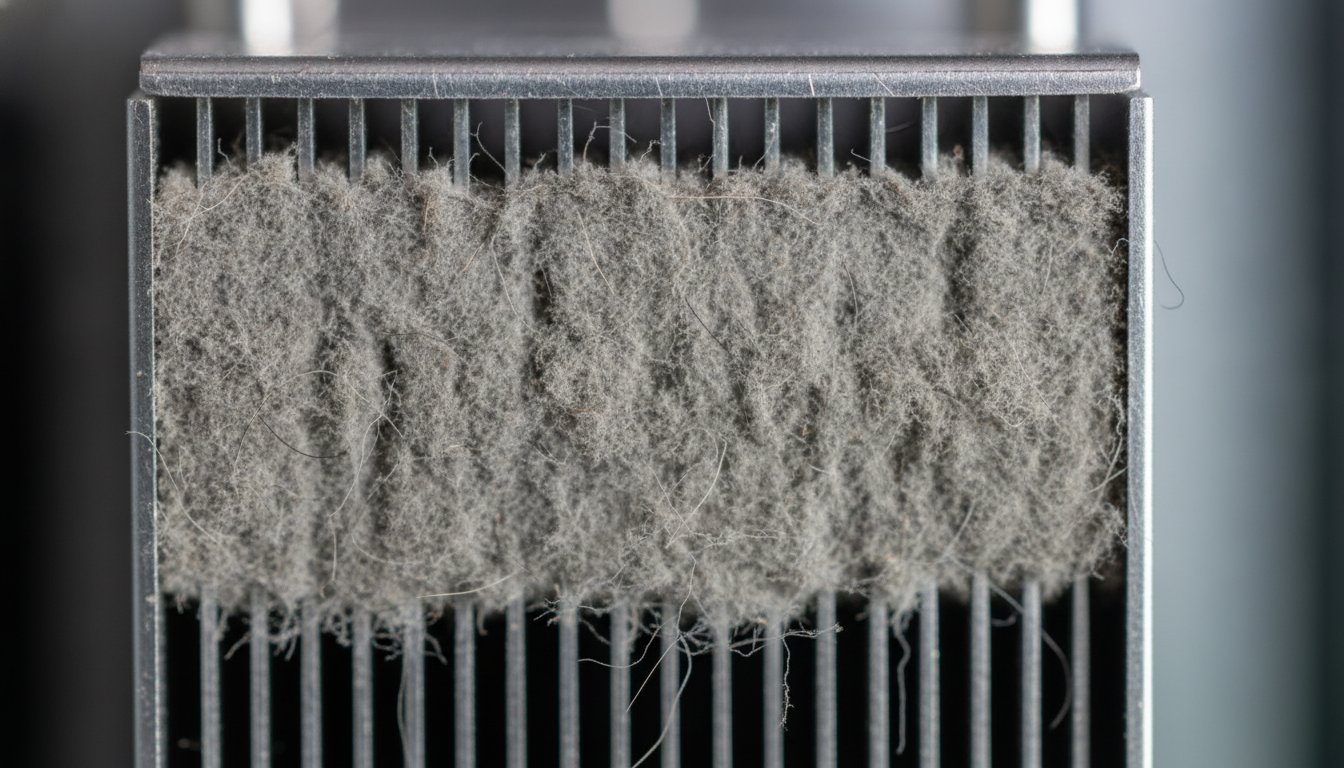
Dust affects PC performance through a single mechanism: it insulates. A CPU or GPU converts electricity into heat while it works, and the heatsink and fans have to move that heat into the air fast enough to keep the chip below its maximum safe temperature. Dust settles into the heatsink fins and coats the fan blades, and because dust conducts heat poorly, it forms a blanket that slows the transfer of heat from metal to air.
Thermal Throttling Is the Real Slowdown
Thermal throttling is the name for what happens next. Modern processors watch their own temperature, and when it climbs toward the ceiling, called Tjunction max and documented by Intel at typically 100 to 110 degrees Celsius in its processor temperature documentation, the chip reduces its own clock speed and voltage to protect itself. Lower clocks mean lower frame rates and slower work. The dust never touched your software. It took away the thermal headroom your processor needed to run at full speed.
What Normal PC Temperatures Look Like
Normal PC temperatures give you the baseline that makes the problem visible. Typical idle readings run 35 to 50 degrees Celsius on recent Intel chips with stock coolers and 40 to 55 degrees on AMD Ryzen 7000 parts, per a 2026 cooling vendor guide, and sustained gaming loads above 90 degrees are a warning worth acting on. A free monitoring tool shows these numbers in a minute, and that reading tells you more than any amount of visible dust.
If the fans are spinning, dust is not hurting anything.
Dust cuts cooling by insulating the heatsink fins even while every fan spins freely. The fan moves air; a caked fin stack cannot hand its heat to that air.
How Much Performance Can Cleaning Actually Restore?
How much performance cleaning can restore depends on how much heat the dust was trapping, and the honest range across independent testing runs from about 2 percent to 12 percent. None of the pages ranking for this question line the published tests up side by side with dates, so here are the three we could verify.
| Test | Published | Temperature drop | Performance change | Condition |
|---|---|---|---|---|
| Side by side bench test | 2024 | 4 to 7°C | Cinebench R23 up about 2 percent (19,280 to 19,693) | Lightly dusted desktop |
| Myth-busting gaming test | 2015 | 2 to 4°C | 7 to 10 FPS gained in Rainbow Six Siege | Single gaming rig |
| Retailer bench test | 2026 | CPU 12°C, GPU 10°C | 8 to 12 percent FPS in demanding titles | Heavily clogged system |
The pattern is consistent. A 2024 side by side bench test on a lightly dusted machine measured a 4 to 7 degree drop and about 2 percent in Cinebench R23. A 2026 retailer bench test on a heavily clogged system measured drops of 10 to 12 degrees and 8 to 12 percent more frames. The dirtier and hotter the machine, the more a cleaning gives back.
One caution keeps those numbers honest. In the 2024 test, one synthetic run on the dirty configuration actually scored marginally higher than a clean run, which shows how small and workload dependent the gains are on a machine that was not throttling. Cleaning is maintenance with a performance side effect, not a tuning trick.
Physical Dust Cleaning vs Software Cleanup: Which One Does Your PC Need?
Physical dust cleaning and software cleanup fix two different kinds of slow, and matching the fix to the symptom saves you an afternoon. Dust removal is thermal: it restores clock speed on a machine that was throttling. Software cleanup is contention: trimming startup programs and clearing junk files frees storage, memory, and disk activity on a machine that boots slowly and stutters through everyday work, whatever its temperature.
Windows includes the software side for free. Storage Sense clears temporary files and manages disk space automatically once you turn it on, and Microsoft documents the setup in its Storage Sense guide. The security vendor McAfee estimated in a November 2025 article that junk cleanup can restore 15 to 30 percent of lost responsiveness on aging computers, a claim about sluggish everyday use rather than benchmark scores.
If your machine is slow but cool, start there. Our walkthrough on how to fix a slow computer goes through the free steps in order.
| Symptom | Likely cause | Start with |
|---|---|---|
| Hot case, loud fans, slower in games than last year | Dust and heat | Physical cleaning |
| Slow boot and stutter in everyday apps, temperatures normal | Software clutter | Startup trim and disk cleanup |
| Temperatures still high after a thorough dusting | Aging thermal paste or hardware | Bench diagnosis |
Is It Safe to Clean a PC With a Vacuum Cleaner?
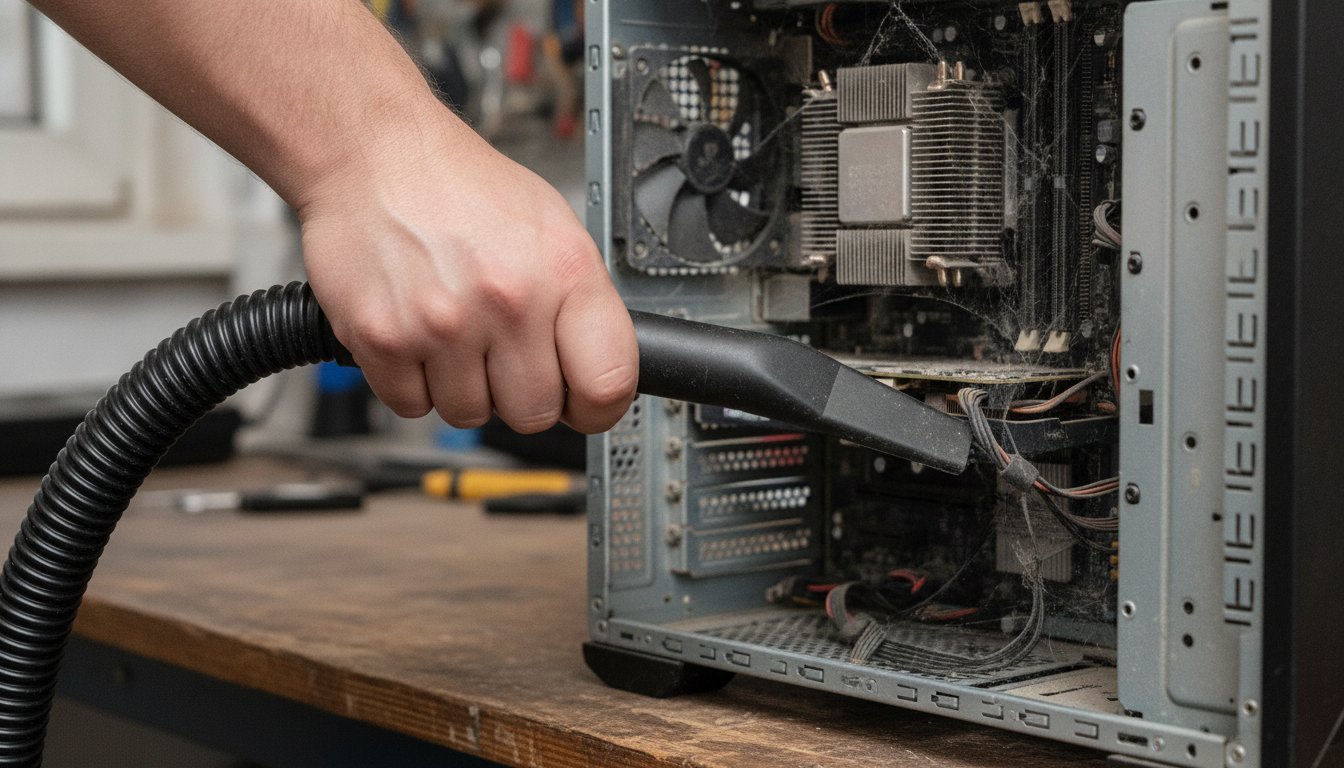
A household vacuum cleaner is not a safe tool for the inside of a PC, and this is a point where the pages ranking for this exact question flatly contradict each other. One IT guide lists vacuuming as a top cleaning mistake because it can generate static electricity. Another well known tech site describes its author running a vacuum crevice tool alongside compressed air. A third tells readers to start by vacuuming the dust out.
A reader who opens all three leaves with no rule at all.
Stateline Tech states the rule we follow on our own bench. Never put a household vacuum nozzle near circuit boards, because plastic nozzles and fast moving air build static charge, and a discharge too small to feel can kill a component. Suction can also spin fan blades past their rated speed.
Vents, grilles, and dust filters, removed from the case first, are the only parts we would let near one. For everything inside the case, use compressed air, or hand the machine to someone who is grounded, literally.
How Do You Clean a PC Safely, Step by Step?
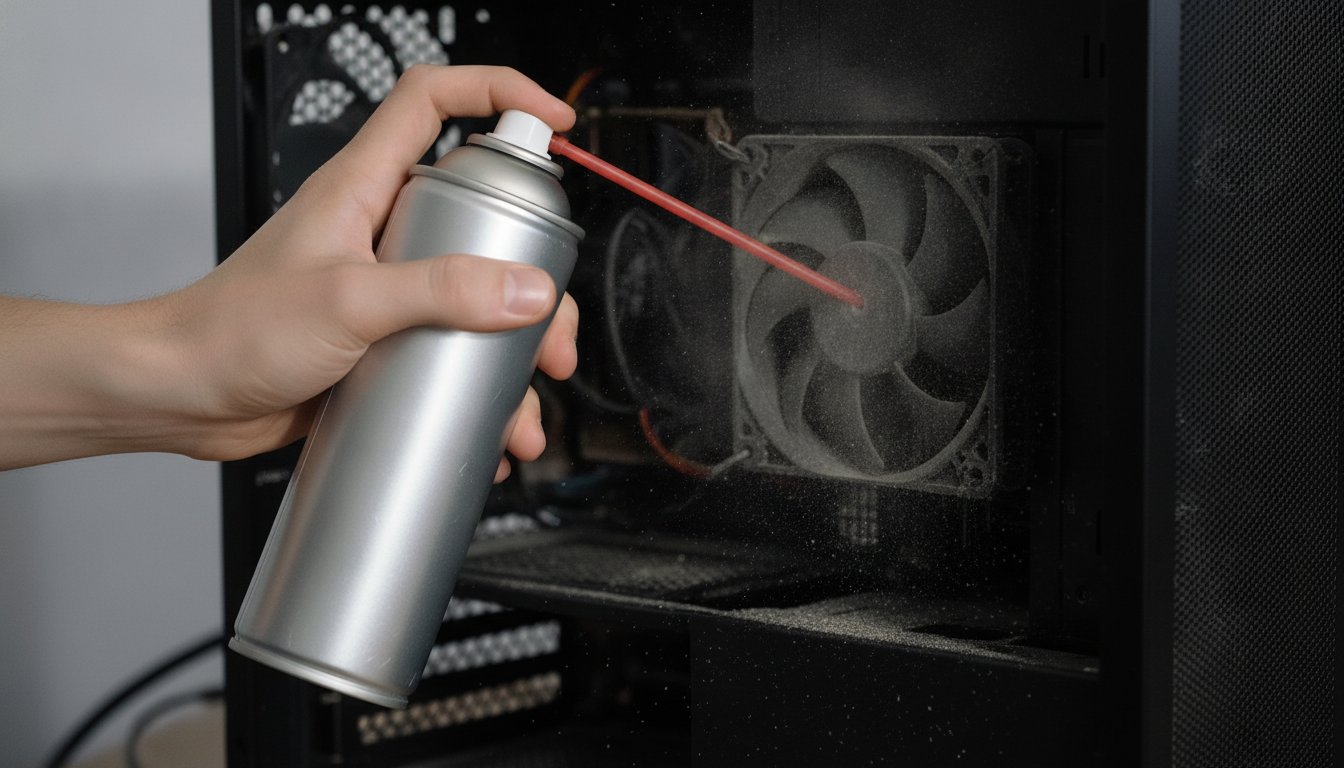
Cleaning a PC safely takes 20 to 30 minutes for a desktop and costs about the price of one can of compressed air, 10 to 20 dollars. The order matters more than the tools.
Laptops are the exception. Most need partial disassembly to reach the fan and fin stack, static precautions matter more in a cramped chassis, and one broken clip can cost more than the cleaning was worth. Blowing air into a laptop vent without opening it mostly redistributes the dust inside. If the machine is under warranty or hard to open, this is the one cleaning job we recommend handing to a bench.
How Often Should You Clean Your PC?
How often should you clean your PC comes down to the room it lives in. The common guidance of a full internal dusting every 3 to 6 months fits an average home, but the realistic answer to how often to clean PC hardware runs from monthly external vent care in a house with pets, carpet, or workshop dust to a yearly checkup for a tower in a clean office.
Noise is the early warning system. Fans that have grown louder at idle are working harder to push air through clogging fins, which is also why a good cleaning tends to make a computer quieter. Waiting for visible dust bunnies means waiting too long, because the fin stack clogs before the case floor looks dirty.
When Is It Thermal Paste, Not Dust?
Thermal paste, not dust, is the likely culprit when temperatures stay high after a thorough cleaning. Paste is the compound between the processor and its cooler, and it dries out through years of heat cycling even inside a sealed, regularly dusted case. Standard pastes last roughly 3 to 5 years, and high heat processors like a Ryzen 9 or a Core Ultra 9 can need fresh paste in 2 to 3 years.
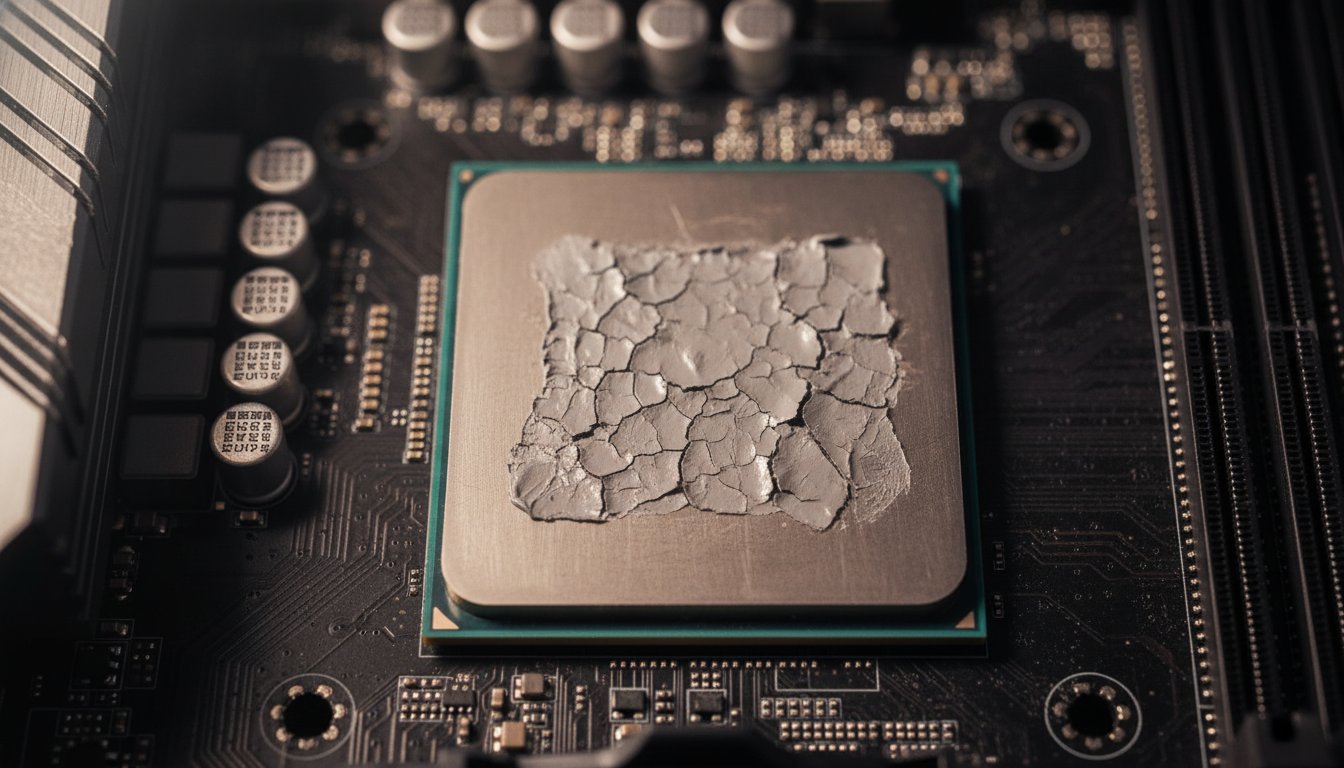
The tell is a machine running 8 to 15 degrees Celsius above its own established baseline with no other changes, per 2026 cooling vendor guidance. Dusting does not fix that, because the failure sits between the chip and the metal, not between the metal and the air. A repaste is a screwdriver job with real static and mounting risk, which is the point where paying a bench starts to beat doing it yourself for most people.
Should You Clean Your PC Yourself or Pay a Shop?
Cleaning your PC yourself is the right call for most desktop owners: a 10 to 20 dollar can of compressed air, half an hour, and the steps above cover it. Paying makes sense when the machine is a laptop, when temperatures stay high after dusting and a repaste is on the table, or when you want the physical cleaning and the software cleanup done in one pass with before and after numbers.
The national reference points, from our August 2026 research pull: Best Buy Geek Squad lists a combined PC tune up and cleaning at $49.99 in store and a remote operating system tune up at $39.99. Micro Center lists desktop cleaning at $39.99 basic and $74.99 advanced, with laptop cleaning at $49.99, though forum reports say some stores only fold dusting into larger diagnostic work. Retail prices like these change without notice, so treat them as a snapshot rather than a quote.
| Option | Typical price | What you get | As of |
|---|---|---|---|
| DIY desktop dusting | $10 to $20 in materials | A can of compressed air and about 30 minutes of your time | August 2026 |
| Geek Squad PC tune up and cleaning, in store | $49.99 | Physical cleaning plus an operating system tune up | August 2026 |
| Micro Center cleaning tiers | $39.99 to $74.99 desktop, $49.99 laptop | Basic or deep cleaning, availability varies by store | August 2026 |
Stateline Tech provides that service from a working bench, and we treat the diagnosis as the product. If you would rather not open the case, or the temperatures refuse to come down after you did, bring the machine to our PC cleaning bench in Freeport. You never pay before you know exactly what you are getting.
What Cleaning Cannot Fix
Cleaning cannot fix a computer that was never fast enough for the job. Dust removal restores a machine to its own original ceiling, and it does not raise that ceiling. A processor several generations behind will be exactly as far behind after the most thorough cleaning of its life.
Cleaning restores a computer to its own ceiling. It never raises the ceiling.
Software slowness is not dust either. A machine that idles cool but crawls through a browser needs startup and storage work, not a heatsink blowout. And a machine with clicking sounds, sudden shutdowns, or hard crashes has a failing part, which no amount of dusting or cleanup will reach. Match the fix to the symptom, and when the symptom matches nothing on this page, that is what a bench diagnostic is for. Our guide to what computer repair costs shows what that visit should run you.
Frequently Asked Questions About PC Cleaning and Performance
Can a Dirty PC Cause Low FPS?
Yes. A dirty PC can cause low FPS when dust insulation pushes the CPU or GPU into thermal throttling, which cuts clock speeds in the middle of a game. Published cleaning tests measured 7 to 10 FPS recovered on one 2015 rig and 8 to 12 percent frame rate gains on a clogged 2026 test system. If frame rates fall the longer you play, heat is the first suspect.
What Happens If You Do Not Clean a PC for Two Years?
After two years without cleaning, most home PCs carry a visible dust layer on fans, filters, and heatsink fins. The practical effects are higher temperatures, louder fans, and, on machines pushed near their thermal limit, throttling that shows up as lost speed. The environment decides the damage, since a carpeted room with pets clogs a case far faster than a clean office.
Does Wiping Your PC Make It Faster?
Wiping a PC, meaning a factory reset or a fresh operating system install, can make it faster by clearing accumulated software problems such as startup programs and junk files. It does nothing about dust or heat, so a machine that throttles will throttle just as hard after the reset. Try the reversible software steps first, because a wipe deletes everything and should be the last resort.
How Can You Tell If a PC Is Too Dusty?
Check three things. Look through the intake vents and filters for a gray coating. Listen for fans that run louder at idle than they used to. Then read the numbers, because a free temperature monitor showing idle or load figures well above the typical ranges for your chip, or trending upward over months, means the cooling is losing ground and a dusting is due.
How Much Does Geek Squad Charge to Clean a Computer?
Best Buy Geek Squad listed a combined PC tune up and cleaning at $49.99 in store, and a remote operating system tune up at $39.99, in our August 2026 research pull. Micro Center listed desktop cleaning at $39.99 to $74.99 and laptop cleaning at $49.99, with availability varying by store. Retail service prices change without notice, so confirm before you drive.
If your computer is hot, loud, or slower than it used to be, call Stateline Tech at (608) 214-5158 or bring it to our PC cleaning bench, the same bench we run for computer repair in Freeport, and we will tell you plainly whether cleaning your PC will actually improve performance for your exact machine before you spend anything.