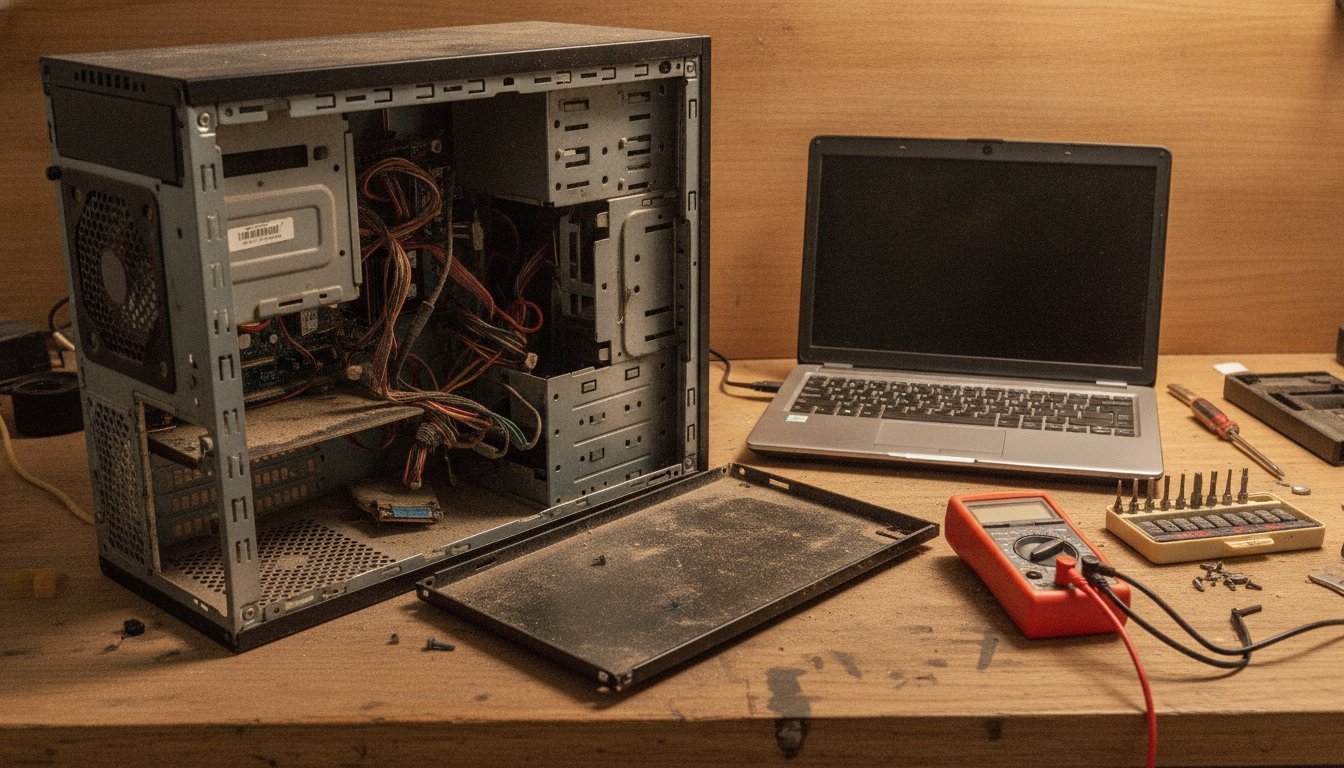
How much does it cost to repair a computer? Most repairs run 80 to 300 dollars, with national averages closer to 119 to 169 dollars for common jobs like virus removal, a slow machine, or a cracked screen, according to 2026 pricing data. Stateline Tech built the full price table below, plus the honest math on when a repair is worth the money and when the machine is worth more sold for parts than fixed.
How Much Does It Cost to Repair a Computer?
How much does it cost to repair a computer, in one line: most common repairs cost 80 to 300 dollars, with national averages landing near 119 to 169 dollars for a typical issue, and specific jobs ranging from a 40 dollar diagnostic to a 900 dollar motherboard swap on a premium laptop, according to 2026 aggregated pricing data from Thumbtack's national computer repair cost report. The number that actually matters is not the average. It is where your specific problem falls on that range, and whether the machine is worth the repair at all.
Three factors move a quote up or down more than anything else: what is actually broken, whether the shop bills hourly or flat rate, and whether the part has to be special ordered. A tune-up and a motherboard swap are not the same repair wearing different price tags, they are different categories of work with different labor hours and different parts risk behind them. The rest of this page breaks that down by job type, by service model, and by the one question that actually decides whether to spend the money at all.
How Much Does Computer Repair Cost by Job Type?
How much does computer repair cost by job type: software fixes like virus removal or a tune-up run 75 to 200 dollars, storage and memory upgrades run 100 to 250 dollars including parts, laptop screens run 150 to 400 dollars, and motherboard or data recovery work runs 300 to 900 dollars or more depending on the machine. Every range below traces to 2026 aggregated repair pricing data, not a single shop's menu.
| Repair type | Typical cost | Notes |
|---|---|---|
| Diagnostic | $0-$150 | Often free or credited toward the repair |
| Virus or malware removal | $75-$200 | Higher end for a deep infection |
| RAM or SSD upgrade | $100-$250 | Labor plus parts; SSD size drives the range |
| Laptop screen replacement | $150-$400 | More for high refresh or OLED panels |
| Battery replacement | $100-$200 | Brand and model dependent |
| Power supply replacement | $75-$250 | Desktop only; wattage drives cost |
| Data recovery | $150-$600+ | Severity of the drive failure drives cost |
| Motherboard replacement | $300-$900+ | Highest ticket repair on this list |
Source: aggregated 2026 repair pricing guides, including HomeGuide's itemized computer repair price list. Two categories deserve a closer look before you approve anything: a cracked screen, because the panel type changes the number more than any other single factor, see our full computer screen repair cost breakdown, and data recovery, because it is the one repair where price and urgency both spike together, see how much data recovery actually costs.
How Much Is Computer Repair on a Mac Versus a PC?
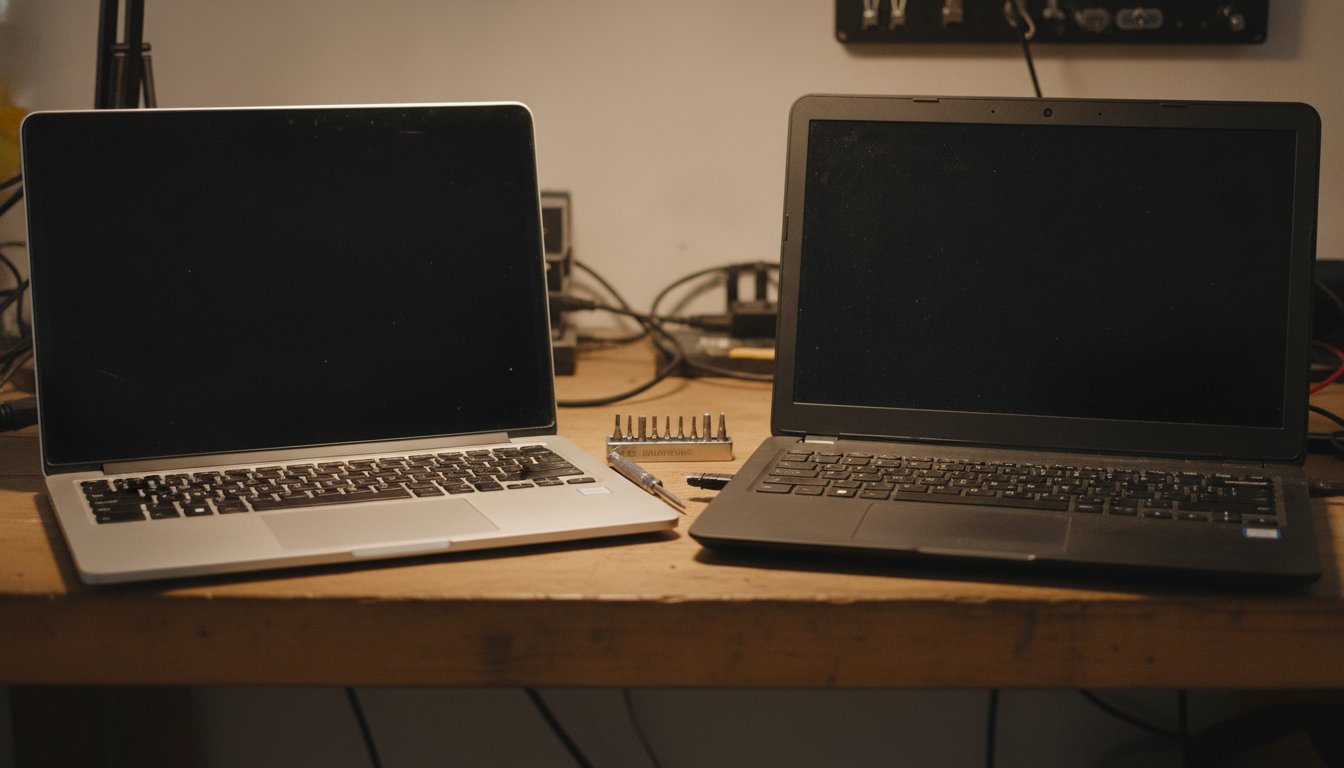
How much is computer repair on a Mac compared to a PC: Mac repairs average 143 to 209 dollars while PC repairs average 115 to 160 dollars, according to 2026 national repair pricing data. The gap comes down to parts, not labor skill, Apple hardware uses proprietary screens, batteries, and logic boards that cost more to source and sometimes require Apple-authorized service to keep a warranty intact.
| Platform | Average repair cost |
|---|---|
| Mac (laptop or desktop) | $143-$209 |
| PC (laptop or desktop) | $115-$160 |
Why Apple Repairs Cost More
Apple controls its own parts supply chain tightly, which keeps quality consistent but also keeps prices higher than a generic PC part with three competing suppliers. A cracked MacBook screen is a single glued assembly on most recent models, not a swappable panel, which turns what would be a 150 dollar PC screen job into a several hundred dollar Mac repair. Out-of-warranty Mac owners should check Apple's own service and repair information before assuming a third-party shop cannot help, independent shops can often do the same repair for less, but parts sourcing still sets a higher floor than most PC repairs.
What Do Big-Box Chains Charge for Computer Repair?
What do big-box chains charge for computer repair: the largest national chain publishes an 84.95 dollar labor rate plus the cost of parts, while a major mall-based repair chain advertises free diagnostics and a promise to match a local competitor's price. Both models push the real total cost into the parts line, which is where the final bill actually gets decided.
How Much Will Geek Squad Charge to Fix a Computer?
How much will Geek Squad charge to fix a computer: the published rate is 84.95 dollars in labor, plus whatever parts the repair needs, and the shop provides an estimate after an initial look at the machine, as stated on the chain's own computer and tablet repair page (checked 2026-08-02). What that page does not make easy to find up front is turnaround. Big-box repair centers frequently ship a machine to a regional service hub rather than fixing it on site, which can stretch a same-day fix into a week or more.
What Does a Mall-Based Repair Chain Charge?
A mall-based national repair chain advertises free diagnostics on most devices and a promise to beat a documented local competitor quote by five dollars, according to the chain's own service pages (checked 2026-08-02). Free diagnostics sound like the better deal until you notice that the actual repair prices are rarely published anywhere on the site, they are quoted per device, per store, after you have already walked in.
What Do Local Computer Repair Shops Charge?
What do local computer repair shops charge: most bill 65 to 150 dollars an hour, with common jobs like a tune-up, a virus removal, or a single component swap priced as flat-rate packages instead of a running clock. A local shop's hourly equivalent tends to land below a national chain's, and the total ticket for a routine repair is often lower once parts are included, because a smaller shop is not carrying a mall lease or a shipping network in its overhead.
Those figures are midpoints of the 129 to 199 dollar national chain range and the 90 to 140 dollar local shop range reported in 2026 repair pricing guides, not a promise about any specific bill. Stateline Tech runs on the local side of that chart. We quote most common repairs as a flat number before starting, not an open-ended hourly clock, and our computer repair service includes a diagnostic before any repair is approved so you know the number before you owe it.
How Do Repair Shops Calculate Your Final Bill?
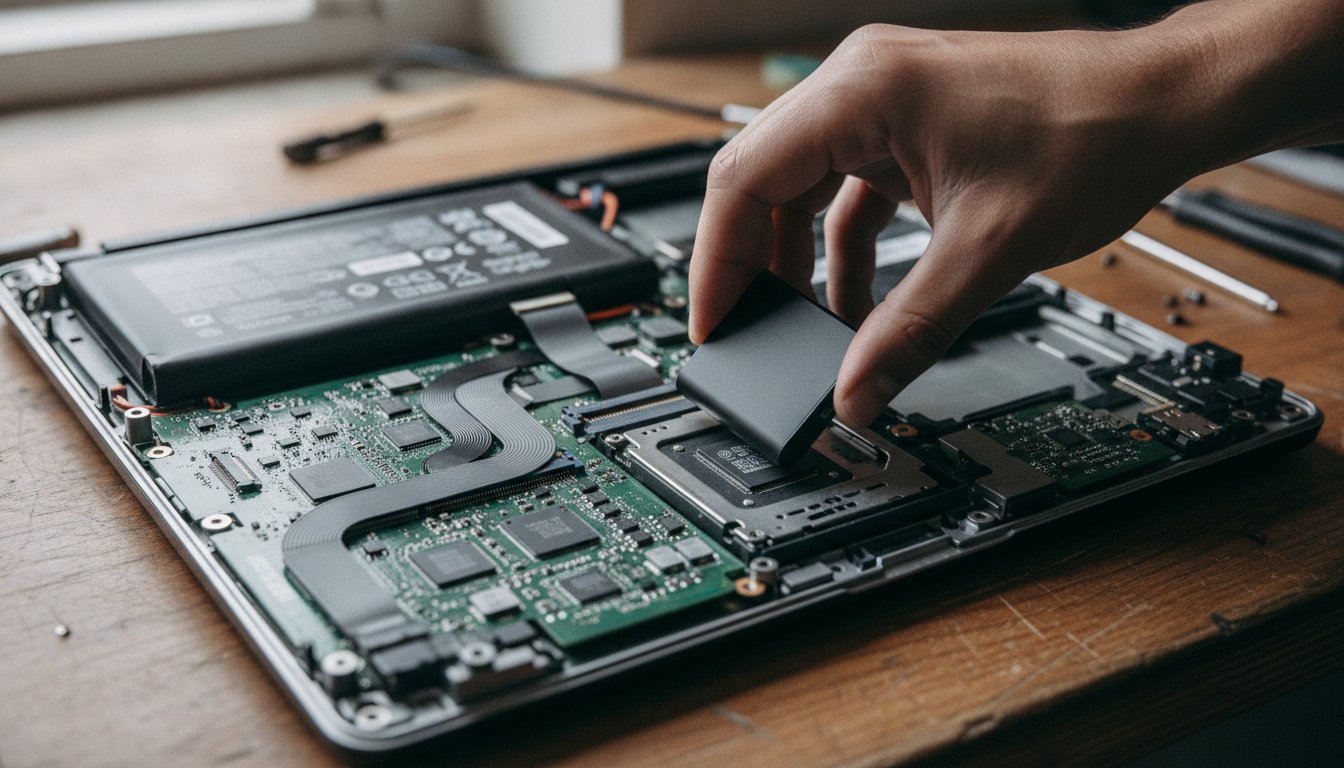
How do repair shops calculate your final bill: it is built from three stacked numbers, a diagnostic fee, a labor charge, and the cost of any parts, with taxes and an occasional shop fee added at the end. Understanding the stack is the fastest way to spot a quote that does not add up.
Worked example: a slow laptop comes in for a diagnostic, priced at 50 dollars and credited toward the repair. The tech finds a failing hard drive and recommends an SSD swap. Labor runs one hour at 100 dollars, and the drive itself costs 60 dollars. The diagnostic credit cancels the diagnostic fee, leaving a 160 dollar total, labor plus the part, which lands inside the 100 to 250 dollar range this page's table lists for a storage upgrade. That is how a published range turns into an actual invoice line by line, not a mystery number that appears at pickup.
Two line items catch people off guard: sales tax on parts, which most shops are legally required to charge and which is not a markup, and an occasional shop supply fee, usually a few dollars, that covers thermal paste, cleaning supplies, and anti-static materials used on every job regardless of what was billed directly. Neither is a red flag on its own. A shop that will not explain either one when asked is the actual warning sign.
Repair vs Replace a Computer: When Does Each One Win?
Repair vs replace a computer, the short version: repair almost always wins under about 4 years old, when the quote is clearly under half of what a comparable replacement costs, and replace usually wins on an older budget machine once a major hardware repair approaches that same halfway line.
Is it worth fixing a computer that is already several years old: usually yes if it is a well-specced machine under about 5 years old and the repair is a single component, a drive, memory, a battery, or a screen. Usually no once a 6 or 7 year old budget laptop needs a motherboard, because that single part alone can cost more than a comparable replacement laptop new.
| Machine age and type | Repair usually makes sense when |
|---|---|
| Under 4 years, mid-range or better | Repair cost is under about half of replacement cost |
| 4 to 6 years, mid-range | Repair is a single low-cost part, not a board |
| 6+ years, originally budget model | Rarely, once the repair exceeds about 150 to 200 dollars |
| Any age, high-end or workstation class | Often yes even for a board, original cost was much higher |
You never pay before you know exactly what you are getting.
Should You Fix a Computer Yourself or Hire a Pro?
Should you fix a computer yourself or hire a pro: DIY makes sense for well-documented, low-risk jobs like a RAM or SSD swap on a desktop, especially once you have watched it done once. Hiring a pro makes more sense for laptop disassembly, liquid damage, or anything touching data you cannot afford to lose.
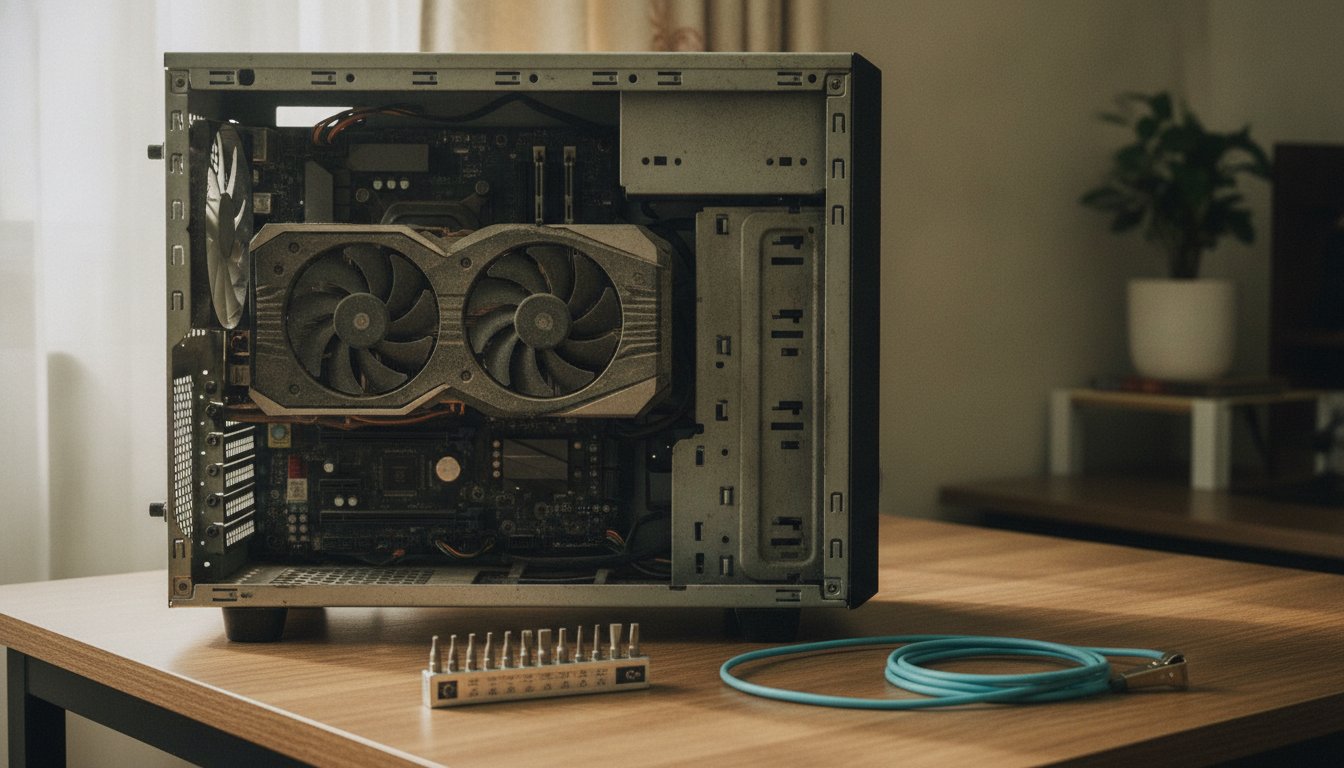
Saves the entire labor line, often 65 to 150 dollars an hour. Works well for a desktop RAM, SSD, or power supply swap with a clear how-to and a static-safe workspace.
Costs labor plus parts, but buys experience diagnosing the actual failure, proper handling of your data, and a much lower risk of turning a 150 dollar repair into a 500 dollar one.
For the free-first path on a sluggish machine, most of the fix is software, not hardware, before you spend a dollar on parts, see how to fix a slow computer. Where DIY gets genuinely risky is thin laptop teardown, glued-in batteries, and anything already showing liquid damage, those are the jobs where a wrong move turns a repairable machine into scrap.
A basic DIY toolkit covers most of the easy jobs: a precision screwdriver set matched to your machine's screws, an anti-static wrist strap, and a plastic pry tool for laptop cases that snap together instead of screwing. What DIY does not buy you is board-level diagnostic equipment or a clean, controlled environment for data recovery work, which is exactly why those two categories sit at the top of the difficulty scale below.
How Long Does Computer Repair Usually Take?
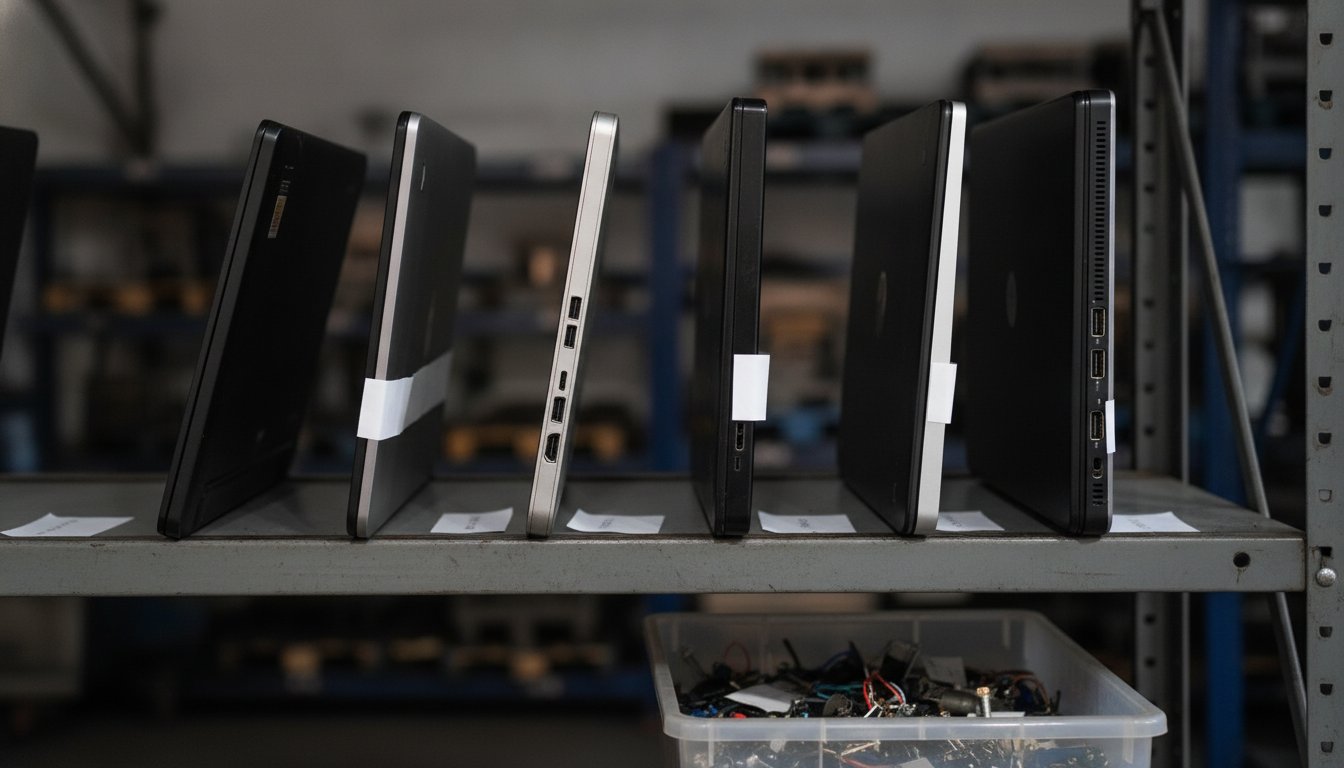
How long does computer repair usually take: most common jobs, a tune-up, a drive swap, a virus removal, finish in 1 to 3 business days once the shop has the part in hand. Board-level repairs, liquid damage assessments, and anything requiring a special-order part can stretch to a week or longer, and a big-box chain that ships your machine to a regional hub adds shipping time on both ends.
What Slows a Repair Down
Parts availability is the single biggest variable. A generic SSD sits on a shelf, an OEM screen for a specific laptop model might not. Ask a shop directly whether the part is in stock before you agree to a timeline, not just a price, since a quote with no honest turnaround estimate attached is only half an answer.
How Long Does Data Recovery Take?
Data recovery runs on its own clock, separate from a standard repair. A straightforward logical recovery, a drive that still spins but will not boot, can finish in a few days. A drive with physical damage, clicking, grinding, or water exposure, often needs specialized cleanroom work that can take a week or more, and the cost climbs alongside the time. See HomeGuide's cost guide for how data recovery pricing scales with severity, and our own full data recovery cost breakdown for the specifics before you send a failing drive anywhere.
How Do You Read and Compare a Repair Quote?
How do you read and compare a repair quote: line by line, confirming the diagnostic fee, the labor charge, and the parts cost are each broken out separately, not folded into one unexplained total. A quote you cannot break into those three pieces is a quote you cannot actually compare against a second opinion.
Ask about warranty terms too, not just price. A local shop and a national chain both typically warranty labor and parts for 30 to 90 days, but the fine print on what voids that warranty, opening the case yourself, installing your own parts later, water exposure after the repair, varies more than the price does. Get the warranty terms in writing alongside the price, not as a verbal promise at pickup.
Stateline Tech gives every customer that full breakdown before a repair begins, not after. Compare at least one other quote if a number feels high, a legitimate shop will not discourage you from asking.
What Are the Biggest Myths About Computer Repair Costs?
Computer repair always costs more than a new computer, so fixing anything is a waste of money.
Most common repairs run 80 to 300 dollars, well under the price of even a budget replacement, and a single component swap on a decent machine is usually the cheaper path.
A bad screen or a bad motherboard means the computer is finished, repair is automatically pointless.
On a mid-range or better machine under about 5 years old, a 150 to 400 dollar screen or even a several hundred dollar board can still be the cheaper choice than a full replacement.
Diagnostics are always free, so there is nothing to lose by asking a shop to look.
Some shops offer free diagnostics, but many charge 40 to 150 dollars for a deeper look, sometimes credited toward the repair, sometimes not. Ask before you drop off the machine.
Getting a second opinion on a repair quote is rude, or will annoy the shop.
A shop confident in its pricing will not mind a second quote, and plenty of honest shops will tell you outright if a quote from somewhere else looks fair. Treat hesitation to let you compare as information, not an inconvenience.
Frequently Asked Questions About Computer Repair Costs
Is it cheaper to repair or replace a computer?
Repair is usually cheaper when the machine is under about 4 years old and the quote is clearly under half of a comparable replacement. Once a major hardware repair on an older budget machine approaches that halfway line, replacing is usually the better financial call.
How much will Geek Squad charge to fix my PC?
The published labor rate is 84.95 dollars, plus whatever parts your specific repair needs, based on the chain's own repair services page checked 2026-08-02. Ask for the full estimate, parts included, before you agree, and ask directly about turnaround time.
How much does it normally cost to fix a computer?
Most repairs land between 80 and 300 dollars, with national averages near 119 to 169 dollars for a typical issue in 2026. Simple software fixes sit at the low end, and motherboard or data recovery work sits at the high end.
Is it worth fixing a computer that still runs your everyday programs fine?
Usually yes, if the repair is a single affordable part and the machine is under about 5 years old. The math changes fast on a much older budget machine, where a single major repair can approach what a new computer costs.
How much does data recovery cost if a drive fails?
Data recovery typically runs 150 to 600 dollars or more, depending on whether the drive has a logical failure or physical damage. A drive that still spins but will not boot costs far less to recover than one with clicking or water damage, which often needs cleanroom work.
How much does it cost to repair a laptop screen?
Most laptop screen replacements run 150 to 400 dollars, with the higher end reserved for high refresh rate or OLED panels. See our full computer screen repair cost breakdown for the specifics by panel type.
Stateline Tech repairs desktops and laptops on a real bench in McConnell, Illinois, serving the whole stateline area — including computer repair in Freeport and computer repair in Monroe — with a written estimate before any work begins. Get a repair quote from our computer repair service or call (608) 214-5158 to talk through what is wrong before you pay anyone anything.