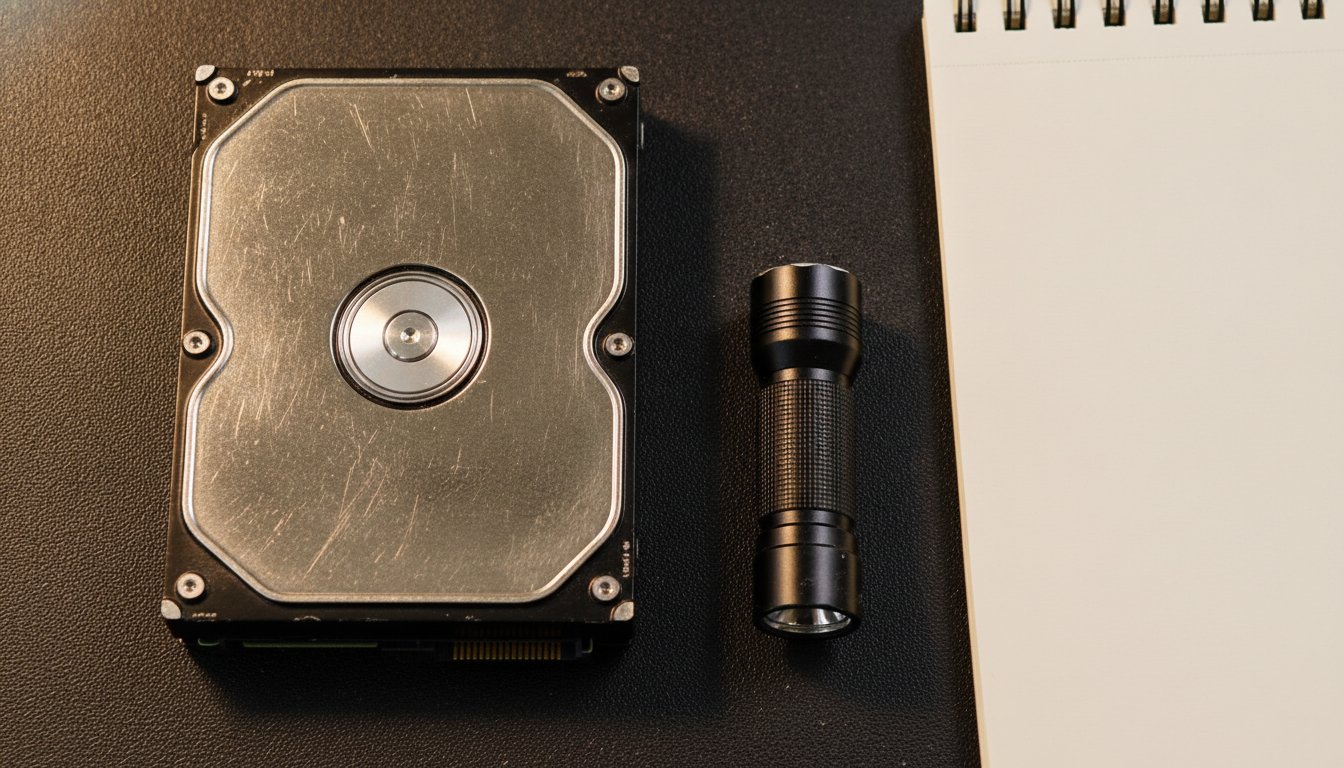
How much does data recovery cost in 2026? Logical jobs, deleted files or a corrupted file system on a healthy drive, usually run $150 to $700. Mechanical failures that need clean room work run $500 to $2,500 and up. SSD and flash recovery ranges from $500 to $3,500, and RAID arrays start near $1,000. The price follows the failure type, not the number of files. One rule beats every number here: stop using the drive now.
How Much Does Data Recovery Cost? The Short Answer
How much does data recovery cost depends almost entirely on what failed, so a fair quote starts with a failure category, not a flat number. The ranges below reflect published rate cards and current provider pricing from our August 2026 research pull. Every figure on this page is a market range with a date attached, not a promise about any specific drive.
| Failure type | Typical 2026 range | What it usually involves |
|---|---|---|
| Logical (deleted files, formatting, corruption) | $150 to $700 | Software imaging and file system repair on a healthy drive |
| Firmware and electronics | $600 to $900 | Circuit board or firmware repair with specialized tools |
| Mechanical (clicking, not spinning) | $500 to $2,500 and up | Clean room disassembly, donor parts, sector imaging |
| SSD, NVMe, and flash | $500 to $3,500 | Chip level reads, controller and encryption reconstruction |
| RAID and NAS arrays | $1,000 to $10,000 and up | Per drive repair and imaging, then array reconstruction |
The chart mirrors the table above; RAID and NAS arrays sit outside it because their ceiling scales with the number of drives in the array. The spread is real. Published shop rate cards start at $100 for a straight copy from a healthy drive, and complex multi drive array quotes from national labs can pass $15,000. Data recovery sits at the expensive end of the repair menu, and it helps to see it in context. Our full guide to what computer repair costs covers the rest of the bench, from screens to tune ups.
Stop Using the Drive Before You Do Anything Else
Stop using the drive before you do anything else, because every minute of continued use can overwrite the exact files you want back. A deleted file is not gone; the space it occupied is marked as available, and the operating system will eventually write over it. Installing recovery software onto the same drive you are trying to rescue is one of the most common ways people turn a cheap logical job into a partial loss.
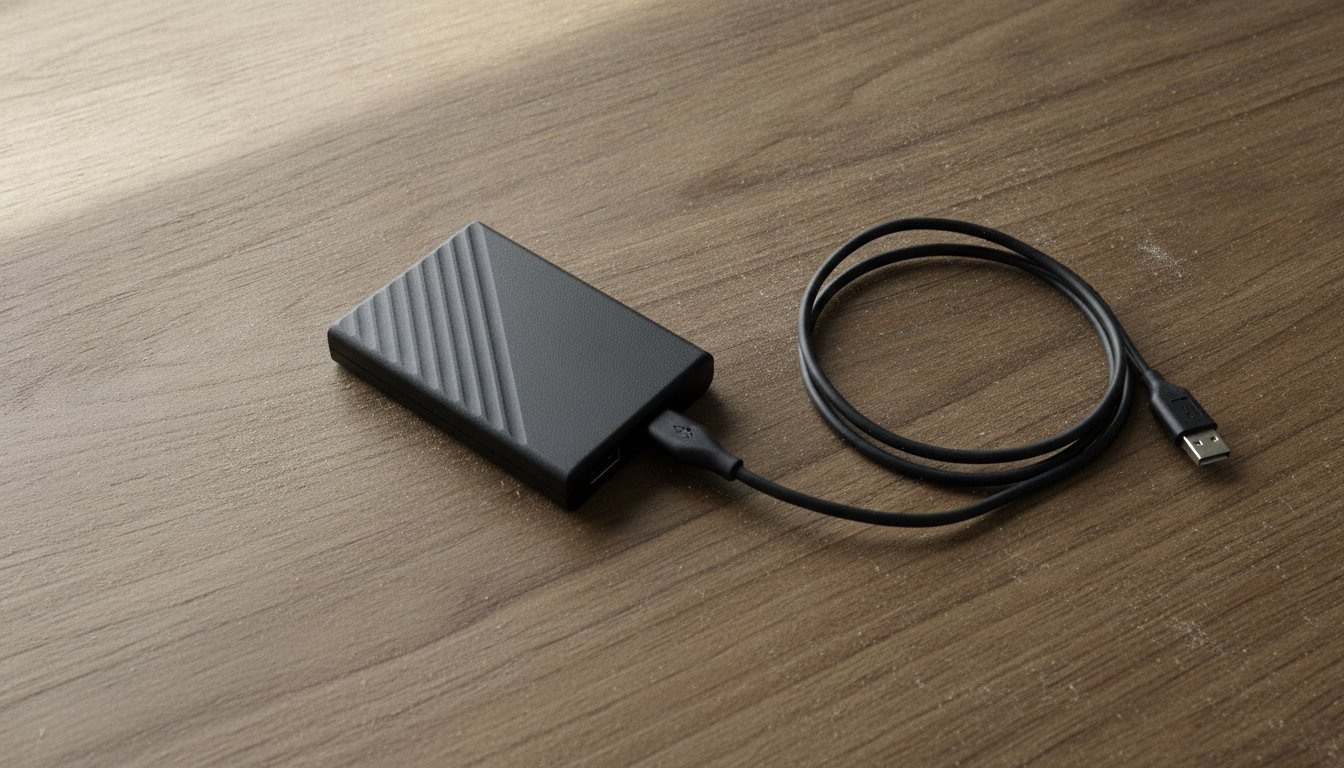
Four moves protect your data and your wallet before anyone quotes you anything. None of them cost a dollar, and all of them keep your options open.
Stop writing to it
No new saves, no downloads, no recovery software installed onto the affected drive.
Power it down
If it clicks, grinds, or was dropped or soaked, cut power and do not turn it back on.
Do not open the case
Opening a drive outside a certified clean room can destroy the platters that hold your data.
Write down the symptoms
What happened, what it sounds like, what you tried. A clear history speeds up any diagnosis.
If you are not sure which failure category you are looking at, a careful diagnostic at a local computer repair bench settles it before you spend real money. A machine stuck cycling through Windows repair screens is a common early sign of a failing drive; our guide to the preparing automatic repair loop covers how to read that situation.
What Determines the Price of Data Recovery?
What determines the price of data recovery comes down to three inputs: the failure category, the labor hours, and the physical resources the job consumes, such as donor parts and clean room time. Two drives with identical symptoms can land in different price tiers once a technician sees what is happening inside.
Logical failures stay cheap because nothing is broken
When the drive itself is healthy, recovery is a software problem. The technician images the drive, reconstructs the file system, and copies your files to new media. There is no donor hardware to buy and no clean room to book, which is why deleted files, accidental formatting, and corruption sit in the $150 to $700 band across most published 2026 pricing.
Physical damage multiplies labor and parts
Mechanical and electronic failures add real costs. A failed head stack needs a matching donor drive, firmware faults need specialized rigs, and every physical repair needs controlled lab conditions and hours of sector by sector imaging afterward. That is the jump from hundreds to thousands, and it is also why quotes for physical recovery vary so much between labs.
Data recovery cost by device type
The device matters as much as the symptom. Ontrack materials from our research pull put a typical single laptop drive recovery near $1,000, and the company lists a flat $1,250 rate for phones and tablets that includes return media, as of August 2026.
| Device | Typical 2026 range | Main cost driver |
|---|---|---|
| Hard drive (internal or external) | $150 to $2,500 and up | Failure type; logical is cheap, clean room work is not |
| SSD and NVMe | $500 to $3,500 | Chip level work, encryption, wear leveling maps |
| Phone and tablet | $500 to $1,250 and up | Board level repair; one national lab lists $1,250 flat |
| RAID and NAS | $1,000 to $10,000 and up | Each failed drive is its own repair before the rebuild |
How Does Data Recovery Work (and Why Clean Rooms Cost More)?
How does data recovery work, and why does a clean room add a thousand dollars or more to the invoice? The method changes completely with the failure. Logical recovery is careful software work: image first, reconstruct second, never write to the original. Physical recovery is surgery.
Inside the clean room
A hard drive head flies 3 to 10 nanometers above a platter spinning thousands of times per minute. A single dust particle is hundreds of times larger than the gap between a drive head and the platter, and one touch can gouge the surface and destroy data permanently.
Professional labs work in ISO Class 5 environments, defined under ISO 14644-1, using HEPA and ULPA filtration to keep particles out of the air. Inside that room, a technician can transplant a donor head stack or repair the motor, then move the stabilized drive to imaging hardware that clones it sector by sector before any file reconstruction begins. The room, the donor parts, and the hours are what you are paying for.
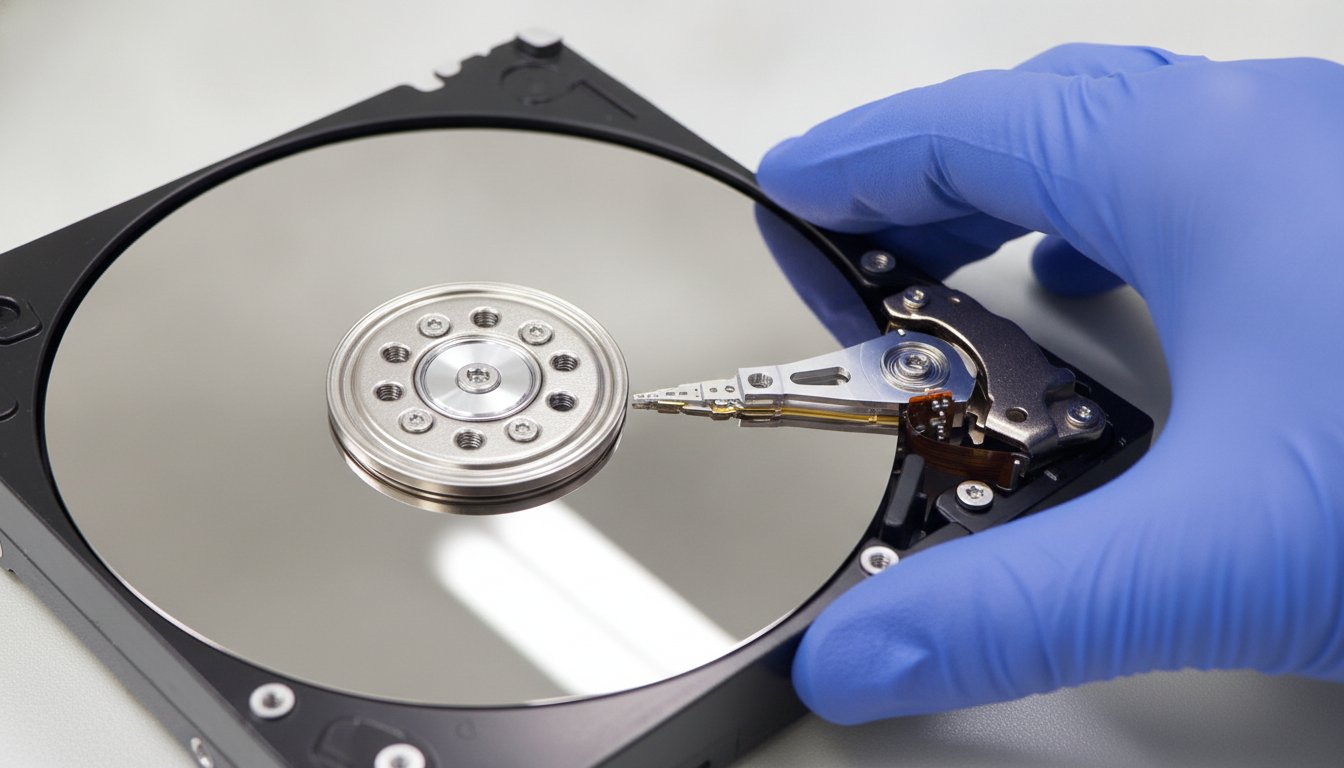
A single dust particle is hundreds of times larger than the gap between a drive head and the platter.
Why SSD recovery costs as much as mechanical work
SSDs have no moving parts, so people expect them to be cheaper to recover. The opposite is often true. A failed SSD can require direct chip level reads of the NAND memory, analysis of the controller and its firmware, and reconstruction of the wear leveling and encryption maps that decide where your data physically lives. That is a different specialty with its own equipment, which is why SSD recovery frequently matches or passes hard drive pricing in the 2026 ranges above. RAID and NAS arrays multiply everything, because each failed member drive usually needs its own repair and imaging before the array can be rebuilt.
Big Box Store, National Lab, or Local Shop: Who Charges What?
Big box retail recovery starts near $200 and reported tiers reach about $2,000, national labs run from roughly $300 into five figures for complex arrays, and local independent shops usually price logical work in the low hundreds. All figures here are August 2026 snapshots and worth confirming on the day you call.
| Provider type | Evaluation | Published recovery range | As of |
|---|---|---|---|
| Big box retail counter | About $50 diagnostic | Reported tiers from about $200 to $1,450 and up | Aug 2026 |
| Retail advanced depot | Free to about $150 | Published flat tiers $1,399.99 to $1,999.99 and up | Aug 2026 |
| National specialty lab | Usually free | About $300 economy to $2,900 and up; arrays $2,000 to $15,000 | Aug 2026 |
| Local independent shop | Varies, often low cost | Commonly $100 to $700 for logical work; physical jobs referred out | Aug 2026 |
The named numbers behind those rows: Best Buy lists a $49.99 Geek Squad diagnostic on its current product page, with the recovery fee set after evaluation, and third party 2026 guides report tiers from about $200 for deleted file work to $1,450 and up for clean room cases. Micro Center publishes flat tiers from $249.99 in store to $1,999.99 for advanced depot work on larger drives. On the lab side, Western Digital cites Ontrack data putting a typical standard single drive recovery at $1,000 to $2,000 without a prepaid plan, based on 2022 calendar year figures. One working shop that publishes a full itemized tier table lists $100 for a straight copy, $600 to $900 for firmware repair, and $1,200 to $1,500 for a donor head swap, as of August 2026.
The referral markup nobody mentions
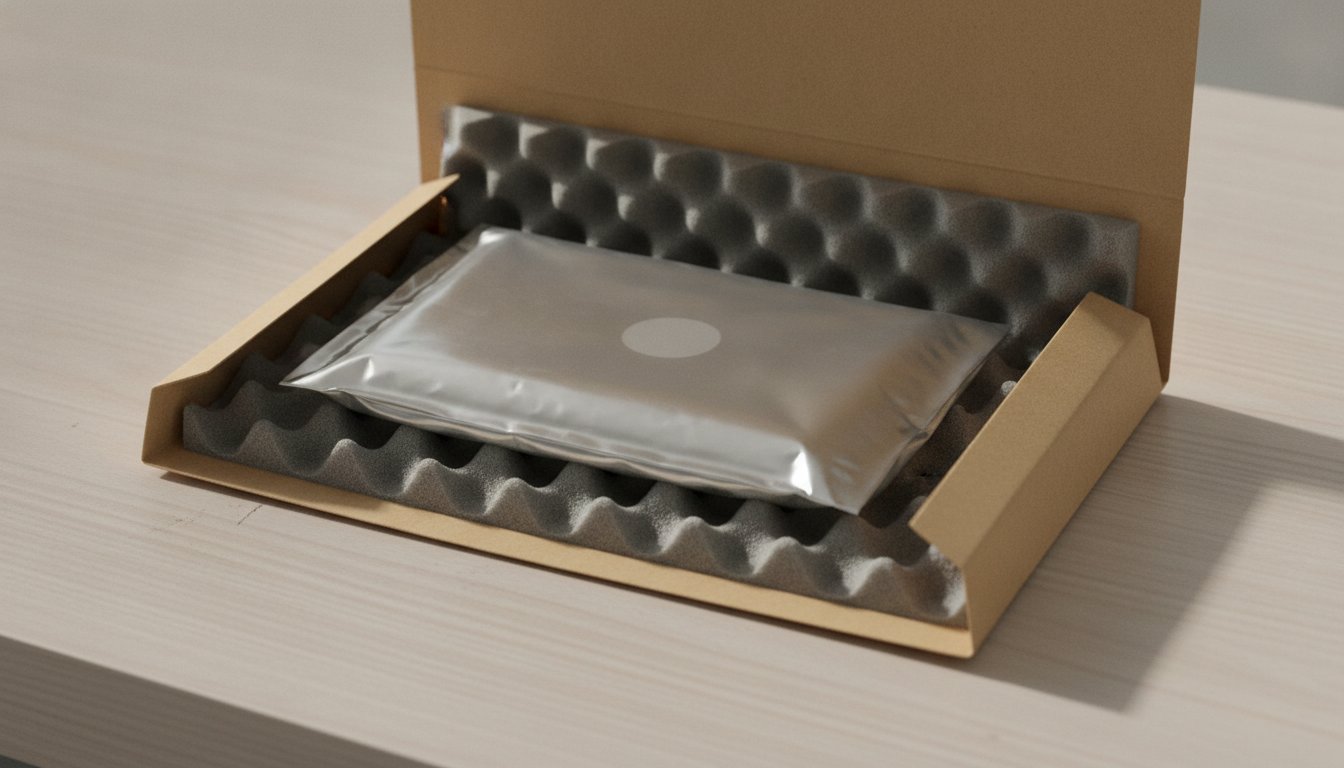
Here is the part of the market that rarely makes it onto a pricing page: many storefront shops do not perform physical recovery in house at all. They ship your drive to a national lab and add a referral margin on top of the lab price. You pay more, wait for two businesses instead of one, and often never learn who actually opened your drive.
Stateline Tech states this plainly because it is the question we would ask: does the work happen on your bench, who opens the drive, and what do I owe if nothing comes back? We run diagnostics and logical level work on our own bench, and when a drive needs a certified clean room, we say so and point you to the lab directly instead of quietly brokering the job. If you are also weighing who you can trust with the contents of a machine, our guide on whether computer repair shops look at your files covers that side of the decision.
What Do "Free Evaluation" and "No Data, No Fee" Actually Mean?
A free evaluation means the lab diagnoses the drive and quotes a firm price at no charge, and no data, no fee means you pay the recovery fee only if your files actually come back. Nearly every reputable specialty lab in our August 2026 pull offers both. The structure matters because a recovery bill is really two fees: a diagnostic or assessment fee, and the recovery fee itself.
Read the fine print on the first fee. Some retail tier services charge a non refundable assessment fee even when the recovery fails, which is a very different deal from a lab that charges nothing until your files are verified. And do not expect a discount for wanting fewer files: Ontrack states directly that recovering a handful of files takes the same engineering effort as recovering the whole drive, so the price does not shrink with your wish list.
Can You Recover Data for Free?
You can recover data for free when the loss is logical and the drive is healthy. Free tools such as PhotoRec, TestDisk, and Recuva can restore deleted files from a working, readable drive at zero cost, and paid consumer tools run about $70 to $100 one time, with subscription products near $60 to $80 per year depending on the promotion. For ransomware, check the free decryptor list at The No More Ransom Project before paying anyone; it hosts more than 100 tools for specific strains, backed by law enforcement agencies.
The safety rules are absolute. Install the recovery software on a different drive, recover files to a different drive, and stop at the first sign of physical trouble. If the machine has been limping for weeks rather than failing outright, work through the free fixes for a slow computer first; a drive that is slow because of software is a very different animal from one that is dying.
DIY has a hard ceiling. A dead SSD has no user serviceable path, a water damaged device should never be powered on, and recovery software pointed at a mechanically failing drive can finish it off. When any of those apply, the free option is not free; it is a gamble with the only copy.
Zero to about $100. Safe on healthy drives with logical loss. Immediate, private, and a genuine fix for simple deletions.
Hundreds to thousands. Write blocked imaging, clean room hardware, and no data, no fee terms. The only sane route for physical failures.
How Do You Spot a Data Recovery Scam?
You spot a data recovery scam the same way regulators say to spot any recovery scheme: upfront fees before any diagnosis, guaranteed results, and pressure to pay in ways you cannot reverse. The FTC warns that demanding payment in advance while promising a guaranteed outcome is the signature of a recovery scam, and the CFTC adds pressure tactics, unverifiable addresses, and wire or crypto only payment to the list. Legitimate labs do the opposite: published tiers, free evaluations, and fees that depend on results.
When Is Paying for Data Recovery Not Worth It?
Paying for data recovery is not worth it when the quote is larger than the value of the data plus the cost of replacing the drive, or when the files exist anywhere else. Before you approve a four figure recovery, check email attachments, old phones, cloud sync folders, and the backup you half remember making. A $2,500 clean room quote against family photos that exist nowhere else is a personal decision. The same quote against a bookkeeping file your accountant can rebuild in an afternoon is an easy no.
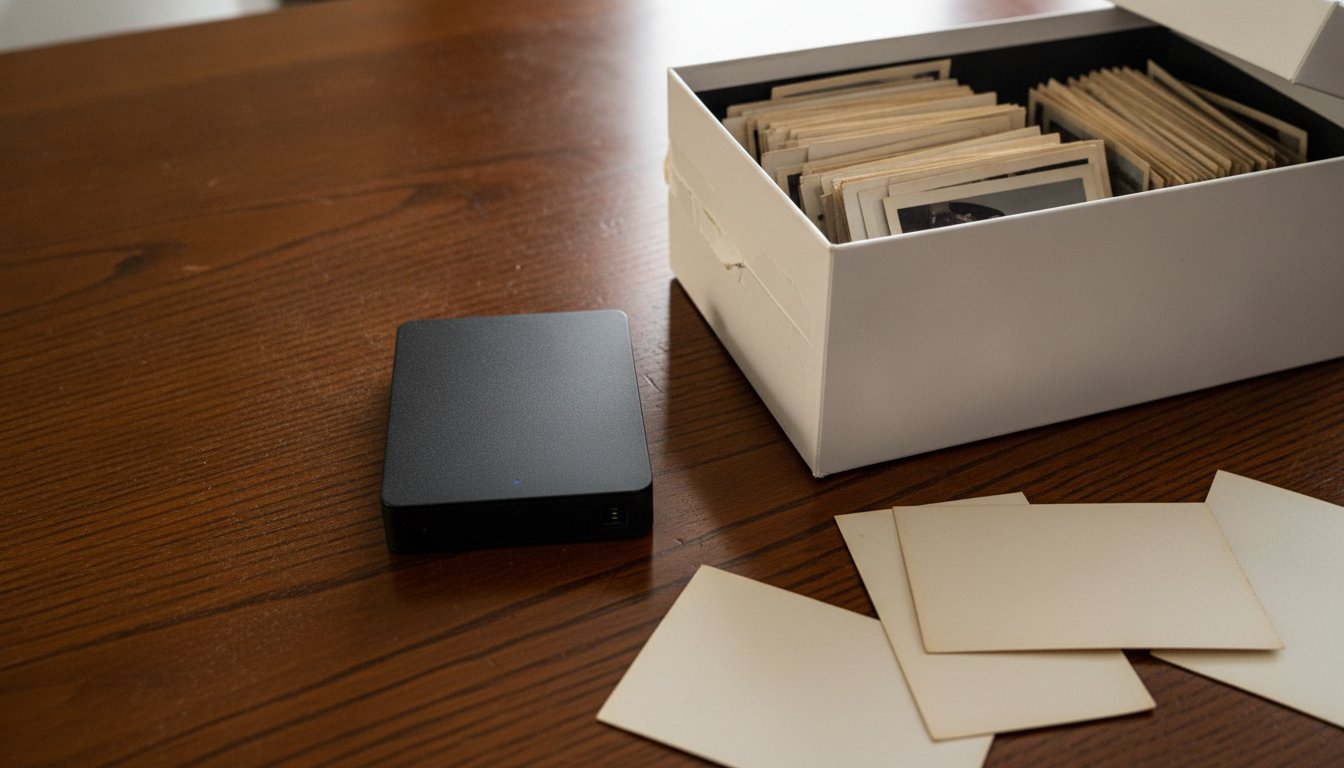
Prevention is embarrassingly cheap by comparison. Unlimited cloud backup for a computer runs $99 per year at Backblaze's published rate, about $9 a month. That is arithmetic worth doing once: a single mid range mechanical recovery costs more than a decade of backup that would have made the recovery unnecessary.
Frequently Asked Questions About Data Recovery Cost
Is It Worth Paying for Data Recovery?
It is worth paying when the files exist nowhere else and their value clearly beats the quote. Business records, original photos, and unfinished work usually clear that bar; anything with a backup copy does not. Get the free evaluation first, then decide with a firm number in hand rather than a fear driven guess.
How Much Does Geek Squad Charge for Data Recovery?
Best Buy's current product page lists a $49.99 diagnostic, with the recovery fee set after evaluation. Third party 2026 guides report tiers from about $200 for deleted file jobs to $1,450 and up for clean room cases. Some tiers carry an assessment fee that is not refunded if recovery fails, so read the policy before handing over a drive.
How Much Should Data Recovery Cost?
How much should data recovery cost depends on the failure: expect $150 to $700 for logical work, $500 to $2,500 and up for mechanical clean room recovery, and more for SSD and RAID cases. Be suspicious in both directions. A rock bottom flat rate for a clicking drive and a four figure quote for undeleting files from a healthy drive are both reasons to get a second opinion.
Can I Recover Data for Free?
Yes, in the right circumstances. Free tools such as PhotoRec, TestDisk, and Recuva can restore deleted files from a healthy, readable drive, and The No More Ransom Project hosts more than 100 free decryptors for specific ransomware strains. Free recovery ends where physical damage begins: clicking drives, dead SSDs, and soaked devices need professional equipment.
Do You Pay if Data Recovery Fails?
Usually not the recovery fee. Most reputable labs work on a no data, no fee basis, so the recovery charge applies only when your files come back. Evaluation is typically free at national labs, but some retail services charge a non refundable assessment fee even when nothing is recovered, so confirm both policies in writing first.
If a drive with real data on it just failed, do not gamble with the only copy: call Stateline Tech at (608) 214-5158 or bring it to our computer repair bench, the shop many customers already know for computer repair in Freeport and computer repair in Lena, for a plain answer on what data recovery will cost for your exact failure before you spend anything.