
How much is it to repair a computer screen? For most laptops, $100 to $400 in parts and labor, with common jobs landing between $150 and $250 as of July 2026. Most desktop monitors run $50 to $300, and at the top of that range replacement usually beats repair. Stateline Tech fixes screens on a working bench, and this guide gives the honest numbers first: by device, by panel type, by brand, and by where you take it.
How Much Is It to Repair a Computer Screen?
How much is it to repair a computer screen comes down to three questions: laptop or monitor, which panel type, and who does the work. For laptops, the national range as of July 2026 sits at $100 to $400 installed, and most jobs land between $150 and $250. For desktop monitors, $50 to $300 covers nearly every standard panel, with the average close to $150 as of March 2026.
The table below is the short version of this whole page. Every figure is a third-party published range with its as-of date, because screen pricing moves and undated numbers go stale fast.
| Screen type | Typical installed price | As of |
|---|---|---|
| Basic 13 to 15 inch laptop, non-touch | $120 to $280 | 2026 |
| Laptop touchscreen | $250 to $550 | 2026 |
| Gaming laptop, 144 to 240Hz panel | $300 to $700 | 2026 |
| MacBook-class display assembly | $400 to $900 and up | 2026 |
| Standard desktop monitor | $50 to $300 | March 2026 |
| High-end monitor (OLED, curved, 4K) | $300 to $700 and up | March 2026 |
Screens are one line on a longer bench menu. If the machine has other symptoms too, start with what computer repair costs across every common fault and come back here for the screen numbers.
What Does Laptop Screen Repair Cost by Panel Type?
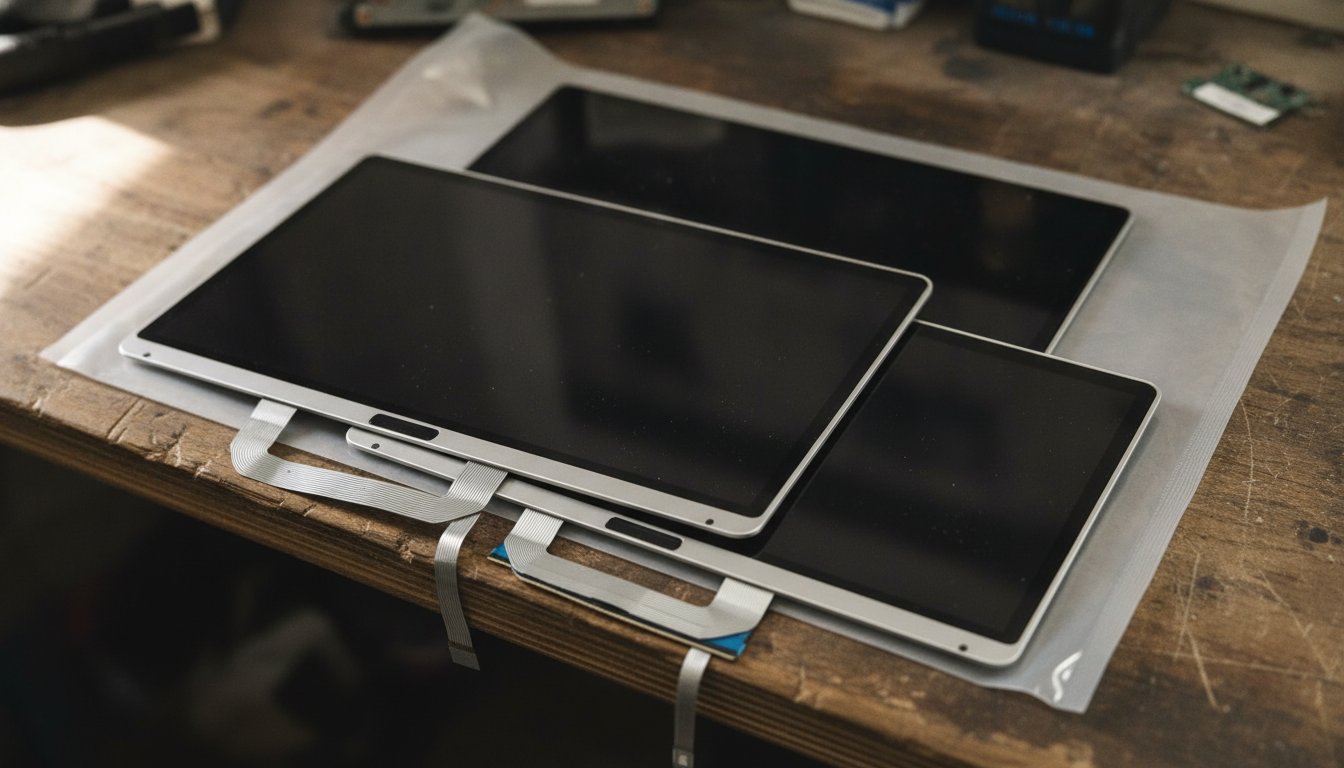
Laptop screen repair cost tracks the panel technology more than the screen size. A plain 15 inch office laptop and a 15 inch gaming laptop look identical closed, but the second one carries a high refresh panel that can cost well over twice as much to replace. The chart below shows the top of each installed range from the table above.
How Much to Repair Computer Screen Damage by Brand
Brand moves the number as much as panel type does. One 2026 cross-market rate survey puts budget Windows laptops at $180 to $320 for a screen job, mainstream business models at $230 to $430, premium ultrabooks at $400 to $700, and gaming machines at $350 to $680. Apple sits at the top: MacBook display assemblies run $400 to $900 and up because the panel, glass, and lid ship as one bonded unit.
Under every one of those quotes is the same arithmetic. The bare panel costs $60 to $350 as of July 2026, and shop labor runs $60 to $120 per hour for a job that takes one to three hours. When a quote looks high, ask which of those two halves is doing the pushing; on premium machines it is almost always the part.
Region nudges the number as well. One 2026 cost tracker places the same mid-tier laptop screen job at $230 to $320 in the Northeast, $180 to $260 in the Midwest, and $210 to $360 on the West Coast. Treat that spread as a single tracker's snapshot rather than settled fact, but it matches what we hear from customers comparing quotes across state lines: the work is identical, the overhead is not.
How Much Does It Cost to Fix a Monitor Screen?
The cost to fix a monitor screen runs $50 to $300 for standard 24 to 27 inch panels, with the average near $150 as of March 2026. That number carries an honest catch: a brand new monitor of the same size and spec often sells for less than the repair quote. Monitor screen repair cost is the category where we most often tell people not to pay us.
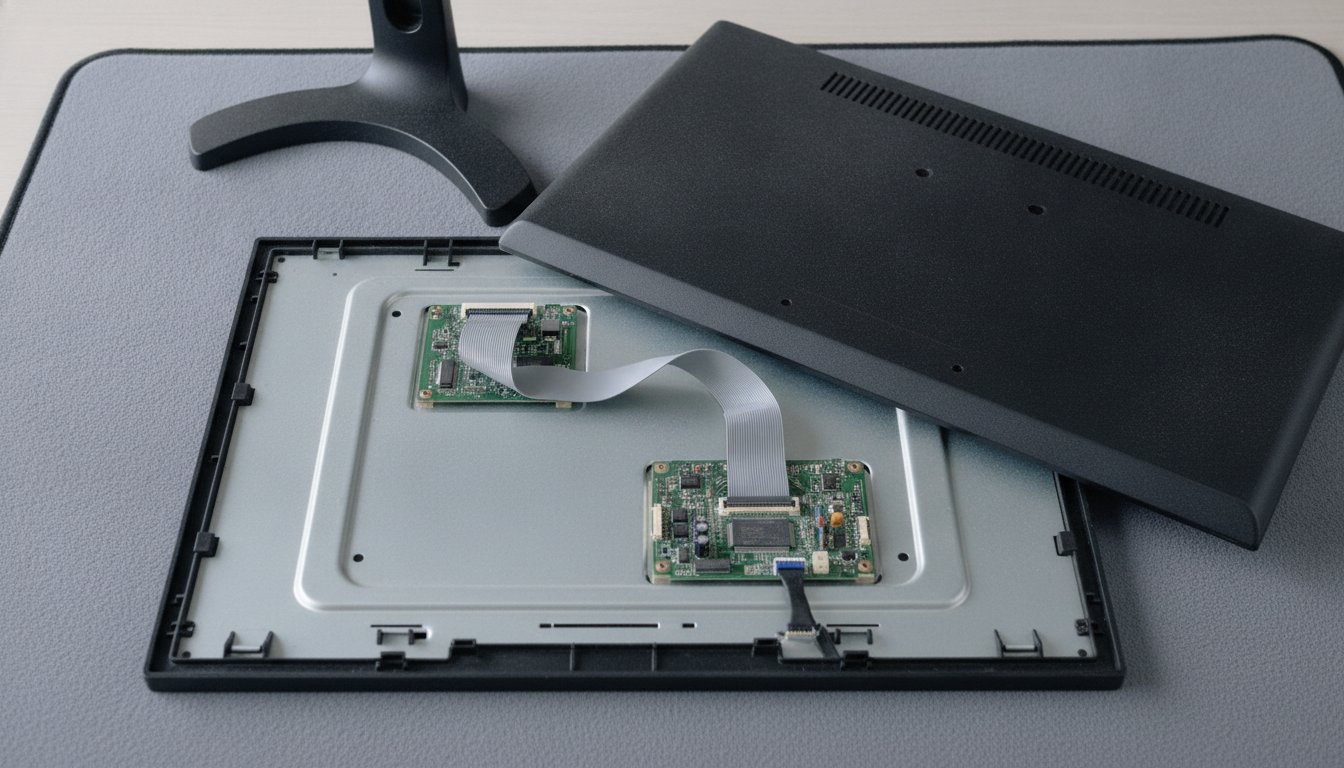
The exception is high-end hardware. OLED, curved, wide-gamut, and 4K panels justify repair bills of $300 to $700 and up because replacing the whole monitor costs far more. For common faults on ordinary monitors, HP's own screen repair guide puts do-it-yourself parts at $50 to $100, which is exactly why paid repair on a budget panel rarely clears the worth-it bar.
Why Does One Screen Cost $150 and Another $450?
One screen costs $150 and another $450 because a screen quote is really three separable line items: the panel price, the labor time, and any service or shipping fees. Shops add whichever apply. Once you can read a quote that way, no number on this page looks random.
What the Panel, the Labor, and the Fees Each Add
The panel itself runs $60 to $350 depending on resolution, refresh rate, touch capability, and how rare the part is. Labor adds $60 to $120 per hour for one to three hours of careful disassembly. Chains stack fees on top: diagnostic and shipping charges observed between $40 and $85 per job in 2025 and 2026 snapshots. Mail-in paths also add days of transit in each direction, a cost that never shows on the invoice.
Why Touchscreens and High Refresh Panels Cost More
On most laptops built since roughly 2019, the outer glass and the display are laminated into one bonded assembly, so a crack in the glass means replacing the whole sandwich even if the picture underneath still works. Touch models add a digitizer layer to that sandwich, and gaming panels must match the original refresh rate exactly, which narrows the parts market. Thin-bezel ultrabooks and 2-in-1 machines also take longer to open without breaking anything, so their labor line climbs too.
Cracked Glass or Broken Display: Which Do You Have?
Cracked glass or a broken display is the first thing to sort out, because the two faults price differently and one common problem costs nothing to fix. Repairing a computer screen starts with knowing which layer failed, and you can find out at home in five minutes.
None of this is guesswork; Sony's support documentation walks through the same physical damage check for notebook LCD panels. Most of the top ranking cost guides skip the reseat step entirely, and it is the only one that can make the bill disappear.

Should You Replace a Laptop Screen Yourself?
Whether you should replace a laptop screen yourself comes down to the model and your comfort with small connectors. On many mainstream clamshell laptops the job is a dozen screws, a snap-off bezel, and one ribbon cable, and doing it cuts the bill to the price of the part, roughly $60 to $350 as of July 2026.
You pay parts only and skip $75 to $200 in labor. Realistic on non-touch clamshell models with screw-in bezels. You control the part you buy and the day it gets done. Photograph every connector before you unplug it and keep the screws sorted by which cover they came from.
Bonded touch assemblies need adhesive work and break easily in untrained hands. Opening the lid can void an active warranty. A shop eats the cost if the new panel arrives dead.
Where Should You Take It: Big Box, Mail-In, or Local Shop?
Where should you take it depends on which fees you accept on top of parts and labor. The chains publish almost no fixed screen prices, so the honest way to compare is by the fees real customers and technicians have documented, each with its date.
| Option | Observed fees | As of | Watch for |
|---|---|---|---|
| Geek Squad in-store | $39.99 diagnostic, credited if the repair proceeds; device repairs $89.99 to $329.99 | June 2025 | Snapshots, not a published rate card |
| Geek Squad City mail-in | $84.95 shipping and service fee | October 2025 | Non-refundable if you decline; adds transit days |
| Micro Center in-store | $99.99 flat screen labor, part sold separately (a common 15.6 inch panel listed at $79.99) | Checked 2026 | Part stock varies by store |
| Independent local shop | Quote-based, usually all-in | 2026 | Ask for the installed price in writing |
What Does a Free Estimate Actually Mean?
A free estimate usually means the shop will look at the machine and name a price without charging you to look, but the words hide two different practices. Some counters quote from the symptom alone and adjust later; others open the machine, confirm which layer failed, and quote a number that will not move. Ask which kind you are getting, and ask whether any diagnostic fee is credited toward the repair the way the chains handle it. A quote that can only go up is not really a quote.
The mail-in fee is the one that surprises people: a first-hand Geek Squad technician account from October 2025 describes the $84.95 charge applying even when the customer declines the repair. Best Buy's own protection-plan page still cites a $358 average LCD replacement, but that figure comes from a 2022 page left live, so treat it as marketing context rather than a current rate. We compare big-box repair against a local bench, fairly in its own guide.
A good local shop closes the fee gap by quoting the installed price before touching the machine; that is how the Stateline Tech repair bench runs every screen job, the same standard we hold for computer repair in Freeport and the rest of the Stateline. And if handing your machine to a stranger worries you, here is what repair shops can actually see on your machine.
Is It Worth Fixing, or Should You Replace It?
A screen is worth fixing when the quote stays clearly under half the price of a comparable replacement; 2026 repair-or-replace guides put the ceiling between 50 and 65 percent of the device's value. The arithmetic is quick. A $220 screen on a $900 laptop is 24 percent of its value: repair it. The same $220 on a $350 budget laptop is 63 percent: put the money toward a newer machine.
Age belongs in the math too. A five year old laptop with a cracked screen is usually one repair away from the next failing part, so the threshold tightens as the machine ages. For monitors the test is stricter: once a quote passes roughly 60 to 70 percent of a new monitor of the same size and spec, replacement wins outright. Run the same quick math there: a $150 quote against a $180 replacement monitor is 83 percent, an easy no, while the same $150 against a $600 wide-gamut panel is 25 percent, a clear yes.
Does a Warranty Cover a Cracked Computer Screen?
A standard warranty does not cover a cracked computer screen, because manufacturer warranties cover defects, not accidental damage. Coverage changes the math only when you bought an accidental damage plan before the crack happened.
The gap is wide when a plan applies. Per Apple's published repair pricing for 2026, a MacBook display replacement runs $299 to $849 out of warranty but a flat $99 service fee with AppleCare+. Geek Squad Protection and similar office-store plans work the same way: cracks are covered only on tiers that name accidental damage.
Check your coverage before paying anyone, because a covered screen is the cheapest repair on this page. If you are unsure what your plan includes, read the plan terms or ask the seller directly; the answer changes the bill by hundreds of dollars.
Frequently Asked Questions About Computer Screen Repair Cost
These are the computer screen repair cost questions we hear most across the counter.
Is it worth it to fix a computer screen?
It is worth fixing when the repair quote stays clearly under half the price of a comparable replacement. A $200 screen on an $800 laptop is an easy yes. The same $200 on a $350 laptop, or on a standard desktop monitor, is usually a no, because replacement costs about the same and resets the clock on every other aging part.
What is the Geek Squad laptop screen repair cost?
Geek Squad, which handles repairs for Best Buy, does fix laptop and PC screens, but publishes no fixed screen rate. Recent snapshots show a $39.99 in-store diagnostic credited toward the work, device repairs of $89.99 to $329.99 as of June 2025, and an $84.95 shipping and service fee on mail-in jobs as of October 2025.
Is it cheaper to repair or replace a monitor?
For standard 24 to 27 inch monitors, replacement is usually cheaper. Repair runs $50 to $300 as of March 2026, and a new monitor of the same spec often costs less than the quote. Repair earns its keep on high-end OLED, curved, and 4K panels, where fixing at $300 to $700 still beats the price of new hardware.
How long does it take to replace a laptop screen?
The bench work takes one to three hours on most laptops. Calendar time depends on the part: a common panel a shop already stocks can be same-day, while a rare or MacBook-class assembly may take several business days to arrive. Mail-in services add shipping in both directions on top of the repair itself.
How do I know if it is the screen or the graphics card?
Connect an external monitor. If the external picture is clean, the fault lives in the built-in screen or its cable, not the graphics hardware. If the same artifacts follow to the external screen, the problem sits deeper in the machine and a new panel would waste your money. A bench diagnosis settles it before any part gets ordered.
Before you pay anyone to repair a computer screen, get the installed price up front: bring the machine to our computer repair bench or call (608) 214-5158, because you never pay before you know exactly what you are getting.