
Can computer repair shops steal your data? Technically, yes. Any technician with a signed-in session can open, copy, or misuse every file on the machine, and field research shows some do. A 2022 University of Guelph study caught technicians snooping at 6 of 16 shops, and a 2023 follow-up caught 9 of 16. Most visits end fine. This page shows what the research found and how to protect your files before drop-off.
Can Computer Repair Shops Steal Your Data?
Can computer repair shops steal your data? In the technical sense, yes, and no special tools are required. The moment a technician sits in front of a signed-in session, the operating system draws no line between the repair and everything else on the account. Files, photos, browser history, saved passwords, and open email tabs are all one click away. Windows and macOS have no "repair mode" that walls off your personal folders while someone works on the machine.
There is an important distinction inside that answer. Viewing is common in the research; actual theft, meaning files copied off the device, is documented but much rarer. Both matter. A viewed password or a browsed photo folder can be misused without a single byte ever leaving the machine, which is why the practical question is not whether a shop is capable of snooping. Every shop is. The question is what process the shop has built to keep it from happening, and what you can do on your side of the counter before the machine changes hands.
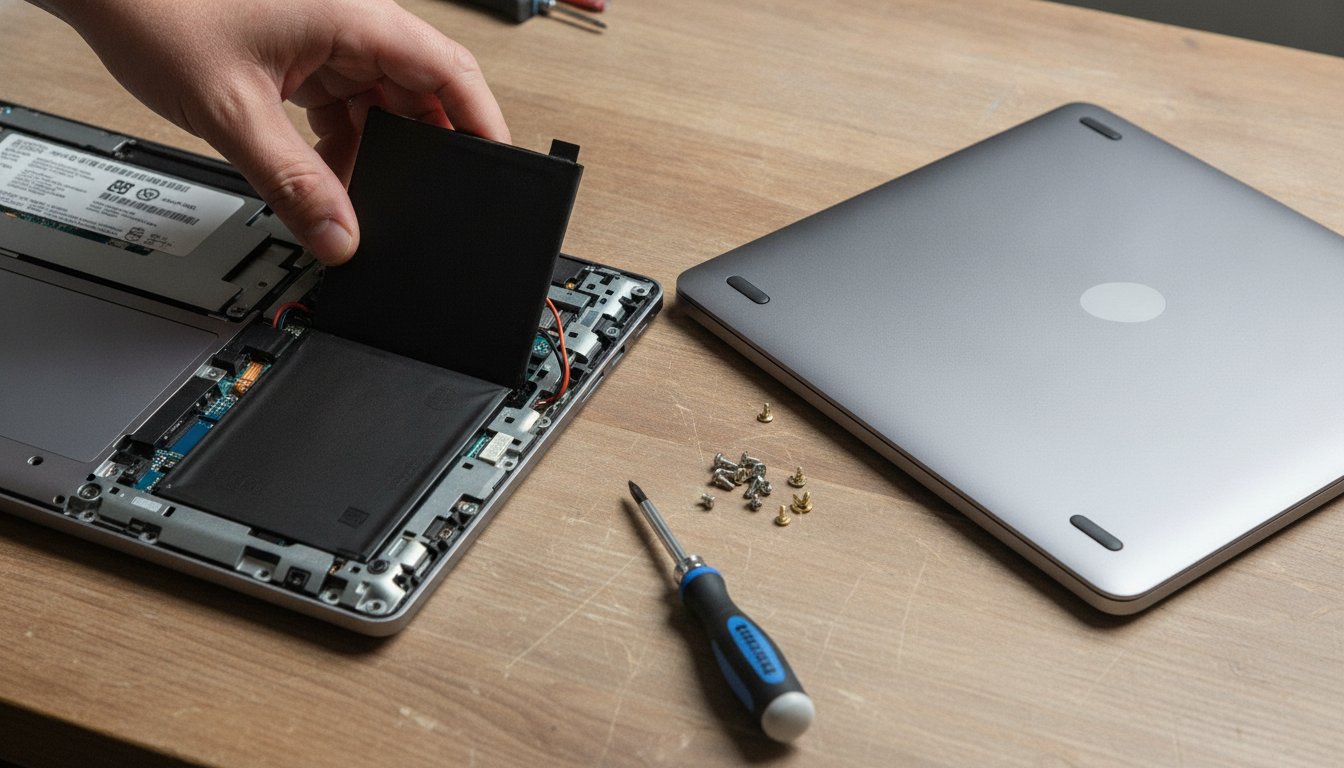
Whether a repair job even requires that level of access depends on the fault. Hardware work such as screens, batteries, fans, and ports rarely needs a login at all. Software work usually does. Trust is one half of choosing a shop; price is the other, and we cover what computer repair costs fault by fault in our pillar guide.
What Does the Research Actually Show?
What the research actually shows is uncomfortable for our industry: when researchers planted realistic personal files on working laptops and dropped them off for small repairs, technicians at roughly one in three to one in two shops went looking at data that had nothing to do with the job.

The 2022 University of Guelph Field Study
Researchers at the University of Guelph loaded laptops with believable decoy content, disabled the audio driver as a small, easy fault, switched on background activity logging, and took the machines to 16 repair shops in Ontario, Canada. The published field study records technicians at 6 of the 16 shops, 37.5 percent, accessing personal data unrelated to the repair, and at 2 of those shops the logs captured files being copied to an external device. Devices presented under female personas drew more snooping than the same machines presented under male personas.
| Field test | Shops tested | Caught viewing unrelated data | Share |
|---|---|---|---|
| 2022 University of Guelph study | 16 | 6 | 37.5% |
| 2023 CBC Marketplace follow-up | 16 recorded | 9 | 56% |
The 2023 CBC Marketplace Follow-Up
A year later the same lead researcher repeated the test with television cameras behind the process. The joint University of Guelph and CBC Marketplace investigation dropped devices at 20 stores and successfully recorded 16 of them. Technicians at 9 of the 16 recorded stores, 56 percent, viewed private photos, browsing history, or social accounts that had nothing to do with the stated repair. Both large national chains and small independent shops appear in the findings.
Two honest caveats belong next to those numbers. Both tests ran in Ontario, Canada, with 16 shops each, so the samples are small and regional, and no equivalent large United States study existed as of our August 2026 review of the research. But two independent field tests, run a year apart with different shops, landing on roughly the same rate is exactly the kind of agreement that makes a finding hard to dismiss.
The Password Question That Exposes a Shop
The least famous part of the 2022 project may be the most useful. In a companion audit, researchers brought devices in for a battery replacement, a job that needs no login whatsoever, and recorded how many shops asked for the operating system password anyway. As reported in Ars Technica's widely cited coverage of the study, 10 of 11 shops asked, and none could explain why the job required it. A battery swap does not need your operating system password. Neither does a screen, a fan, a port, or most other hardware work.
A battery swap does not need your operating system password.
Do Computer Repair Shops Go Through Your Files?
Do computer repair shops go through your files as a matter of routine? Most do not, but the pattern in the documented cases is consistent enough to plan around. In the 2022 logs, photo folders were the most viewed content, some technicians opened saved password lists and browsing history, and about half of the snooping technicians then cleared recent-file lists or other traces to hide what they had done. That last detail matters: the people most likely to look are also the people most likely to cover it up, which is why you will almost never catch it after the fact.
Big-name chains are safe, and snooping only happens at small shops nobody vets.
The 2022 and 2023 field tests documented snooping at national chains and small independents alike. Brand size did not predict behavior; the individual shop's process did.
What Happened With Geek Squad and the FBI?
The best known repair privacy story in the United States is older than either study. Court filings and reporting from 2017 and 2018 showed the FBI had paid a small number of Geek Squad employees at Best Buy's Kentucky repair facility as informants who flagged material found on customer machines, at up to 500 dollars per case. EFF's public records lawsuit forced much of that arrangement into the open. It was a specific, legally contested program at one facility, not standard industry practice, and Best Buy's published device policy states technicians are trained not to access data beyond what a repair requires. The honest summary is that official policy and documented behavior have not always matched, at chains or anywhere else.
Does Encryption Protect Your Files During a Repair?
Encryption protects your files during a repair only while the drive stays locked. BitLocker on Windows and FileVault on Mac encrypt the disk so that a powered-off, logged-out machine is unreadable without the key. That protection is real, and we recommend both. But the moment you hand a shop your password, or decrypt the drive so a technician can work, the protection is suspended by design. Apple's FileVault documentation is plain about this: an unlocked session is an open book, and some hands-on repairs require exactly that.
What Technicians See During Data Recovery
Data recovery is the one job where file access is the work itself. A technician pulling photos off a failing drive necessarily sees file names, folder structures, and often thumbnails, because there is no way to recover your files without a person or a process touching the file table. If a drive holds sensitive material, that reality should shape which shop you choose, and it is one more reason to read up on what data recovery costs before anything else, since the first rule of recovery is to stop using the drive and the second is to pick the shop carefully, once.
How to Prepare Your Computer Before Drop-Off
How you prepare your computer before drop-off matters more than which shop you pick, because preparation works at every shop. Twenty minutes covers all five steps.
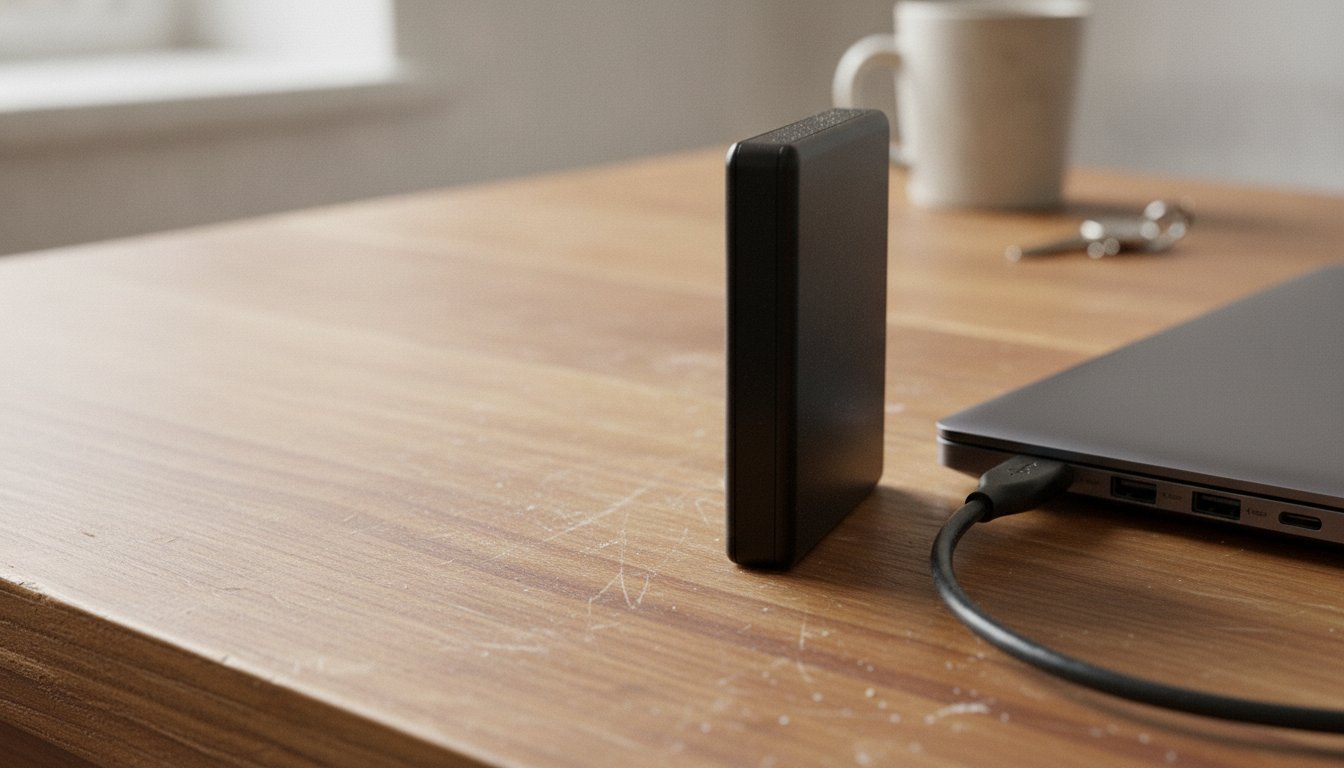
Step 2 deserves its own sentence: a machine that has slowed down over months is usually a software problem you can try at home, and our guide to how to fix a slow computer walks the free layer before any shop visit. Step 3 is the most underused trick on the list. Windows lets you add a second local account in about two minutes, and Microsoft's account management guide shows the exact clicks. The technician gets a clean desktop that boots, runs, and tests everything they need, and your own account stays locked behind its password.
| Repair job | Password needed? | Prepare by |
|---|---|---|
| Screen, battery, fan, or port | No | Declining the login request; hardware tests do not need one |
| Software cleanup or malware removal | Usually | Setting up a secondary account and signing out of your services |
| Data recovery from a failing drive | File access is the job | Choosing a shop with a written chain-of-custody process |
| Full wipe and reinstall | No, the drive is erased | Backing up everything first, twice |
How to Choose a Repair Shop You Can Trust
How to choose a repair shop you can trust comes down to what you ask before the machine leaves your hands, not the star rating on the door. The research is blunt on that point: ratings and brand size did not predict which shops snooped. Process did.
The One Question That Filters Out a Bad Shop
Ask this on the phone, before you drive anywhere: "What will you need my password for on this job?" A trustworthy shop answers in scope terms without hesitating. For a screen or battery, the honest answer is "we do not need it." For software work, the honest answer names what the login is for and offers an alternative, such as a guest or secondary account. The 10-of-11 finding above is exactly why this question works: shops that ask for credentials by reflex, and cannot say why, have told you how they think about your data before you ever hand it over.
How Stateline Tech Handles the Machines on Our Bench
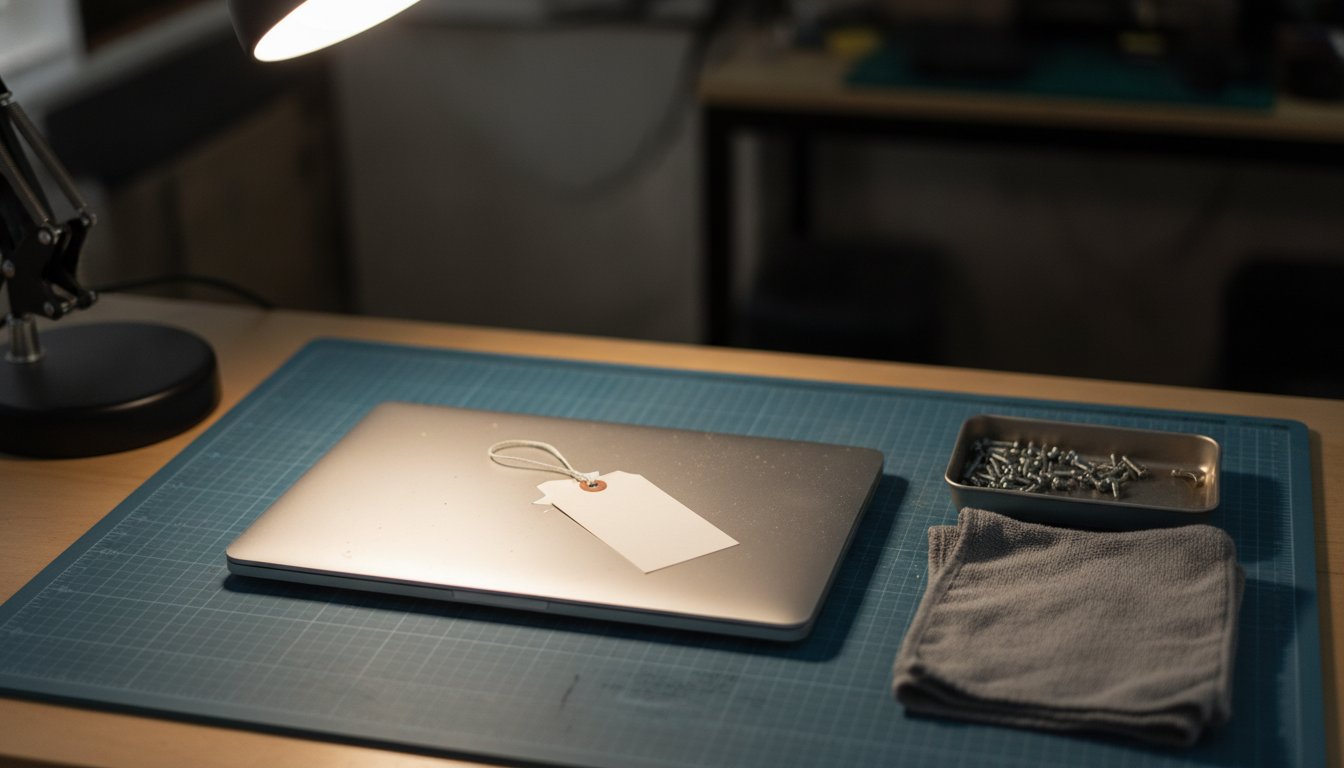
Stateline Tech runs a written intake ticket for every machine that crosses our counter. The ticket names the fault, the work authorized, and the one technician responsible for the machine, and that machine stays on one bench until it goes home. We ask for a password only when the job requires a signed-in session, we tell you why in plain terms before you hand it over, and we are glad to work from a secondary account you set up using the steps above. We would rather earn the job by explaining our process than by asking you to take a stranger's word for it, and that is the standard we hold our own computer repair bench to. You never pay before you know exactly what you are getting.
Other Repair Scams to Watch For
Snooping is not the only failure mode worth screening for. Two others show up in consumer reporting on the repair trade: parts swapping, where a working component quietly leaves your machine during an unrelated fix, and the "broken beyond repair" upsell, where a fixable machine is declared dead so the shop can sell you a replacement. The same filter applies to both. A shop that itemizes its quote, returns replaced parts on request, and puts the diagnosis in writing has little room to run either play. If you are weighing a big-box counter against a local bench, run every candidate through the same checklist; the research says the category matters less than the process.
When You Do Not Need to Worry
When you do not need to worry is most of the time, honestly. The studies are alarming precisely because snooping is avoidable, not because every visit is a coin flip. If your job is hardware-only and you decline the password request, exposure is close to zero regardless of which shop you choose. If you back up, set up a secondary account, and sign out of your services, even a software job exposes very little. And if a machine holds truly sensitive material and still runs, the do-it-yourself route beats paying anyone: back up your files, wipe the drive, and reinstall the system yourself, and no technician ever enters the picture.
What to Do if You Think a Technician Snooped
If something feels wrong after a repair, act as if credentials were seen. From a different device, change the passwords that matter most, starting with email, then banking, then anything sharing those passwords. Sign out all active sessions in your email and social accounts, turn on two-factor authentication, and watch financial statements for a few billing cycles. The FTC's consumer guidance on protecting personal information covers the same ground in more depth. Direct proof is rare, since the research shows track-covering is common, so treat the response as cheap insurance rather than an accusation you need to prove.
Frequently Asked Questions About Repair Shop Privacy
Is it safe to leave a computer at a repair shop?
Is it safe to leave a computer at a repair shop? For most repairs, yes, provided you prepare the machine first. Back up your files, create a separate account for the technician, and share a password only when the job genuinely needs one. The documented snooping cases overwhelmingly involved fully unlocked accounts handed over without questions.
Do laptop repair shops steal data?
Do laptop repair shops steal data? Outright copying is documented but uncommon. The 2022 University of Guelph study recorded files copied to an external device at 2 of 16 shops, while viewing without copying was far more frequent. Treat viewing as the realistic risk, since a seen password or photo can be misused without ever being copied.
Do I need to remove my password before a repair?
You do not need to remove your password for most hardware repairs, and you should not volunteer it. Screens, batteries, ports, and fans can be replaced and tested without an operating system login. If a shop insists on a password for a hardware job, ask what it is needed for and expect a specific, plain answer.
Can a repair shop see deleted files?
A repair shop can often see deleted files. Ordinary deletion removes the reference to a file, not its contents, and free recovery tools can restore it in minutes. If a machine held data you never want another person to read, run a secure wipe or keep the drive encrypted, rather than trusting the recycle bin.
Are computer repair shops trustworthy?
Most computer repair shops are trustworthy, but the research shows you cannot tell by brand size, ratings, or storefront polish, since chains and independents were both caught snooping in the Ontario field tests. Judge a shop by its process instead: written intake, password scope, and a plain answer to why any access is needed.
If you want a bench where the intake ticket, the password question, and the person fixing your machine are all one plain conversation, bring it to our computer repair bench, the same one we run for computer repair in Freeport, or call (608) 214-5158, and we will tell you exactly what we need access to before we touch it.