
How to start an online store without burning through your savings first: pick a selling channel, either a marketplace such as Etsy or Amazon or your own storefront on a platform such as Shopify, decide how the products will be made or sourced, then handle the business basics, a domain, a payment processor, and a simple way to get found in search, roughly in that order. Realistic starting cost ranges from near $0 on a marketplace listing to about $40 a month for a basic independent store plus a domain.
What Do You Actually Need to Start an Online Store?
What you actually need to start an online store comes down to four things: a product or service to sell, a place to sell it, a way to get paid, and a way to be found, everything else is a decision about how, not whether. We have been selling online since 2005, and today we run active stores across six different platforms, so we have paid nearly every fee described on this page ourselves, more than once. One of our own stores, Out-Grow, has sold mushroom cultivation supplies online since 2009 and has moved between platforms more than once along the way.
The Four Pieces, In Plain Terms
Most people who set up an online store get stuck reordering these four pieces instead of doing them in sequence. They pick a platform before they know what they are selling, or they register a business before a single sale has proven the product is wanted. Behind that single question sit five separate smaller questions: which platform or marketplace to use, what it actually costs, whether legal steps are required first, how products get made or sourced, and how a new store gets found once it is live. A page that only answers the first question leaves a reader stuck on the other four, so this guide answers all five in an order that avoids wasted money, not the order a template happens to list them.
Should You Sell on a Marketplace, Your Own Store, or Both?
Should you sell on a marketplace or your own store: start with whichever gets a real product in front of a real buyer fastest, then add the other channel once the product has proven it sells. A marketplace such as Etsy, Amazon, eBay, or Walmart hands you a built-in audience and a working checkout in minutes, at the cost of a higher percentage on every sale and almost no control over branding or customer data. Your own store, built on a platform such as Shopify, keeps more of every sale and gives full control over the brand, but it starts with zero built-in traffic, every visitor has to be earned through search, social, or paid ads.
| Factor | Marketplace (Etsy, Amazon, eBay, Walmart) | Your Own Store |
|---|---|---|
| Setup speed | Minutes, near $0 upfront | Hours to days, monthly fee starts before the first sale |
| Fee structure | Higher percentage per sale, no fixed monthly cost | Lower percentage fees, but a fixed subscription regardless of sales |
| Built-in traffic | An active buyer base already searching the marketplace | None, every visitor comes from search, social, or ads you run |
| Brand and data ownership | The marketplace owns the customer relationship | Full ownership of customer data, design, and branding |
Where the Math Flips From Marketplace to Your Own Store
The math flips from marketplace to your own store somewhere between roughly $500 and $1,350 a month in sales, depending on which fees get counted. Below that range a marketplace's pay-per-sale model is usually cheaper than a fixed monthly platform fee sitting mostly idle. Above it, a store's lower percentage fees start outweighing the subscription. Treat any single crossover number as a planning estimate, not a fixed line, since the exact point depends on your category and which optional fees, such as offsite advertising, actually apply to your account. If handmade or vintage goods are the product, our full walkthrough on how to sell on Etsy covers the marketplace side of this decision in far more depth than we will here.
How Much Does It Really Cost to Start an Online Store?
How much it really costs to start an online store ranges from close to $0 on a marketplace listing to roughly $40 a month for a basic independent store, not counting the percentage paid on every sale, which usually matters more than the fixed fee once real sales start coming in. Most guides ranking for this question either give no total-cost table at all, or give one built entirely around a single platform's own plan tiers. The table below is our own tiered read of Etsy's, eBay's, and Shopify's published fee pages, placed side by side on purpose, since a store owner is choosing between them, not just picking one in isolation.
| Path | Fixed monthly cost | Per-sale cost |
|---|---|---|
| Marketplace listing only (Etsy-style) | $0 (Etsy Plus optional, about $10/mo) | $0.20 listing fee plus roughly 10 to 25 percent all-in once transaction and payment processing fees stack together |
| Budget own store | About $6/mo (Shopify's entry plan plus a standard domain) | 5 percent per online transaction on the entry plan |
| Standard own store | About $30 to $40/mo (a standard plan billed annually plus a domain) | Under 3 percent per transaction through the platform's own payment processor |
Every number above traces to a platform's own published pricing, not a secondhand estimate. Shopify's own pricing page lists the entry-plan and standard-plan fee structure directly, and eBay's official selling-fees page shows plainly that marketplace percentage fees are charged on the full transaction, item price plus shipping, not just the sticker price, which is the detail most guides skip when they quote a single flat percentage. If the honest goal is how to start an online store with no money at all, a marketplace listing is the only genuinely zero-cost path today, a domain and even an entry-level store platform both carry a real monthly charge the day the store goes live.
A Platform-Neutral Cost Comparison, Not Just One Platform's Own Numbers
The honest answer here is that the fixed fee is rarely the biggest lever, the percentage paid on every sale usually is. A store doing $3,000 a month in sales pays roughly $87 in Shopify's entry-plan transaction fees alone, more than the $6 monthly fee itself, while the same $3,000 on a marketplace at a blended 15 percent runs closer to $450. Numbers like this are why the crossover point discussed earlier matters more than any single plan's advertised price.
How to Start an Online Store, Step by Step
How to start an online store, in the order that actually avoids wasted money: validate the product first, register the business only once it has proven it will sell, then build the storefront, and market last, not first. Most branded guides list eighteen build steps before ever mentioning whether anyone wants the product, and a well-known thread on r/ecommerce pushes back hard on that order, warning against over-perfecting a store before it has a single real customer. Both things can be true. The build steps matter, but only after demand is real.

Step 1: Validate the product
Sell a handful of units informally, through a friend, a local market, or a single marketplace listing, before building anything permanent.
Step 2: Pick a selling channel
Choose a marketplace, your own store, or both, based on the budget and timeline decided earlier in this guide.
Step 3: Register the business
Once demand is proven, decide a legal structure and register it, covered in the next section.
Step 4: Build the storefront
Domain, a simple template, real product photos, and honest, specific descriptions, not filler copy.
Step 5: Set up and test payments
Connect a processor and run one real transaction end to end before the store goes public.
Step 6: Launch, then market
Promote through the channel that matches where your buyers already look, not every channel at once.
This validate-first order closes a real gap in almost every guide on this topic: the branded checklists assume the product decision is already settled, and the forum threads warning against building too early rarely walk through the mechanics once validation is done. A reader following this guide gets both halves in one place.
Do You Need to Register a Business or Get a License First?
Do you need to register a business before you start an online store: usually not before the first sale, but a legal structure decision is required once real money starts moving through the store. The Small Business Administration's ten-step business guide applies the moment you open an online store, not only once you incorporate, and it walks through choosing a structure, registering the business name, and getting the tax IDs and licenses your state and county require. Sole proprietorship is the default if nothing is filed, an LLC adds personal liability protection at the cost of state filing fees, and an S-corp only tends to make sense once profit is consistent enough to justify the added paperwork.
Local licensing rules vary by state and county, and answers from different local offices can genuinely conflict with each other on the same question. This is a legal question, not a content-marketing one, so the honest answer is to confirm your specific requirements with an accountant or a business attorney rather than treat any single guide, including this one, as the final word.
Do You Have to Collect Sales Tax?
Do you have to collect sales tax on an online store: often yes, once sales into a given state cross that state's economic nexus threshold, most commonly $100,000 in sales during the current or prior calendar year, though several states also use a transaction-count trigger. Five states, Alaska, Delaware, Montana, New Hampshire, and Oregon, have no general state sales tax at all. The rule traces back to the 2018 South Dakota v. Wayfair Supreme Court decision, which allowed states to require tax collection based on sales volume alone, with no physical presence required.
The practical relief here is that marketplace-facilitator laws in most states now require Etsy, Amazon, eBay, and Walmart themselves to collect and remit tax on sales made through their platforms, shifting that burden away from an individual seller. That obligation can shift back to you once you sell through your own independently hosted store instead of a marketplace. As with business registration, this is a legal and tax question specific to your situation, and it deserves a real conversation with an accountant, not a paragraph on a blog post.
Where Do Your Products Come From? Sourcing, Making, and Dropshipping
Where your products come from usually falls into one of four paths: making them yourself, holding wholesale inventory, dropshipping from a supplier who ships directly to the customer, or print-on-demand, where a product is manufactured only after it sells. Dropshipping and print-on-demand lower the upfront capital required since nothing is purchased before a sale happens, but margins run thinner and quality control is harder since you never touch the product yourself. Holding your own inventory costs more upfront and carries real risk if a product does not sell, but it usually produces better margins and full control over quality and shipping speed once volume is steady.
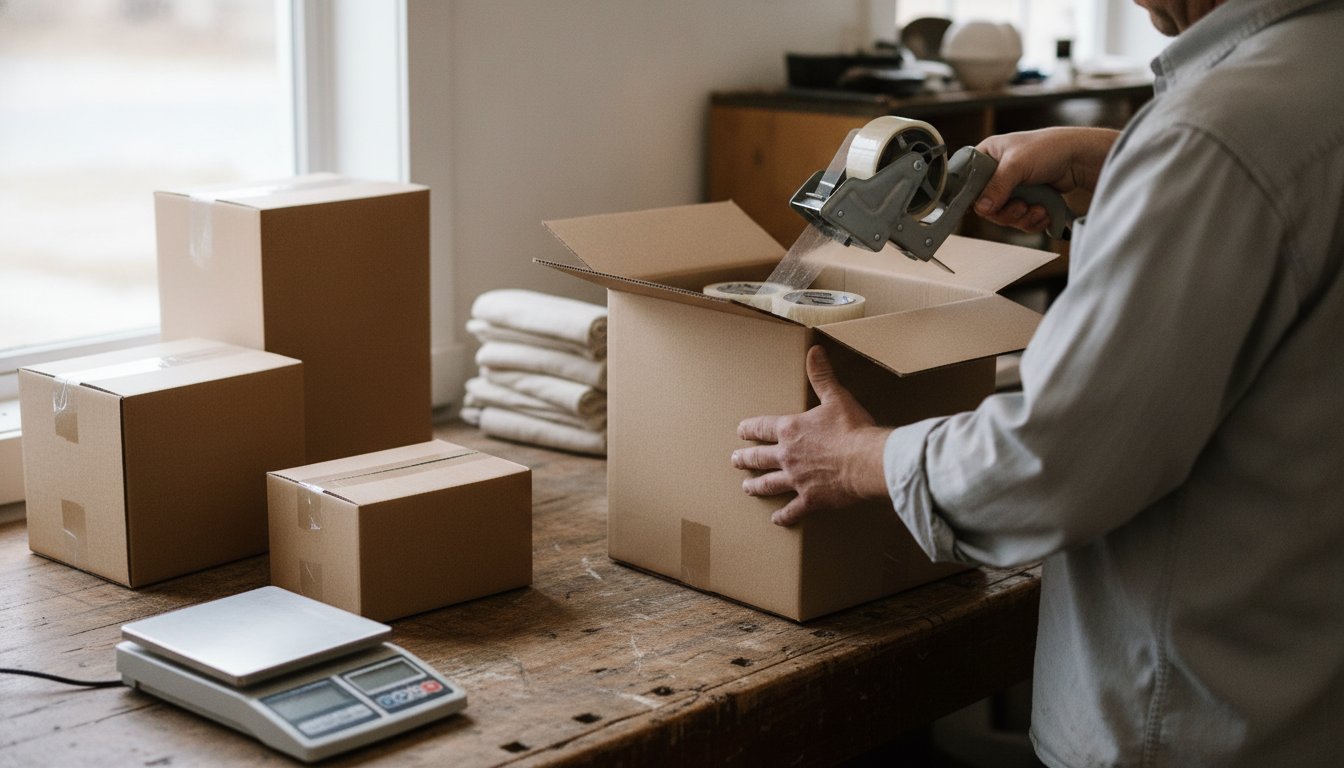
If holding inventory is not realistic yet, our guide on how to start an online store without inventory walks through dropshipping, print-on-demand, and digital products in more depth, including the tradeoffs each one carries in practice, not just the pitch.
How Do You Set Up Payments for a New Online Store?
Setting up an online store's payments means picking a processor before anything else that touches money, since its fee is charged on every single sale from the day the store opens. Stripe and PayPal are the two most common independent options: Stripe charges 2.9 percent plus 30 cents per US online card transaction with no monthly fee, while PayPal Checkout runs 3.49 percent plus 49 cents for its standard online rate.
That roughly 78 cent difference per $100 sale sounds small until it is multiplied across a full year of sales, at which point it becomes a real, if modest, line item. A platform's own built-in processor, such as Shopify Payments, usually matches or beats these rates and avoids an extra fee some platforms add for routing payments through a third-party gateway instead of their own. Test one real transaction, refund it, and check that the money actually lands where expected before the store goes live to real customers.
How Do You Get Found: SEO and Google Business Profile Basics
How you get a new online store found starts with the same three-stage process behind every search result: crawling, indexing, and ranking. Google's own documentation on its ranking systems explains that pages are scored on relevance, content quality, and authority signals such as backlinks, and a brand-new domain with no backlink history typically has close to zero organic visibility for months, regardless of how well-written its pages are. This single mechanic explains why marketplaces, which already carry page authority and click history, tend to produce sales before an independent store can rank on its own.
A Free Google Business Profile Still Helps a Hybrid Store
If the store also serves local customers, a hybrid online and local business, a free Google Business Profile listing is worth claiming even before the online store itself is finished, since it appears in local search and map results independently of the store's own domain authority. For businesses selling purely online with no local component, the priority instead is basic on-page SEO, clear product titles and descriptions, and building the kind of content and backlinks that take months to compound, not something a single launch checklist can shortcut.
What Mistakes Cause New Stores to Lose Money in the First Year?
A brand-new store with good content will rank quickly on Google.
<
Ranking depends heavily on backlink-driven authority and crawl history a brand-new domain does not have yet, no matter how good the content is.
Sellers discussing this on public forums such as r/ecommerce consistently point to the same handful of costly mistakes: over-perfecting the store before a single sale has proven the product, buying too much inventory upfront before demand is confirmed, and underestimating shipping costs badly enough that they quietly erase the margin on every order. That last one is common enough, and specific enough, that we built a dedicated breakdown: see how to calculate shipping costs for an online store for the actual math. A second theme worth taking seriously: several experienced sellers describe what gets called product testing as really just gambling on an ad campaign rather than genuinely living with a product and improving it, worth remembering before treating a short paid-traffic spike as proof a product works long-term.
When Should You Upgrade Your Platform or Hire Help?
You should upgrade your platform or hire help once your own time becomes the most expensive part of running the store, not before. A do-it-yourself build on a hosted platform requires no coding and can launch the same day using ready-made templates, but it limits customization and requires your own time for setup, product photography, and every word of copy.
No added cost beyond the platform itself, full control, works fine once the foundation checklist above is genuinely covered.
Costs more upfront, but can shorten time to launch and improve conversion-focused design once your own hourly cost outweighs the price of paying someone else.
We will tell you honestly if hiring help is not worth it yet. If the foundation checklist from earlier in this guide is genuinely covered and the store is simple, keep going yourself and bank the money. You never pay before you know exactly what you are getting. The parts of starting an online store that are usually worth paying for are choosing a platform under real shipping and fulfillment constraints, or migrating off a marketplace once it has been outgrown, which is the specific work our ecommerce consulting covers, not the parts a template or a checklist already handles well on its own.
Frequently Asked Questions About Starting an Online Store
How much does it cost to create an online store?
Costs range from near $0 for a marketplace listing to roughly $40 a month for a standard independent store plan plus a domain, not counting the percentage charged on every sale. The percentage fee usually matters more than the fixed monthly cost once real sales volume arrives.
Do I need an LLC to start an online store?
No, an LLC is not required to start selling. Sole proprietorship is the default structure if nothing is filed. An LLC adds personal liability protection at the cost of state filing fees, and it becomes worth considering once real money and real risk are involved. Confirm the right structure for your situation with an accountant or attorney.
Is starting an online store profitable?
It can be, but profitability depends far more on product demand and margin discipline than on which platform is chosen. The most common profit killers are underpriced shipping, over-buying inventory before demand is proven, and treating a short paid-ad spike as confirmation that a product genuinely sells long-term.
Can I create an online store for free?
Only a marketplace listing gets genuinely close to $0, and even then a paid subscription tier is usually optional rather than free. Several platforms let you start an online store for free during a trial period, but that window is temporary, not a permanent $0 plan, a real monthly fee begins once the trial ends, plus a separate domain cost.
What is the cheapest way to accept payments online?
Among the major independent processors, Stripe is typically the cheapest standard option at 2.9 percent plus 30 cents per US online transaction, compared with PayPal Checkout's 3.49 percent plus 49 cents. A platform's own built-in processor, such as Shopify Payments, often matches or beats both.
Stateline Tech provides ecommerce consulting for stores across the stateline area, built on twenty years of actually running our own online stores. If you want a second opinion on how to start an online store the right way for your specific product, before you spend a dollar on a platform, talk to our ecommerce consulting team or call (608) 214-5158.
Have a Question? Ask Stateline Tech
We'll call you back within the hour during business hours.
Fill out the form or call (608) 214-5158. Every message is read by the person who does the work.