How long does it take to build a PC? Plan on 1 to 3 hours of hands-on assembly if you have built one before, and 4 to 8 hours for a first build. Add 1 to 2 hours for Windows and drivers, then a day or two of unattended stress testing before you trust the machine with real work. Published guides quote tidier numbers than real builders report, so this page shows both sets side by side.
How Long Does It Take to Build a PC?
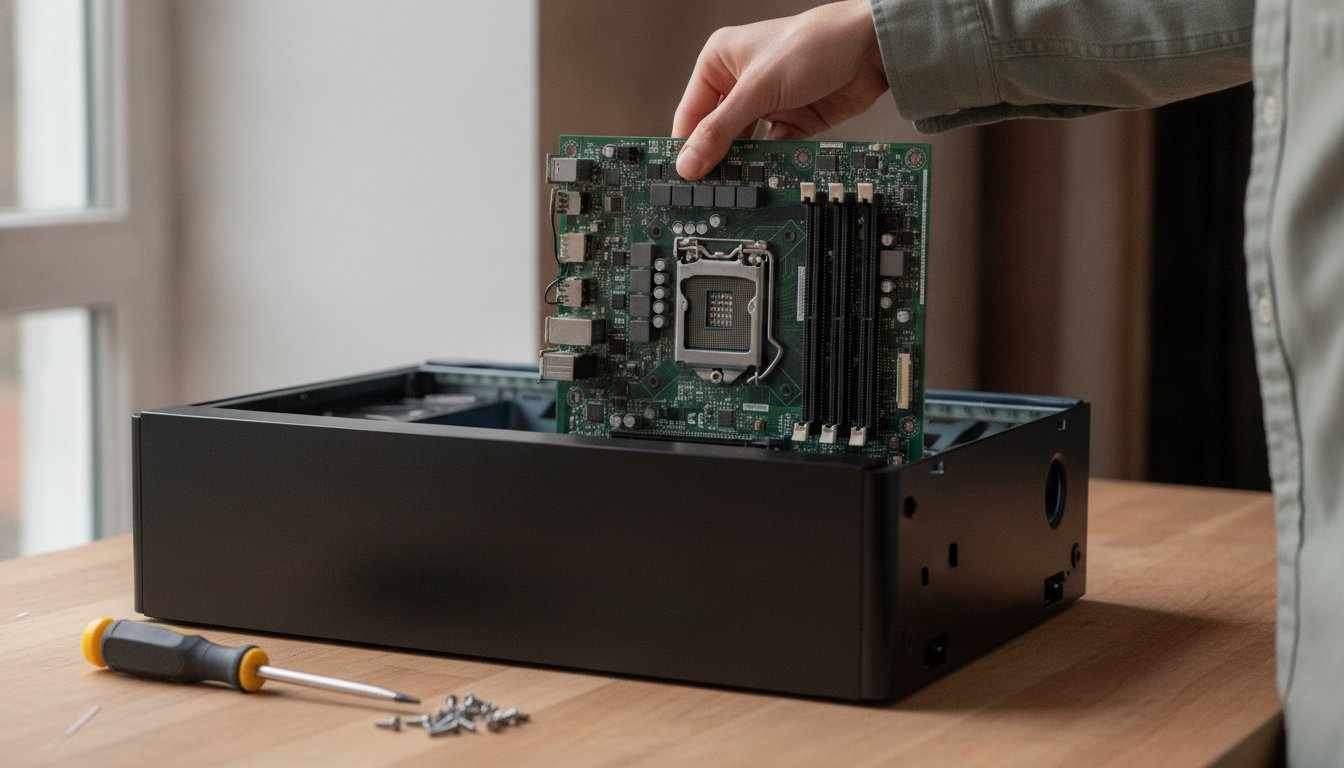
The honest answer to how long does it take to build a PC is a pair of ranges: 1 to 3 hours of assembly for an experienced builder, and 4 to 8 hours for a first build, once every part is on the bench. Those hours cover mounting the processor, cooler, memory, storage, motherboard, power supply, and graphics card, then cabling it all.
What the ranges do not cover matters just as much. Research and part shopping run anywhere from a few hours to several weeks in forum reports, and almost no published estimate counts them. Windows, drivers, and updates add 1 to 2 hours of active time on top of assembly.
| Time block | Built one before | First build |
|---|---|---|
| Physical assembly | 1 to 3 hrs | 4 to 8 hrs |
| Windows and drivers | 1 to 2 hrs | 1 to 2 hrs |
The ranges also assume a sane order of operations. Our full walkthrough of how to build a PC covers that sequence from the empty case to the first boot, and everything on this page slots into it.
How Long Does a First-Time PC Build Take?
A first-time PC build takes 4 to 8 hours for most people, and the most commonly reported figure across a decade of builder forum threads is 4 to 6 hours. That is roughly double what the tidier published guides claim, and the gap itself is the most useful fact on this page.
Hardware guides written in 2025 and 2026 put beginner assembly anywhere from 2 to 8 hours, with one October 2025 guide estimating 6 to 8 hours end to end including Windows. The self-reported first build times on r/buildapc tell a messier story: the answers cluster at 4 to 6 hours, with plenty of honest 8 hour and 12 hour confessions attached to a forgotten standoff or a RAM slot mistake. No page in the current top results puts those two sets of numbers next to each other, so here they are.
| Who is counting | Experienced build | First build | What the number covers |
|---|---|---|---|
| Hardware guides, 2025 to 2026 | 1 to 2 hours, some as low as 20 to 45 minutes | 2 to 8 hours | Assembly only |
| Full-setup guide, October 2025 | 2.5 to 4 hours | 6 to 8 hours | Assembly plus Windows and drivers |
| Builder self-reports, 2017 to 2025 forums | 1 to 2 hours | 4 to 6 hours most common | Assembly, mistakes included |
| Working bench write-up, July 2026 | 1 to 8 hours | 1 to 8 hours | Assembly, then 24 to 48 hours of testing |
Why First Builds Run Past the Guides
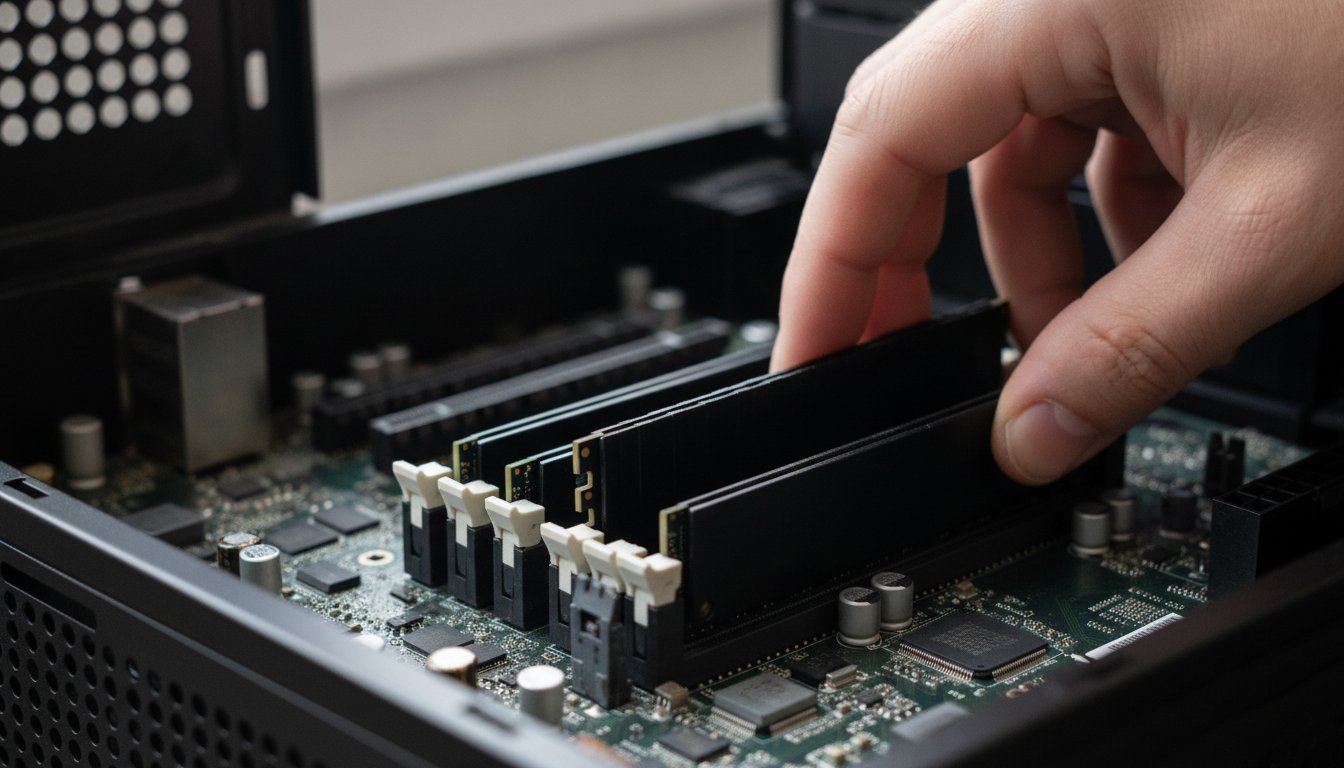
First builds run long for reasons no estimate prints. You read the motherboard manual twice. You take photos before every cable goes in. You seat the memory, doubt it, and reseat it.
None of that is failure; it is exactly how a careful first build should go. It is also why the forum numbers beat the guide numbers as a planning tool.
The gap between the guides and the forums is not skill. It is unbudgeted troubleshooting and double-checking time.
How Long Does Each Step of the Build Take?
Each step of the build takes minutes on paper, and the total only stretches when one step fights back. A build is really five blocks in sequence, and each block has its own way of eating an evening.
How Long to Build a PC at Each Phase
| Build phase | Time range | What stretches it |
|---|---|---|
| Parts research and compatibility checks | A few hours to several weeks | The most elastic phase, excluded from most estimates |
| Physical assembly | 1 to 8 hours | First build, unfamiliar case layout |
| Cable management | 15 minutes to several hours | Cosmetic and airflow work, the biggest single variance |
| First boot and BIOS | 5 minutes to several hours | Memory training screens, BIOS updates |
| Windows, drivers, updates | 1 to 2 hours of active time | Update queues and driver hunting |
| Stability testing | 24 to 48 hours, mostly unattended | Optional, but working benches recommend it |
Two of those rows deserve a flag. Cable management is not required for the computer to function at all, which is why it explains so much of the spread in forum reports; some builders spend 15 minutes, some spend a whole second evening. And the research phase is the quiet monster: verifying that the processor matches the motherboard socket, that the memory speed is supported, that the graphics card physically fits, and that the power supply has the right connectors takes longer than most of the assembly it enables. What parts you actually need is its own topic, and we cover it separately.
What Does Build Time Actually Include? Assembly Is Not the Finish Line
Build time in most guides means assembly only, and an assembled PC is not yet a computer you can trust. The distance between "it powers on" and "it is done" is often bigger than the build itself, and none of the pages ranking for this question break that out.
From First Boot to a Machine You Can Trust
Windows, drivers, and updates take 1 to 2 hours of active time. A retail Windows 11 Home license lists at $139 at Microsoft's own store as of mid 2026, and an eligible Windows 10 machine can still take Microsoft's free upgrade path instead, so the license is a planning line, not always a cost.
Then comes the step almost everyone skips. One working bench shop published its own numbers in a July 2026 bench write-up: budget 24 to 48 hours of largely unattended stability testing before treating the machine as finished. Even the big-box build services end their paid builds with a stress test before handoff. The testing runs while you sleep, but it belongs in the calendar: a machine that crashes under load on day one is a warranty return, and a machine that crashes under load on day forty is your problem to diagnose.
There is a longer checklist of what to do after a build before you trust it, and it deserves its own page rather than a paragraph here.
Why Do Some Builds Take So Much Longer?
Some builds take so much longer because one unfamiliar behavior or one avoidable mistake eats the whole evening. The two most common evening-eaters are not even defects.
A black screen on the very first power-on means a part is dead or something is broken.
Many modern AMD AM5 boards sit on a blank screen for several minutes of memory training on first boot. It is documented behavior, not a defect. Wait it out before touching anything.
The second surprise is firmware. A brand-new motherboard can need a BIOS update before it recognizes a newer processor generation, which means the very first task on your build day may be a firmware flash rather than Windows. Both behaviors come straight from the same July 2026 bench write-up cited above, and both cost an hour only if you did not know to expect them.
The Mistakes That Cost an Hour Each
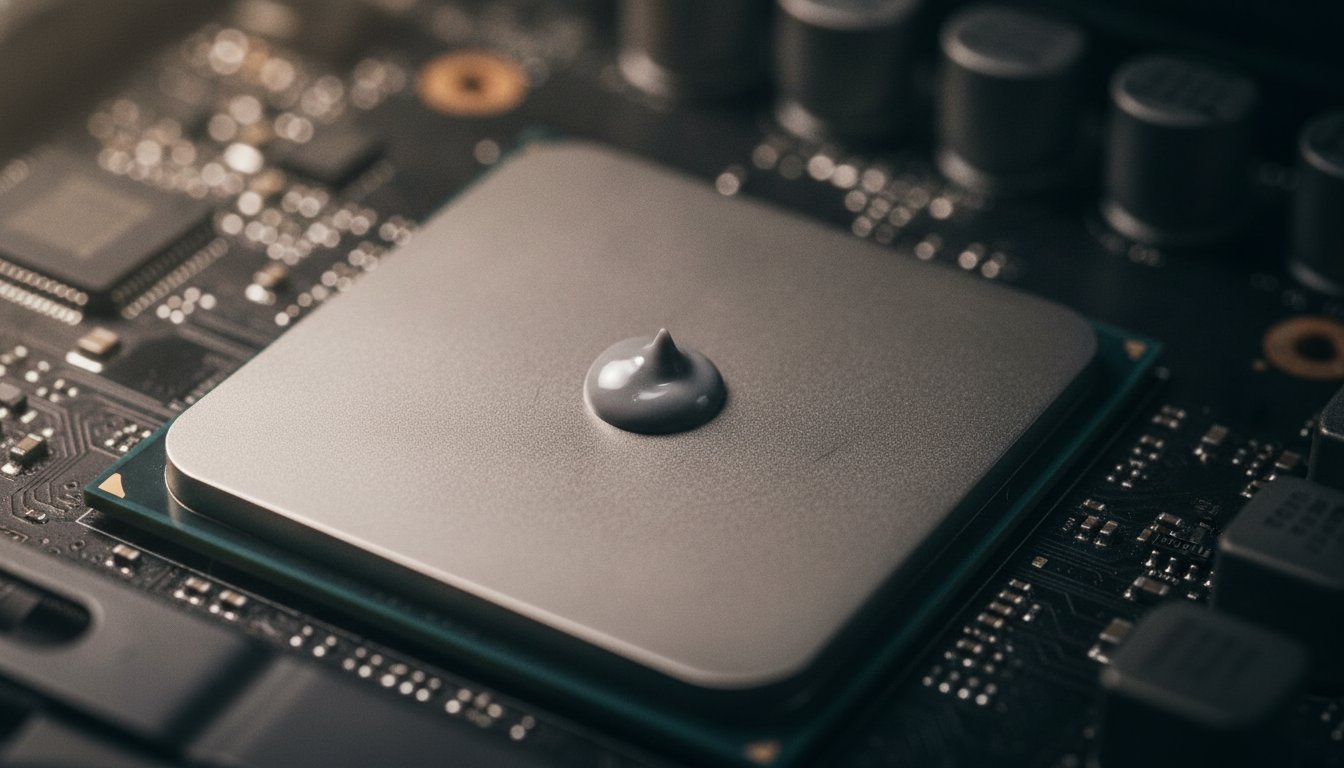
The avoidable mistakes are well documented. A consolidated list of first-build mistakes keeps naming the same ones: motherboard standoffs skipped, which risks a short against the case; the I/O shield forgotten until the board is already screwed down; memory seated in the wrong slots for dual-channel operation; and thermal paste applied like frosting. Excess paste does not cool better, a pea-sized dot does, and how long thermal paste lasts is a separate question with its own honest answer.
Cable management
15 minutes to several hours, entirely your call. It is the biggest variance in real build reports.
A surprise BIOS update
New board, newer processor. The flash itself is quick; discovering you need it is not.
Redoing the cooler
Too much paste or an uneven mount means pulling it and starting the cleanest job over.
Learning as you go
Manual reading, photos, and reseating doubts. Normal on a first build, and worth the time.
Is It Faster to Pay a Shop to Build Your PC?
Paying a shop to build your PC is faster in calendar terms than most first DIY builds, and the fees are lower than most people guess relative to the hours saved. The trade is money for time plus someone else absorbing the troubleshooting risk.
What Big-Box Build Services Charge
Micro Center's build services are the visible benchmark. Its Express ProBuild, where you supply the parts, lists at $249.99 on the current 2026 listing and includes assembly, operating system and driver setup, and a stress test. Its Build and Learn service, announced at $349.99 plus parts in December 2025, has a technician guide you through your own build in about two hours plus a 30 minute stress test, and its bundled same-day build tiers run $149.99 to $899.99 depending on cooling. Verify the live pages before you plan around any of those numbers; the fees have changed within the past year.
Best Buy's Geek Squad, for the record, does not assemble custom PCs from parts at all. Its computer services are setup, software, and data-transfer work on already-built machines, listed between $39.99 and $199.99 across 2024 to 2026 listings, and we compare that model to a local bench in our big box versus local repair breakdown. All of that labor sits on top of what the parts themselves cost in 2026, which is its own moving target this year.
How a Local Bench Handles the Same Job
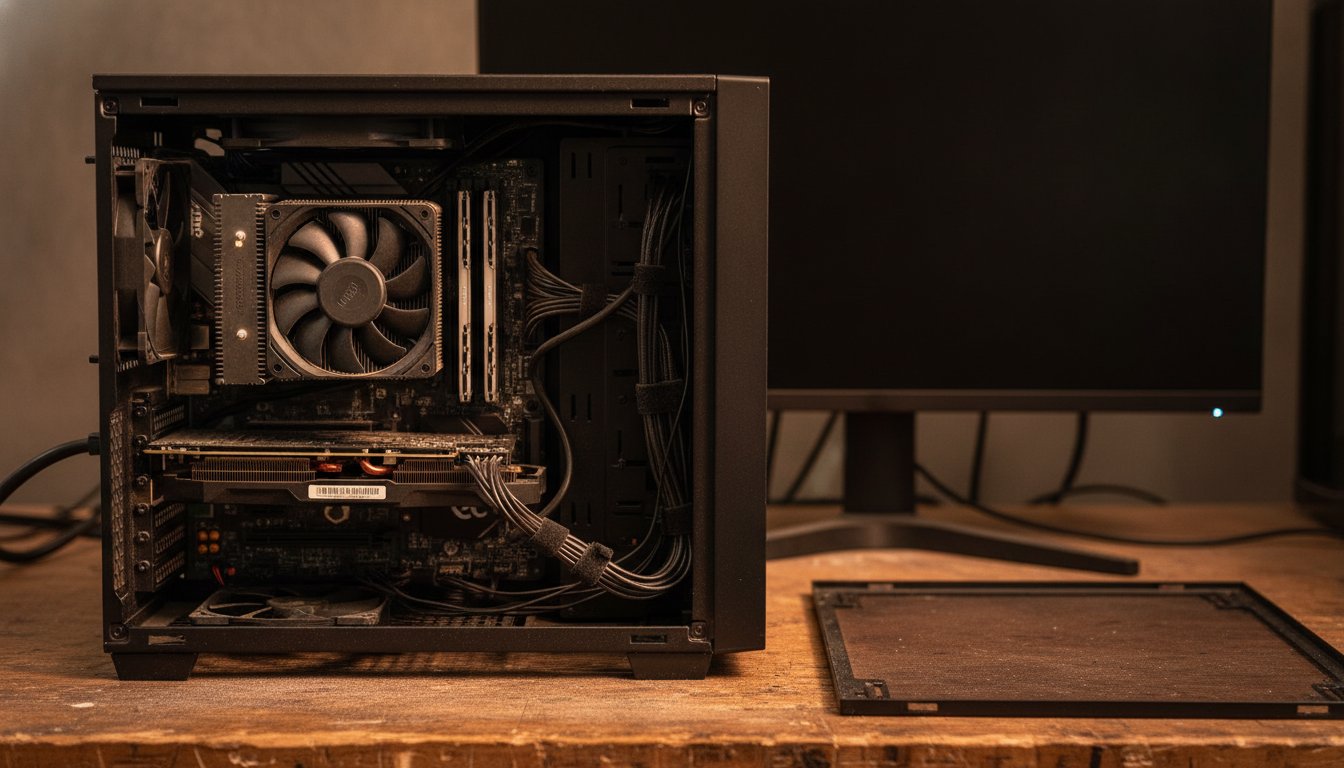
Stateline Tech builds customer PCs on a working bench. We quote 2 to 3 days from parts on the bench to pickup for a standard build, because the machine leaves only after the same kind of sustained stress testing described above, not the moment it posts. The fee is a flat bench charge with parts billed at cost and the receipts in the box, and our custom PC build service page explains exactly how that works. You never pay before you know exactly what you are getting.
When Does Building It Yourself Win? An Honest Answer
Building it yourself wins whenever the hours are the point rather than the obstacle. If you want to understand your machine, enjoy the work, or plan to upgrade parts yourself for years, the 4 to 8 hours of a first build are not a cost. They are the product.
You have a free weekend, you want the skills, the parts are modest enough that a mistake stings instead of hurts, and nobody is waiting on the machine.
You need the machine this week, the parts list crosses into four figures, or your working hours are worth more at your own trade than on a build bench.
Frequently Asked Questions About PC Build Time
These are the build-time questions readers ask most, pulled from the real searches around this one.
Is It Hard to Build a PC?
Building a PC is more careful than hard. Nearly every connector is keyed so it only fits one way, and the genuinely delicate moments are mounting the processor and cooler. The skills involved are patience and manual reading, not electronics. First-timers most commonly report finishing in 4 to 6 hours, mistakes and double-checking included.
How Long Does Windows Installation Take?
Windows installation takes 1 to 2 hours of active time on a new build, counting the install itself, chipset and graphics drivers, and the first big round of updates. A retail Windows 11 Home license lists at $139 as of mid 2026, and eligible Windows 10 machines can still upgrade at no cost, so check eligibility before buying a license.
How Long Does It Take to Set Up a Prebuilt PC?
A prebuilt PC skips the 1 to 8 hour assembly block entirely, which is the main thing you pay for. The work left is unboxing, cabling, account setup, and the same Windows update and driver pass a fresh build needs, so plan around the 1 to 2 hours of active setup time rather than a build day.
How Long Will a $2,000 PC Last?
The sources this page uses do not publish a tested lifespan for a $2,000 build, so we will not invent one. In practice the parts outlive the settings: the machine keeps working while software gets heavier, and a well-built system can take more memory or storage later. Keep it cool and clean, and revisit the graphics card before replacing the whole box.
How Long Should I Stress Test a New PC?
Budget 24 to 48 hours of largely unattended stability testing, the figure a working bench shop published in July 2026 and the reason our own builds take days rather than hours to hand back. Big-box build services end with a stress test too. If the machine holds stable temperatures under sustained load for that window, trust it.
If the honest answer sounds like a weekend you do not have, hand the job to us: call Stateline Tech at (608) 214-5158 or start with our custom PC builds service, and we quote the cost and the turnaround for your build before you spend a dollar.