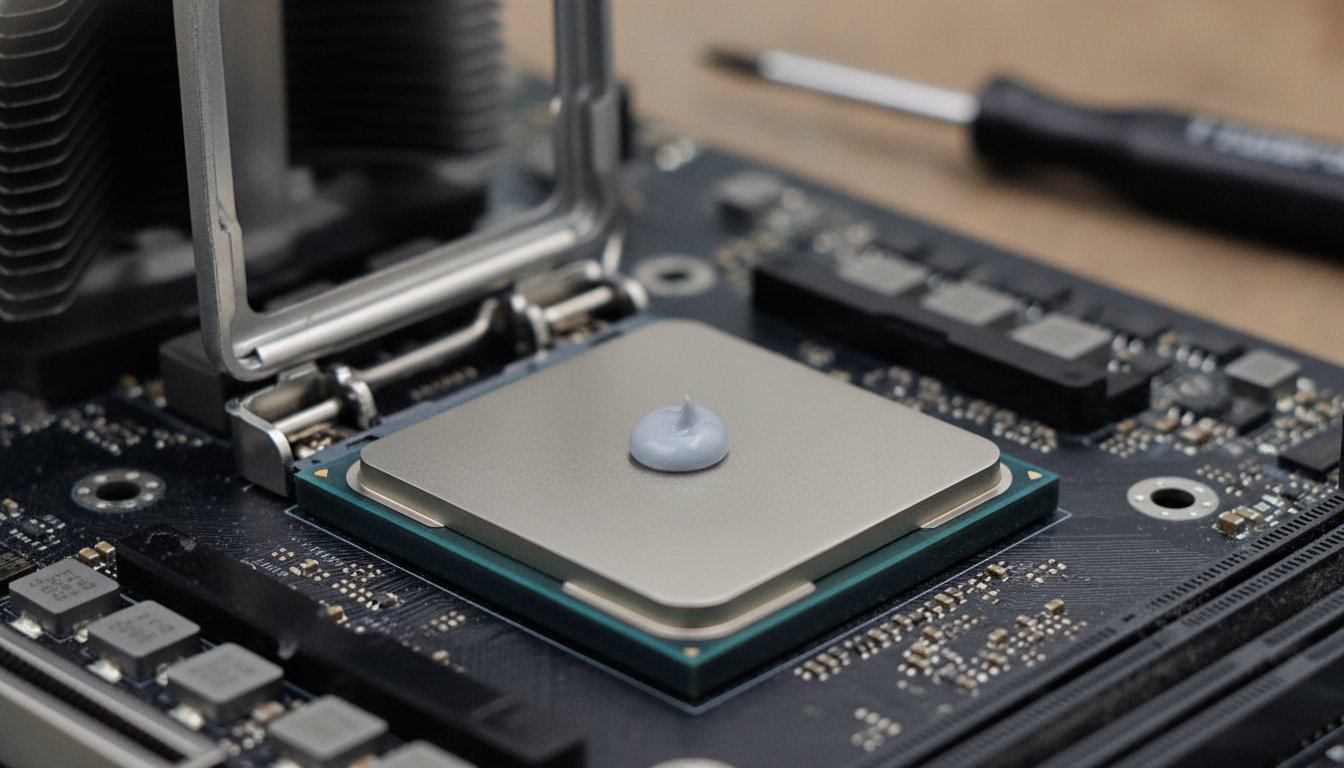
How long does thermal paste last? On a working CPU, the honest range is 2 to 5 years for typical desktop use. A sealed tube stores for 3 to 8 years depending on the brand, and an opened tube is good for about 2.
Those are three different questions with three different numbers, and most pages answer only one of them. Temperatures, not the calendar, tell you when yours is due.
How Long Does Thermal Paste Last on a CPU?
How long does thermal paste last on a CPU? For a desktop doing normal daily work, hardware sources broadly agree on 2 to 5 years before the paste degrades enough to matter. Cheap stock-cooler paste sits at the low end of that range, while premium compounds carry manufacturer ratings of 5 years or more once applied.
That single number hides two more questions people actually mean when they ask this one. A sealed tube in a drawer has a shelf life of its own, and a tube you have already opened runs on a third, shorter clock. The table below separates all three, because mixing them up is how a good tube gets thrown out and a tired CPU gets ignored.
| Which lifespan? | Typical answer | Where the number comes from |
|---|---|---|
| Applied to a CPU or GPU | 2 to 5 years typical; 5 or more for premium compounds | Broad agreement across hardware sources, plus manufacturer ratings |
| Sealed tube in storage | 3 to 8 years, depending on the brand | Noctua and Arctic official figures |
| Opened tube, capped again | About 2 years | Noctua official FAQ |
Laptops, gaming rigs, and any machine that runs hot for hours at a time shorten the applied figure to roughly 1 to 3 years, because heavy heat cycling wears paste out faster than age does. If you want the full maintenance picture around the paste, our guide on how to clean your PC the safe way covers the whole routine.
Why Are There Three Different Lifespan Answers?
Three different lifespan answers exist because thermal paste ages in three different situations, and the manufacturers publish separate figures for each one. Noctua's NT-H1 datasheet lists at least 3 years of room-temperature storage for a sealed tube and 5 years or more of service once the paste is on the chip.
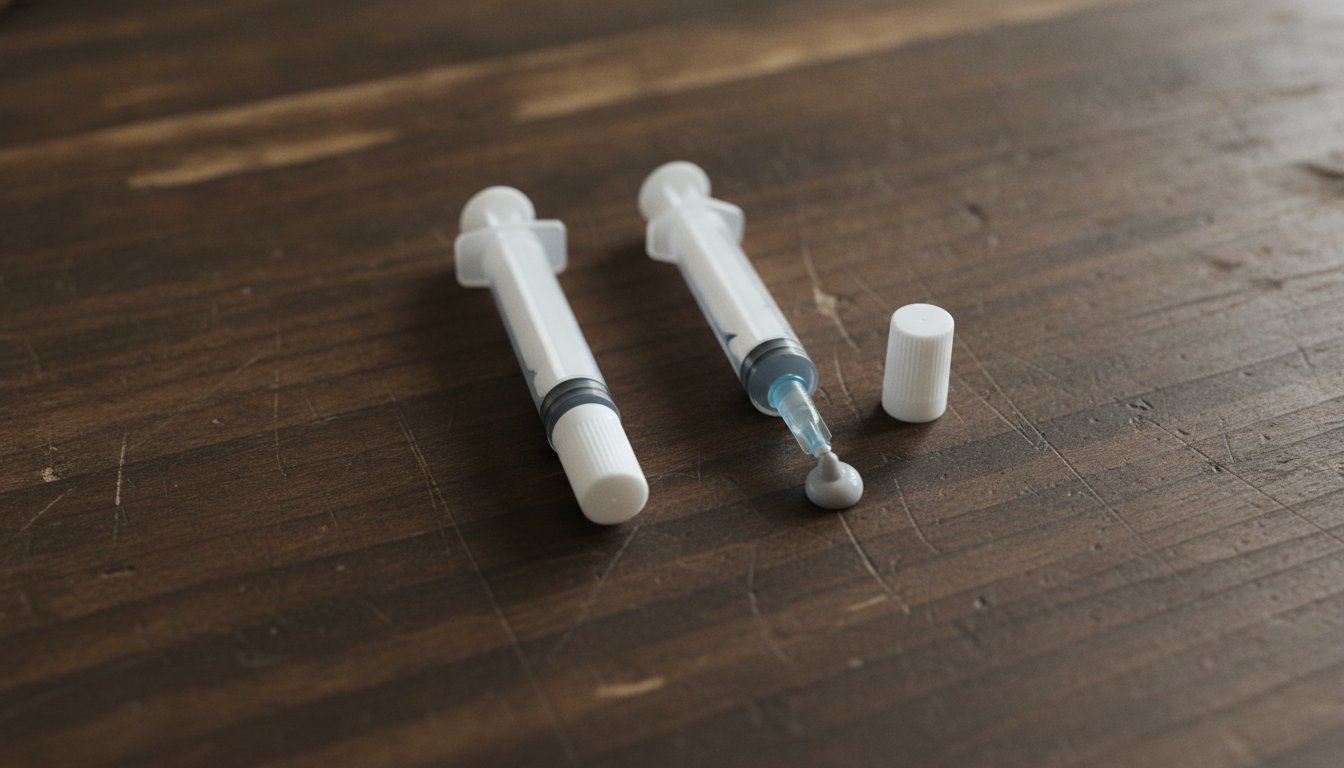
Arctic answers the storage question with a bigger number. Arctic's official FAQ rates its resealable syringes at up to 8 years unopened, and tells owners to replace applied paste when they notice changes in temperature, noise, or performance rather than on any calendar date.
Once a tube is open, the clock speeds up. Noctua's support FAQ, updated in April 2025, puts an opened NT-H1 or NT-H2 tube at up to 2 years, provided the cap goes back on and the tube stays away from heat and direct sunlight.
| Measure | Official rating | Source |
|---|---|---|
| Sealed syringe, Arctic | Up to 8 years | Arctic FAQ |
| Applied on CPU, Noctua | 5 years or more | Noctua NT-H1 datasheet |
| Sealed tube, Noctua | At least 3 years | Noctua NT-H1 datasheet |
| Opened tube, Noctua | Up to 2 years | Noctua FAQ, April 2025 |
The brands do not even agree with themselves. The printed manual packed with Arctic MX-4 states 3 years unopened and 24 months after opening, far more conservative than the 8-year figure on Arctic's own website.
When a manufacturer's manual and FAQ disagree by 5 years, treat the shorter number as the planning figure and let the paste itself make the final call. Smooth and spreadable means usable. Separated, rubbery, or crumbly means done.
What Does Thermal Paste Do, and Why Does It Wear Out?
What does thermal paste do? It fills the microscopic valleys between the metal lid of the chip and the contact plate of the cooler, replacing trapped air, which insulates, with a material that moves heat far better. By mass, a typical paste is 70 to 80 percent thermally conductive filler suspended in a silicone or polymer carrier. Understanding those two ingredients explains every failure mode the paste has.
The Pump-Out Effect Is the Real Killer
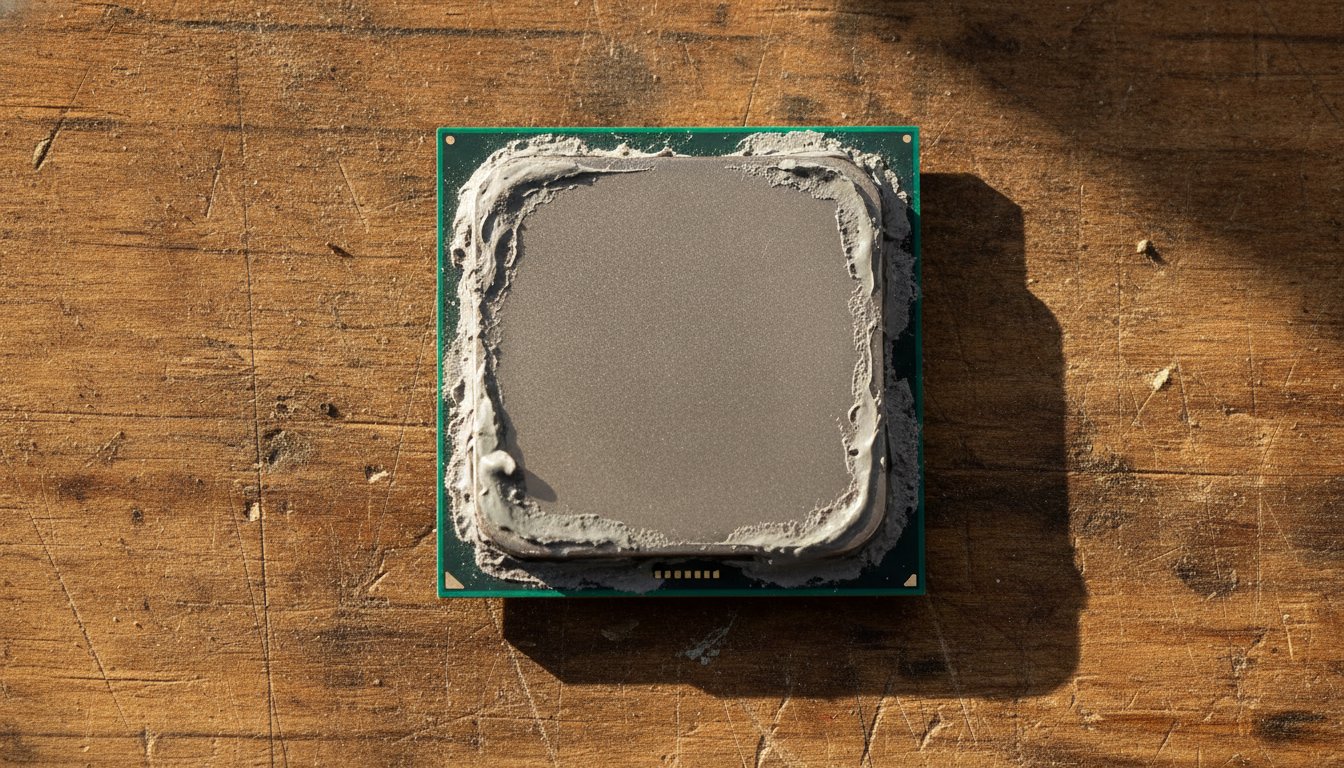
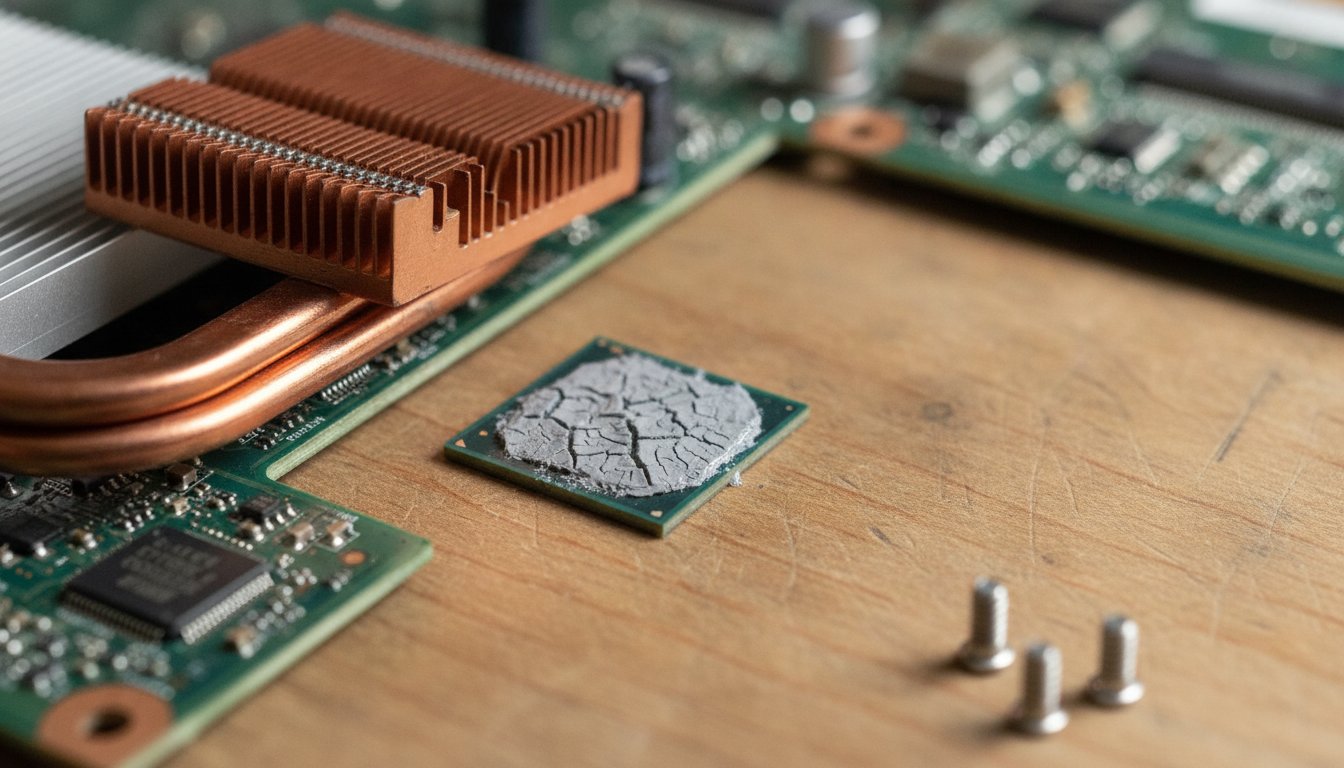
The pump-out effect is the main reason applied paste wears out. Every time the machine heats up and cools down, the chip and the cooler expand and contract at slightly different rates. That tiny repeated motion squeezes paste outward from the center of the die, one heat cycle at a time, until air gaps open where the contact matters most. Igor's Lab has published the most detailed engineering explanation of the mechanism.
This is why usage intensity matters more than age. A gaming laptop that swings from cool to hot several times a day accumulates far more cycles than an office desktop that idles warm all week, and its paste fails years sooner. Heat cycling, not time itself, does the damage.
Drying Out Happens in the Tube Too
Drying out is the second mechanism, and it works on paste whether it is applied or not. The carrier oils that keep paste spreadable evaporate slowly, and faster at sustained high temperatures. In a stored tube, the same chemistry separates filler from carrier, which is why a neglected tube often pours clear oil before any paste appears. A quick stir or a wasted first squeeze sometimes recovers it, but separation is the early warning that the tube is near the end.
How Often Should You Replace Thermal Paste?
How often should you replace thermal paste? Replace it when the temperatures tell you to, and any time the cooler comes off the chip. Otherwise, leave it alone. Temperature behavior, not calendar age, is the honest replacement trigger.
Temperature behavior, not calendar age, is the honest replacement trigger.
The practical threshold is a rise of roughly 5 to 10 C above the baseline your machine used to hold on the same workload, or any new thermal throttling or heat-related shutdowns. That is the working answer to how long does thermal paste last once it is on the chip: as long as the temperatures stay flat, it is still doing its job.
The oil-change analogy fails here, and it sells a lot of unnecessary service. One informal long-term test ran 11, 19, and 30 year old tubes against fresh paste and found near-identical results in everyday use, with meaningful gaps only under sustained full load. We would not plan a fleet around one informal test, but it matches what our bench sees: age alone rarely kills a working application.
The one absolute rule has no exceptions: if the cooler comes off, the old paste is done. Breaking the seal leaves air gaps that never close on their own. Clean both surfaces and apply fresh paste every time the two parts separate.
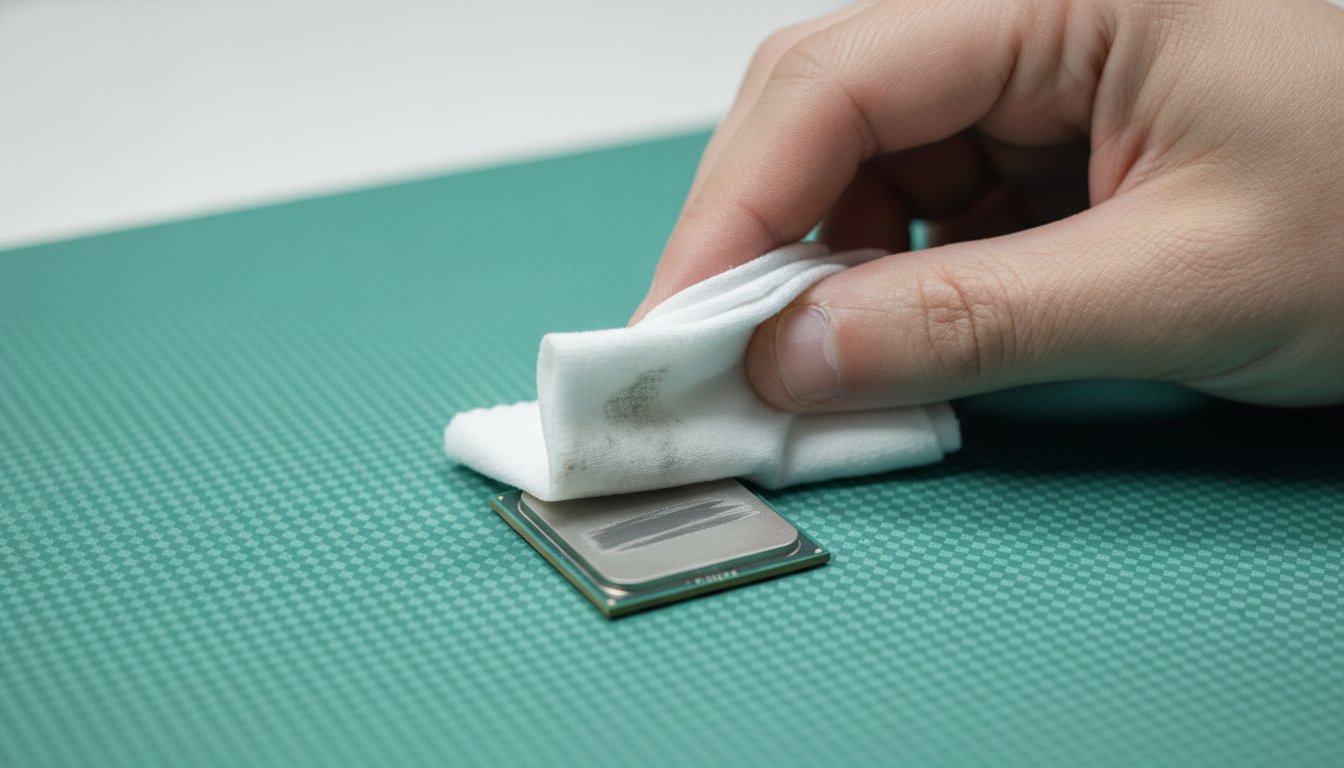
The Five Steps of a Clean Repaste
A clean repaste follows the same five steps on our bench every time, and the same order works at home on an accessible desktop.
1. Power down and unplug
Shut the machine off, unplug it, and press the power button once to drain residual charge before touching anything inside.
2. Remove the cooler
Loosen the mounting in a cross pattern and twist gently to break the old bond instead of pulling straight up.
3. Clean both surfaces
Wipe the chip lid and the cooler plate with isopropyl alcohol on a lint-free cloth until both come away clean.
4. Apply a small amount
A pea-sized dot in the center of the lid is enough; the mounting pressure spreads it. More is not better.
5. Reseat and retest
Mount the cooler evenly, boot, and compare idle and load temperatures against your baseline to confirm the fix.
Is It the Dust or the Thermal Paste?
Is it the dust or the thermal paste? Check the dust first, every time. Dust packed into the cooler fins and fan blades produces the same symptoms as tired paste, higher temperatures and louder fans, and it is both more common and cheaper to fix.
The effect is not small. One independent long-term test, published in 2018, measured a CPU running roughly 20 C hotter on a dust-caked cooler than after cleaning. We walk through those numbers in our post on whether cleaning a PC improves performance, and the safe way to get the dust out matters more than most people expect, because a household vacuum can kill the parts it cleans.
Stateline Tech runs the same order of operations on our own PC cleaning bench: dust first, retest, then paste only if the numbers still argue for it. A surprising share of machines that arrive as repaste candidates leave needing nothing more than a proper cleaning.
What Are the Signs Thermal Paste Needs Replacing?
The signs thermal paste needs replacing all trace back to one thing: heat that no longer has a clear path out of the chip. Once dust is ruled out, more than one of these appearing together makes the paste the likely suspect.
Reading temperatures costs nothing. A free utility such as HWiNFO shows live CPU readings; note the idle and full-load numbers on a day the machine behaves, and you own the baseline that every future paste decision hangs on. Without a baseline, every reading is a guess.
How Much Does a Repaste Cost, DIY or at a Shop?
How much does a repaste cost, DIY or at a shop? The materials side is cheap either way: a quality tube of paste runs $8 to $25 and covers many applications, and on a desktop the job itself takes 20 to 30 minutes with basic tools. The labor side is where the spread lives, and the dated figures below show it.
| Option | Typical cost | Notes |
|---|---|---|
| DIY desktop repaste | $8 to $25 for paste, plus your time | A beginner-friendly first repair on most desktops |
| Micro Center CPU installation service | $79.99, paste included | Current listing as of August 2026 |
| Geek Squad diagnostic, then cleanup work | $39.99 diagnostic; $80 to $150 reported for overheating service | Secondhand figures from a November 2025 cost breakdown, not an official rate card |
Because none of the big-box numbers come from an official published rate card, treat them as directional and confirm with your local store before you drive anywhere.
Repaste Cost on Laptop Jobs Runs Higher
The repaste cost on laptop work runs higher everywhere, because the teardown is the job. Fragile clips, tiny screws, ribbon cables, and coolers buried under the whole board turn a 25 minute desktop task into an hour or more, and some models use thermal pads that need matching thicknesses rather than paste. One rule outranks every price: a laptop still under manufacturer warranty should only be opened by authorized service, because a DIY repaste can void the coverage.
When DIY Wins and When the Shop Wins
DIY wins on an out-of-warranty desktop with rising temperatures: the parts are accessible, the paste is cheap, and the skill transfers to every machine you ever own. The shop wins when the machine is a tightly built laptop, when warranty is in play, or when you want the dust, the paste, and the diagnosis handled in one visit with real before and after readings.
Costs $8 to $25 in materials, teaches a repeatable skill, and takes half an hour on an accessible desktop.
Costs labor but includes teardown risk, cleaning, and measured before and after temperatures on machines that are hard to open.
When You Should Not Pay Anyone to Repaste
When you should not pay anyone to repaste is the part most repair pages skip. Stateline Tech puts it in writing: if your temperatures are stable and the machine runs quietly, a repaste buys you nothing, whatever the age of the paste.
The same honesty applies to slowness. A computer that runs slow but cool has a software problem, not a paste problem, and fresh paste will not fix it. Start with how to fix a slow computer before spending anything on cooling work. And if you do bring a machine to anyone, hold them to the standard we hold ourselves to: you never pay before you know exactly what you are getting.
Frequently Asked Questions About Thermal Paste Lifespan
Can thermal paste go bad in the tube?
Yes. Sealed, most quality pastes store for 3 to 8 years depending on the brand, and Noctua rates an opened, recapped tube for about 2 years. The tell is consistency. Paste that comes out smooth and spreads evenly is usable, while paste that pours oil first, feels rubbery, or crumbles has separated and belongs in the trash.
Is 90 C bad for a CPU?
A CPU at 90 C under sustained load is hot but within design limits for many modern processors, which slow themselves down before damage occurs. The more useful signal is change: a rise of 5 to 10 C above the baseline the same machine held on the same work points to a cooling problem. The paste itself tolerates more heat than the chip does; Noctua rates its compound to 110 C.
How long can you use thermal paste after opening the tube?
About 2 years is Noctua's official figure for an opened tube with the cap back on, stored away from heat and sunlight, and the Arctic MX-4 manual allows 24 months. Past that, test a small squeeze on cardboard first. Smooth and even means usable; oily, clumpy, or rubbery means replace it. A fresh tube costs less than redoing a bad application.
Do laptops need new thermal paste more often than desktops?
Usually, yes. Laptops run hotter in tighter spaces and swing through bigger temperature cycles, which speeds up pump-out, so heavily used laptops often need fresh paste in 1 to 3 years where a desktop coasts to 5. Check the warranty first, though. Opening an in-warranty laptop for a repaste is almost never worth the risk when authorized service exists for exactly that case.
What happens if you never replace thermal paste?
Often less than the maintenance industry implies. Machines with light, steady workloads can run for many years on their original paste, and one informal test of decades-old paste found near-identical everyday performance against fresh paste. Under sustained heavy load the story changes. Pumped-out, dried paste raises temperatures until the machine throttles or shuts down to protect itself.
If your computer runs hot or loud and you would rather have a bench tech confirm whether tired thermal paste, packed dust, or something else is behind it before you spend a dollar, call Stateline Tech at (608) 214-5158 or book our PC cleaning bench for a straight answer.