Is PC Cleaner safe? Mostly, no. Most cleaner apps are not classic viruses, but most are not worth installing either. The junk file cleanup they sell already runs free inside Windows and macOS.
Registry cleaning risks real damage for no measured gain. And a documented slice of this industry fabricates problems to scare you into paying. Here is how to tell which is which.
Is PC Cleaner Safe to Use?
Is PC Cleaner safe to use? For most people the honest answer is mostly no, with a short list of exceptions. The apps in this category fall into three buckets.
The first bucket cleans temporary files and caches, which Windows and macOS already do for free. The second bucket cleans the registry, which Microsoft itself warns against. The third bucket is scareware, software built to invent problems and sell you the fix.
Part of the confusion is the name itself. Dozens of unrelated programs are literally called PC Cleaner, including Total PC Cleaner and PC HelpSoft PC Cleaner, alongside category leaders such as CCleaner and AVG TuneUp. When a customer asks us is PC Cleaner safe, our first question is which app they mean, because the answer runs from harmless to prosecuted fraud.
The dollar figures above are the running total of four federal enforcement cases we walk through below, and they are the reason this question deserves a careful answer rather than a shrug. Software cleanup is only half the topic anyway. The physical half, dust and airflow, is covered in our guide on how to clean your PC the safe way.
What Do PC Cleaner Apps Actually Do?
What PC cleaner apps actually do comes down to three functions, and only one of them is real work. The first is temp file and cache scanning. The app walks known folders such as Windows Temp, browser caches, and the Recycle Bin, then deletes files matching set patterns. That is functionally identical to what the built-in Disk Cleanup and Storage Sense tools already do on a schedule.
The second function is registry scanning, which we cover in the next section because it deserves its own warning. The third is a bundle of optimization extras. Startup managers duplicate the free Startup tab in Task Manager. RAM boosters and one-click speedup buttons have no meaningful measured effect on a modern machine.
Scareware adds a fourth mechanic. The scan runs with the outcome decided in advance, the issue count is inflated regardless of what the machine actually contains, and a payment screen appears to fix the invented problems. That mechanism, not the cleaning itself, is what federal regulators went after.
A scan that reports 40,000 issues has found 40,000 real problems.
In FTC litigation, scareware style tools were shown to report fabricated or inflated issue counts to push a purchase. A big scary number is a sales tactic, not a diagnosis.
Why Registry Cleaners Can Break Windows
Registry cleaners can break Windows because they guess, and the registry punishes wrong guesses. The registry is the hierarchical database that stores hardware, software, and user settings for the whole system. Uninstalled programs do leave stray keys behind, but installers vary so much that no scanner can reliably tell a dead key from a shared key another program still needs.
Delete the wrong key and settings corrupt, apps crash, and in the worst cases the machine will not boot without a full reinstall. Microsoft says this plainly in its own support policy for registry cleaning utilities, which states that Microsoft does not support their use and cannot guarantee that damage they cause can be fixed.
Are Big Name Cleaners Like CCleaner Safe?
Big name cleaners like CCleaner, AVG TuneUp, and MacKeeper are legitimate commercial software today, which is not the same as being worth the money. These are real companies with real products that will not infect your machine in 2026. Their history still matters when you decide whether to trust the category.
What Happened to CCleaner in 2017
CCleaner in 2017 shipped malware through its own official installer. Attackers compromised the build system, and between August 15 and September 12 of that year 2.27 million users downloaded a backdoored copy, with a second stage payload aimed at roughly 40 major technology firms, as documented in The Hacker News timeline of the CCleaner supply chain attack. The compromise was patched, and no current review reports malware in the product since. The lesson stands: even the most famous cleaner in the world was, for one month, the exact threat people install cleaners to avoid.
What CCleaner Costs and Collects Today
CCleaner today is clean but commercial. Multiple reviews from 2024 through 2026 conclude the current product does not distribute malware, while noting it collects telemetry by default.
Pricing on the official site as of August 2026 lists Professional at $44.95 per year for one device, Pro Plus at $64.95, and a premium bundle at $89.95 list, with frequent promotional discounts. AVG TuneUp sells in the same band, roughly $49 to $69.99 per year depending on the promotion. Those subscriptions buy convenience and a dashboard, not capability Windows lacks.
MacKeeper and the $40 Refund Settlement
MacKeeper, the best known Mac cleaner, settled a class action in 2015 over claims the software did not perform as advertised. The proposed settlement created a $2 million fund paying purchasers up to $40 each. The current product is legitimate commercial software, but the history explains why Mac users keep asking whether it is a scam.
How Do You Spot a Scareware Cleaner?
You spot a scareware cleaner by its behavior, because the behavior is always the same: invent problems, apply pressure, take payment. The federal enforcement record shows how big this pattern got. In 2012 a court entered a $163 million judgment against a scareware marketer at the FTC's request, and banned the founder from selling security software for life.
The cases kept coming. In 2016, Vast Tech Support paid a $27 million settlement over software that charged around $30 to fix fabricated errors. In 2019, Office Depot and Support.com paid a combined $35 million over an in-store PC Health Check that flagged problems machines did not have. In 2024, the makers of Restoro and Reimage agreed to a $26 million FTC settlement over fake scan results, with about $13.1 million refunded to customers by March 2025.
| Case | Year | Judgment or settlement |
|---|---|---|
| Innovative Marketing scareware judgment | 2012 | $163 million, lifetime security-software ban for the founder |
| Vast Tech Support / PC HealthBoost | 2016 | $27 million, about $30 charged per fabricated fix |
| Office Depot / Support.com PC Health Check | 2019 | $35 million combined |
| Restoro / Reimage fake scan results | 2024 | $26 million, refunds ongoing through 2025 |
Is PC Cleaner Legit? Check the Behavior, Not the Name
People searching is PC Cleaner legit are usually staring at one specific app, and the name alone cannot answer it, because honest and dishonest products share the same generic names. Run the app you are looking at against this list instead.
One flag is suspicion. Two or more, treat it as hostile and move to the removal steps below. Nothing legitimate needs to frighten you into a purchase.
What Is the Safest Way to Clean a PC?
The safest way to clean a PC is the software your computer already ships with, because it is free, supported, and cannot upsell you. On Windows, Storage Sense deletes temporary files and manages disk space automatically on a schedule you control, as documented in Microsoft's Storage Sense configuration guide. The older Disk Cleanup tool does the same job on demand.
Round it out with two habits. Uninstall programs you no longer use from Settings, and turn off unneeded startup programs in Task Manager. On a Mac, the built-in storage management tools under System Settings handle the same cleanup without any third-party app.
Free disk space itself is only worth chasing to a point. The common guideline is to keep roughly 15 to 20 percent of the drive free. Past that, more empty space does not make the machine faster, because real speed limits live in RAM, storage type, and background processes.
| What you are looking at | What it usually means | Safe next move |
|---|---|---|
| Low disk space warnings | Normal temp file and cache buildup | Run Storage Sense or Disk Cleanup, both free |
| An app reporting registry errors | A sales pitch, not a diagnosis | Ignore the report and uninstall the app |
| A pop-up claiming thousands of issues | Scareware pattern with FTC precedent | Close it and pay nothing |
| A hot, loud, throttling machine | A physical dust problem | Physical cleaning, no software can touch it |
| A cleaner already installed and acting pushy | A potentially unwanted program | Uninstall it and scan, steps below |

Does Physical Cleaning Help More Than Software?
Physical cleaning helps more than software whenever heat is the real problem, and heat is the problem software vendors never mention. Dust blankets heatsink fins and clogs fan blades, so airflow drops and temperatures climb until the machine slows itself down to survive. An instrumented bench test published in 2018 measured roughly a 20 degree Celsius CPU temperature drop after cleaning two years of accumulated dust, and a separate 2020 wind tunnel benchmark measured the airflow loss directly.
No cleaner app addresses any of that, which is why we wrote separately about whether cleaning a PC improves performance and why a household vacuum is the wrong tool for the job. Stateline Tech provides the physical side from our PC cleaning bench in Freeport, where the dust, fans, and thermal paste get handled together.
How Do You Remove a PC Cleaner App Safely?
You remove a PC cleaner app safely by uninstalling it the normal way, then checking the places this category likes to leave pieces behind. Security vendors classify pushy cleaners as potentially unwanted programs, software you probably did not want that rides along with something else, and the removal routine is the same for all of them.
If the app refuses to uninstall, blocks the scan, or reappears after removal, stop treating it as software you own and start treating it as an infection. That machine deserves a proper cleanup by hand.
When Does DIY Win and When Should You Pay?
DIY wins almost every time on the software side of this question, and we say that as a shop that gets paid to clean computers. The free built-in tools cover junk files, startup programs, and disk space completely. A paid cleaner subscription is defensible only when you know the brand, you specifically want the bundled driver updates and dashboard, and you accept the telemetry that comes with it.
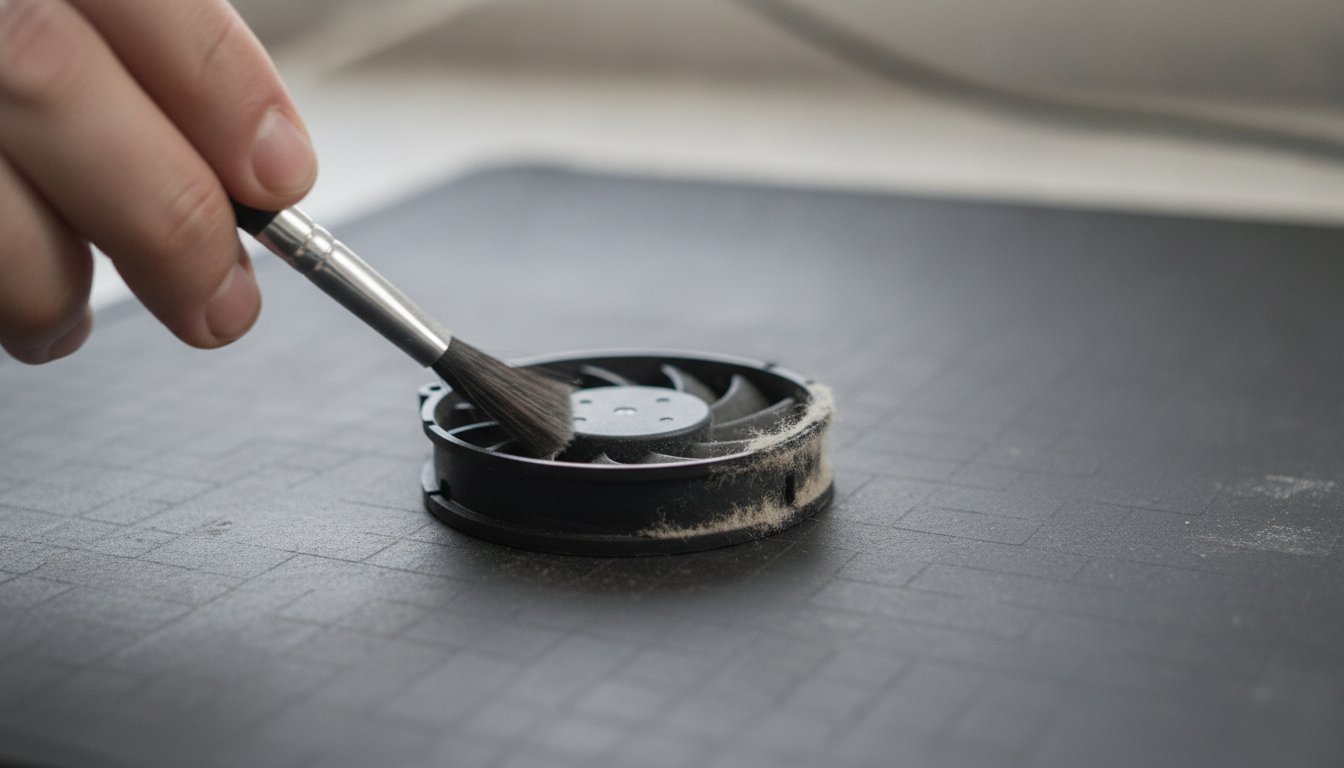
Paying makes sense in two situations. The first is a machine that stays slow after you have worked through the free steps in our guide on how to fix a slow computer, because persistent slowness usually means aging hardware, malware, or a thermal problem rather than junk files. The second is a machine running hot and loud, because dust removal is physical work with measured results, and it is the one kind of cleaning a shop genuinely does better than an app.
Frequently Asked Questions About PC Cleaner Safety
Is CCleaner still trustworthy?
Whether CCleaner is still trustworthy depends on what you mean. Reviews from 2024 through 2026 agree the current product does not distribute malware, so it is trustworthy in the safety sense. It does collect telemetry by default, and its useful functions duplicate free Windows tools, so many longtime users no longer consider it worth installing.
Is PC Cleaner really free?
Most apps named PC Cleaner are free to scan and paid to fix, which is the business model, not a favor. The scan builds an alarming issue count, and the fix button leads to a payment screen, commonly in the $30 to $45 per year range. The genuinely free path is Storage Sense and Disk Cleanup, which are already installed.
Is PC Cleaner any good?
PC cleaner apps are rarely good in the sense of doing something your computer cannot do alone. The legitimate functions, temp file cleanup and startup management, duplicate free built-in tools. The headline functions, registry repair and one-click speedup, have no measured benefit on modern Windows. Good in this category means honest, not effective.
Do I need a registry cleaner for Windows 11?
No. Microsoft does not support registry cleaners on any version of Windows, including Windows 11, and warns that damage from them may not be fixable without reinstalling. Leftover registry keys from uninstalled programs are cosmetic on a modern system. They occupy trivial space and have no measurable effect on speed.
Does cleaning my PC make it faster?
Software cleaning rarely makes a PC faster, because temp files and stray registry keys were not what slowed it down. Physical cleaning can make a real difference on a hot machine. One instrumented test measured about a 20 degree Celsius CPU temperature drop after removing two years of dust, which stops thermal throttling and restores lost speed.
If a cleaner app has your machine acting strange, or you would rather have a person confirm whether an app is safe before you pay for anything, call Stateline Tech at (608) 214-5158 or bring it to our PC cleaning bench, the same bench that handles computer repair in Freeport, and we will give you a straight answer.