How much does Microcenter charge to build a PC? The standard custom build service is $249.99 as of August 2026, covering assembly, cable management, Windows installation, a stress test, and a 90 day labor warranty. Custom water cooling raises the fee to $399.99 or $899.99, and the hands on Build and Learn session runs $349.99.
Local bench shops do the same job for a flat labor charge quoted in advance. Here is the full fee map, side by side.
How Much Does Microcenter Charge to Build a PC?
How much does Microcenter charge to build a PC depends on the cooling you choose. The standard tier covers air cooled and all in one liquid cooled builds at $249.99, and the price climbs from there for custom water cooling loops, per Micro Center's custom PC build services page, retrieved August 2026.
| Service | Price | What it is |
|---|---|---|
| Standard custom build | $249.99 | Air or AIO liquid cooled build, Windows installed, stress tested |
| Build and Learn | $349.99 | Guided session where a tech helps you build it yourself |
| Soft tube water cooling | $399.99 | Custom soft tubing liquid loop |
| Hard tube water cooling | $899.99 | Premium hard tubing loop with extended leak testing |
Those numbers have moved before and they will move again. Air cooled tiers at $149.99 and $199.99 existed as recently as early 2025, and a March 2025 forum discussion noted their removal in favor of the single $249.99 rate. Plenty of older answers around the web still quote the retired ladder.
Micro Center still builds PCs for $149.99.
The current custom build service starts at $249.99. The cheaper air cooled tiers were reported removed in March 2025, and many forum answers still repeat the old prices.
If you are still picking parts, start with our how to build a PC walkthrough before you price anyone's labor. Knowing the steps makes every fee on this page easier to judge.
What Is Included in Micro Center's Build Fee?
What is included in Micro Center's build fee is the same at every standard tier: component assembly, full cable management, motherboard BIOS and driver updates, an OCCT stability stress test, a one year ESET antivirus license, and a 90 day labor warranty. The Micro Center custom build service FAQ confirms the service starts at $249.99 and spells out those inclusions.
Two details in that list deserve a closer read before you hand over a cart of parts.
The 90 Day Warranty Covers Labor, Not Parts
The build warranty covers the assembly work for 90 days. The parts themselves are covered by each manufacturer's own warranty, or by an optional protection plan sold separately. If a graphics card dies in month six, the card maker handles it, not the build desk. That distinction surprises a lot of first time buyers.
The Stress Test Is the Real Value
A proper build service does more than screw parts together. The stress test exists to catch dead on arrival components, confirm the machine posts, and verify temperatures and voltages hold under load before you drive home. That testing step is what separates a professional build fee from a favor from a friend with a screwdriver.
What Do Best Buy and Staples Charge for the Same Job?
What Best Buy and Staples charge for the same job is harder to pin down, because neither chain posts a single custom build price the way Micro Center does. Best Buy's computer services page lists in store hardware installation starting at $39.99 per component, and Geek Squad employee replies on Reddit from November 2025 describe a full custom build running about $200 for members and $250 without a membership. Staples publishes setup services on its tech services page at $29.99 for in store PC setup and $129.99 for an in home visit, which covers configuration rather than assembly from parts.
Nobody in the top search results puts these fees in one place, so here is the whole market in a single table. Verify any of them against the live page before you budget; service pricing moves without notice.
| Shop and service | Price | Basis, as of date |
|---|---|---|
| Micro Center standard build | $249.99 | Official pricing page, August 2026 |
| Micro Center hard tube loop | $899.99 | Official pricing page, August 2026 |
| Best Buy hardware install, basic | $39.99 per component | Official services listing, August 2026 |
| Best Buy full custom build | About $200 to $250 | Employee reports, November 2025 |
| Staples in store PC setup | $29.99 | Official tech services page, August 2026 |
| Staples in home setup | $129.99 | Official tech services page, August 2026 |
| Independent local bench | Flat labor, quoted in advance | Varies by shop; ask before you pay |
One more moving part at Best Buy: the member price assumes a My Best Buy Total membership, which customer reports price at roughly $179 to $200 per year. That subscription only pays for itself if you use its installs and support repeatedly, so do not buy it just to discount one build.
Read the middle column carefully. The Best Buy build figure is reported by employees rather than posted on a price sheet, so treat it as a starting expectation and get a written quote at the counter. For how the two big box chains compare on repair work rather than builds, see our big box versus local repair comparison.
Does the Price Change If You Bring Your Own Parts?
Yes, the price changes if you bring your own parts, and the details matter. Micro Center will build with new components you bought elsewhere; an official forum reply from September 2022 quoted that service starting at $149.99 under the old ladder. The current service FAQ prices builds using previously installed or used parts from $329.99, and a full teardown of your old PC to reuse its parts in a new build from $349.99. Extracting, cleaning, and validating old hardware takes real bench time, and the fee reflects it.
If you only need one part swapped rather than a whole build, Micro Center lists standalone installs at $79.99 for a CPU and $59.99 for a graphics card as of August 2026. Best Buy handles customer supplied parts too, per the same employee threads, though willingness varies by store and turnaround in one detailed account ran about five days. A local bench generally does not care where the parts came from, only that they are compatible and present.
You never pay before you know exactly what you are getting.
Why Do Big Box and Local Shop Build Prices Differ?
Big box and local shop build prices differ because the two counters are selling different things. The chain fee buys a standardized service SKU: a queue, a checklist, a 90 day labor warranty, and a technician you will probably never meet again. The local fee buys a named person whose reputation rides on the machine still running in month seven, and who answers the phone when it does not.
Stateline Tech builds customer PCs on a working bench, and our version of the service looks like this: you pick the parts or we help you pick them, parts are billed at cost with the receipts in the box, the labor charge is one flat number quoted before any work starts, and every build runs a sustained stress test before it goes home. We do not sell a membership, and the person who built your machine is the person you call. That is the model most independent shops run, and it is why a local quote is often below the chain fee for the same cart of parts. If you want that kind of build, our custom PC build service page explains how the process works.
Posted tier pricing, same day service if parts arrive early enough, certified techs, 90 day labor warranty, and a storefront you can drive back to.
Flat labor quoted in advance, the same person before and after the sale, no membership upsell, and support that does not end at a service desk queue.
There is one more difference worth naming: distance. Micro Center runs roughly 25 to 30 stores across about 20 states depending on which count you read, so for many buyers the nearest store is a long drive away. A build fee stops being cheap when it comes with a four hour round trip, twice.
Is It Worth Paying Micro Center to Build Your PC?
Whether it is worth paying Micro Center to build your PC comes down to percentage math and confidence. On an entry level parts cart in the $700 to $900 range, a $249.99 fee adds roughly 28 to 36 percent to the project; that is plain arithmetic over the posted fee. On a $2,500 high end build the same fee is about 10 percent, and on a custom water cooled machine the specialist labor is usually worth every dollar.
Component prices are inflated in 2026, with GamersNexus pricing an upper midrange parts list at $1,917 in January 2026 during the memory shortage, so the fee is a shrinking slice of a growing pie on serious builds. For context, 2026 build guides put a basic 1080p parts list at roughly $770 to $985 before the operating system, which is exactly the budget range where the fee stings most.
The scorecard is our editorial read of the fee math above, not a measurement. Two links will sharpen your own answer: current parts prices for a full build tell you the base you are adding a fee to, and whether it is cheaper to build or buy at all is worth settling before you price anyone's labor.
When Does Building It Yourself Make More Sense?
Building it yourself makes more sense when the fee is a big slice of a small budget and nothing about your build is exotic. A first air cooled build takes beginners about three to six hours of careful work, the tools amount to one screwdriver, and every step is documented in a hundred places, including how long a build takes and the mistakes that cost first time builders money.
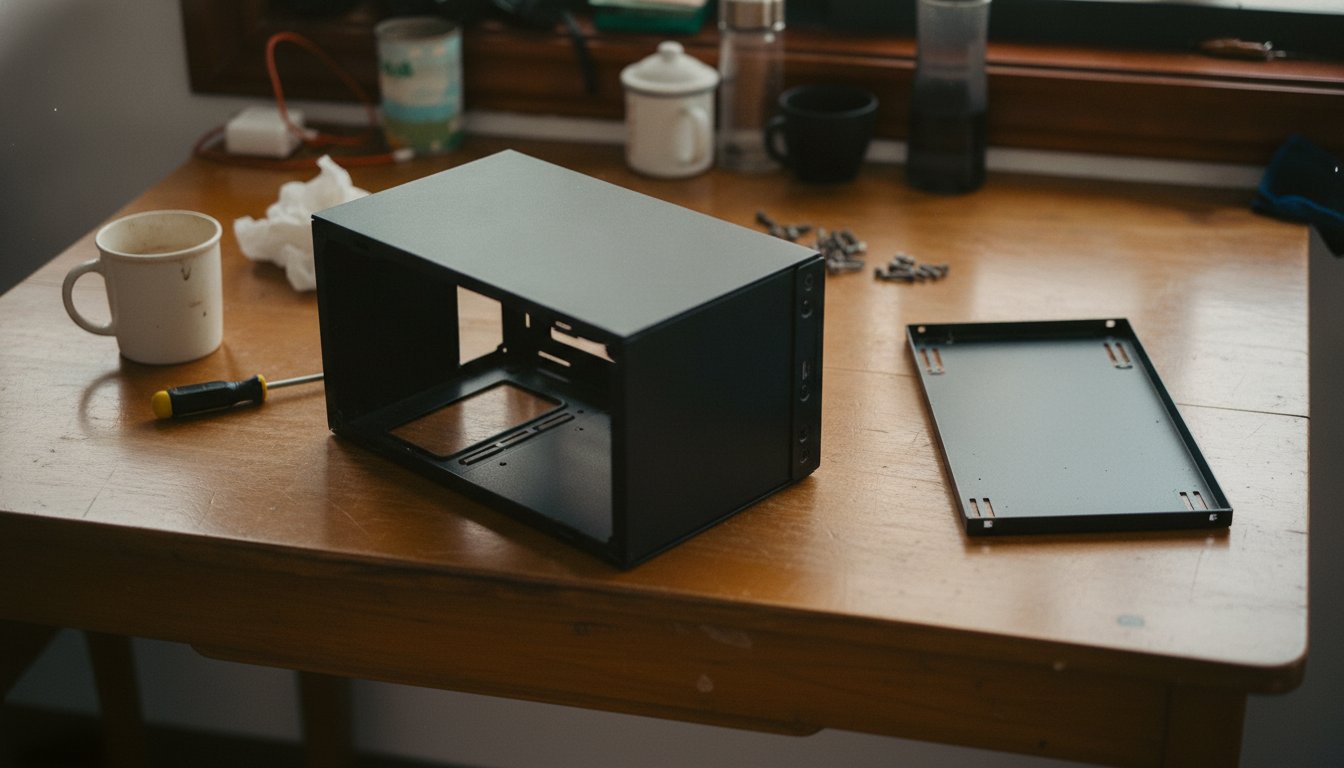
There is also a middle path if what you really want is confidence rather than convenience. Micro Center's Build and Learn service at $349.99 sits a technician next to you while you assemble your own parts over a guided session, screwdriver kit included, so you leave with a working machine and the skill to open it again. It costs $100 more than having them do it for you, and for a nervous first builder that hundred buys something the standard tier cannot.
Pay for a build when the machine is expensive, water cooled, needed fast, or when troubleshooting a dead on arrival part on your own would cost you working days you cannot spare. And whichever way you go, run the shakedown checks a new build needs before you trust the machine with real work.
Frequently Asked Questions About PC Build Fees
Does Micro Center build a PC for free?
No, Micro Center does not build PCs for free. The custom build service starts at $249.99 per the company's current service FAQ. What is free is the help before the build: parts compatibility checking and build consultations cost nothing, and the online build tool lets you price a full parts list before you commit to anything.
How long does Micro Center take to build a PC?
Standard builds can be finished the same day if the parts are submitted at least four hours before the store closes, per Micro Center's published service terms. Custom water cooling loops take longer because of assembly and leak testing. By comparison, one detailed Best Buy employee account put a Geek Squad build at about five days depending on backlog.
How much does Geek Squad charge to build a PC?
Best Buy does not post a flat custom build price. Employee reports from November 2025 describe about $200 for My Best Buy Total members and about $250 without a membership, roughly a 20 percent member discount. Individual hardware installs are posted separately, starting at $39.99 per component for basic items like RAM or a storage drive.
Does Micro Center build PCs with parts you bought somewhere else?
Yes. Micro Center will assemble new components purchased elsewhere, a policy confirmed in an official forum reply back in 2022 when that service started at $149.99. Under current pricing, builds that reuse previously installed or used parts start at $329.99, and a full teardown and rebuild of an existing PC starts at $349.99.
Does Micro Center offer a warranty on its builds?
Yes, every standard build tier includes a 90 day labor warranty covering the assembly work itself. The components keep their own manufacturer warranties, which typically run one to three years or longer depending on the part. Optional protection plans that extend component coverage are sold separately, priced by the value of the covered hardware.
If you would rather get one flat number from a bench that answers its own phone, call Stateline Tech at (608) 214-5158 or start with our custom PC builds service, and we will quote the whole job before you pay a dollar.