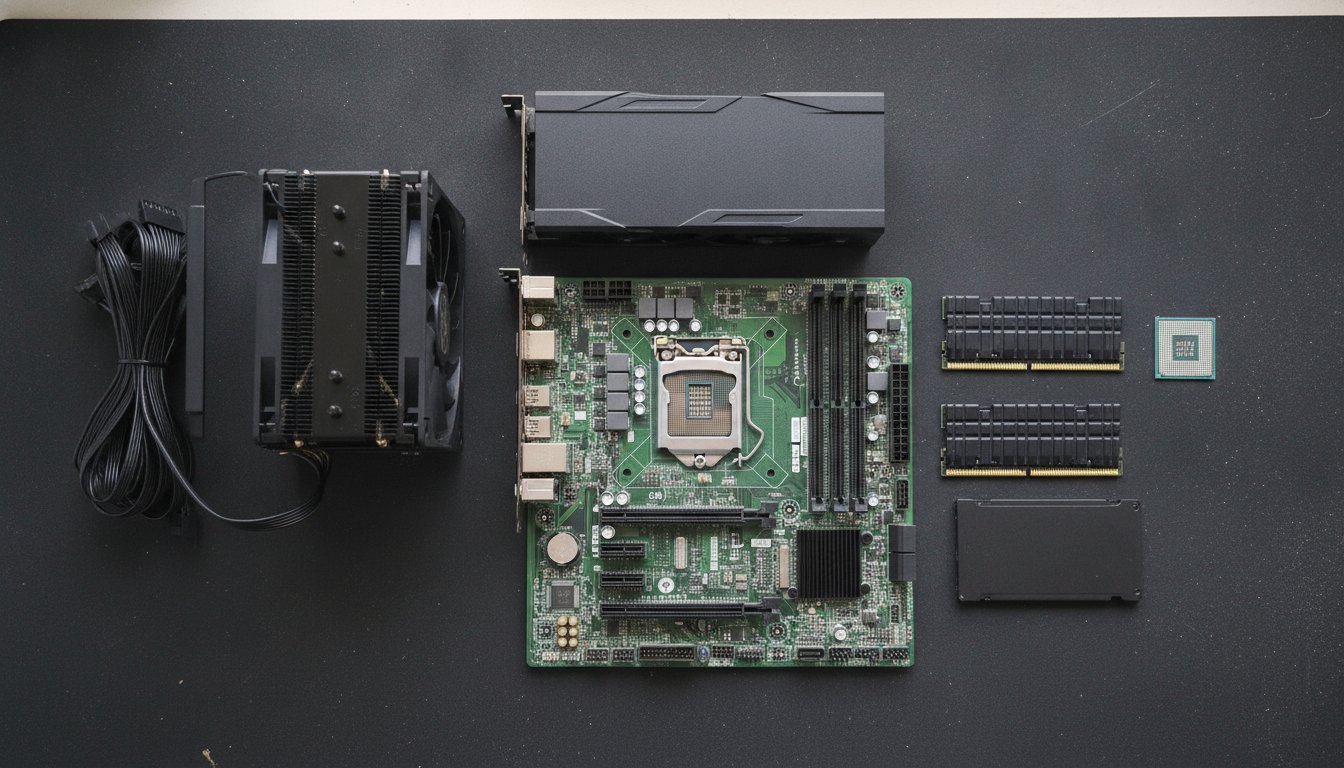
To build a PC you need eight core parts: a processor, a CPU cooler, a motherboard, memory, storage, a power supply, a case, and a graphics card if the processor does not include graphics. Add a Windows license, a Phillips screwdriver, and a monitor, keyboard, and mouse.
That is the full answer to what do you need to build a PC. The rest of this page explains each part, the tools, and what a shop charges to assemble everything, with our how to build a PC walkthrough covering assembly.
What Do You Need to Build a PC? The Eight Core Parts
What do you need to build a PC comes down to eight pieces of hardware, and only one of them, the graphics card, is ever optional. Every other part has a job the machine cannot start without. Component makers publish the same core checklist; MSI's own beginner build guide names the identical set of parts we hand customers at the bench.
The PC Parts List You Can Print
Here is the pc parts list in one box. Screenshot it or print it, and check each line off as it lands in your cart. None of the ranking guides we studied for this page offers the list in this plain checkbox form; they explain for thousands of words first. The explanations are below if you want them.
What Each Part Does
| Part | What it does | Can you skip it? |
|---|---|---|
| CPU | Runs every calculation; the computer itself | No |
| CPU cooler | Moves heat off the CPU so it does not throttle | Only if the CPU box includes one |
| Motherboard | The board every part plugs into | No |
| RAM | Short term workspace for open programs | No |
| Storage (SSD) | Holds Windows, programs, and files | No |
| Power supply | Converts wall power for every component | No |
| Case | Holds, grounds, and cools the assembled build | Technically, but do not |
| Graphics card | Renders games and accelerates creative work | Yes, with integrated graphics |
If you searched what parts do you need to build a PC and stopped at the box above, you already have the answer. The sections below cover the questions that come up the moment the cart is full: the graphics card decision, the tools, the Windows license, and whether the parts even fit each other.
Do You Need a Graphics Card to Build a PC?
You do not need a graphics card to build a PC if your processor includes integrated graphics. AMD sells processors with a G suffix that include capable onboard graphics, and most Intel chips without an F suffix include them as well. A machine built on integrated graphics handles desktop work, web browsing, spreadsheets, and light gaming without any discrete card.
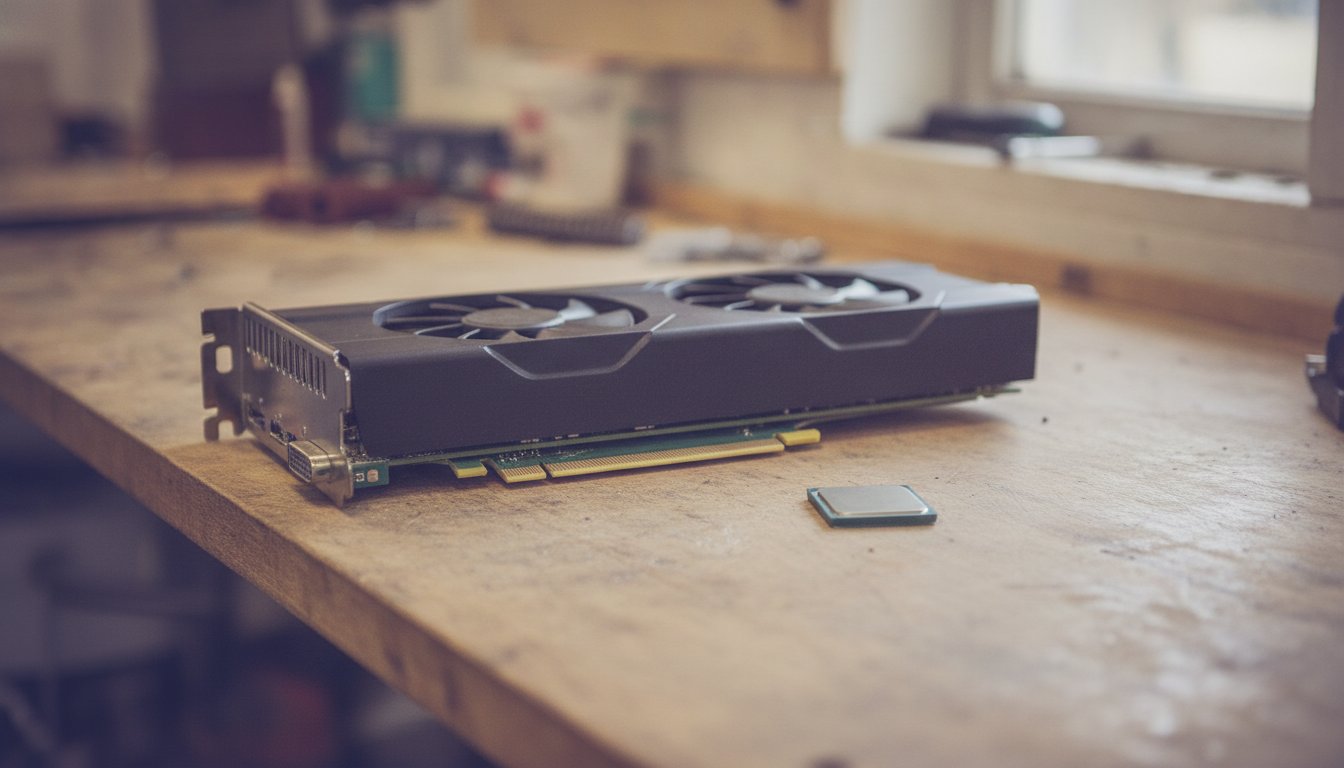
A graphics card becomes necessary in two cases: serious gaming at modern settings, or GPU accelerated work such as video editing and 3D rendering. It is usually the single most expensive part in a gaming build, which is why we tell customers to decide this line first and let the rest of the budget form around it. If the machine is for the office or the kitchen counter, spend the graphics card money on a better SSD and more RAM instead.
What Tools Do You Need to Build a PC?
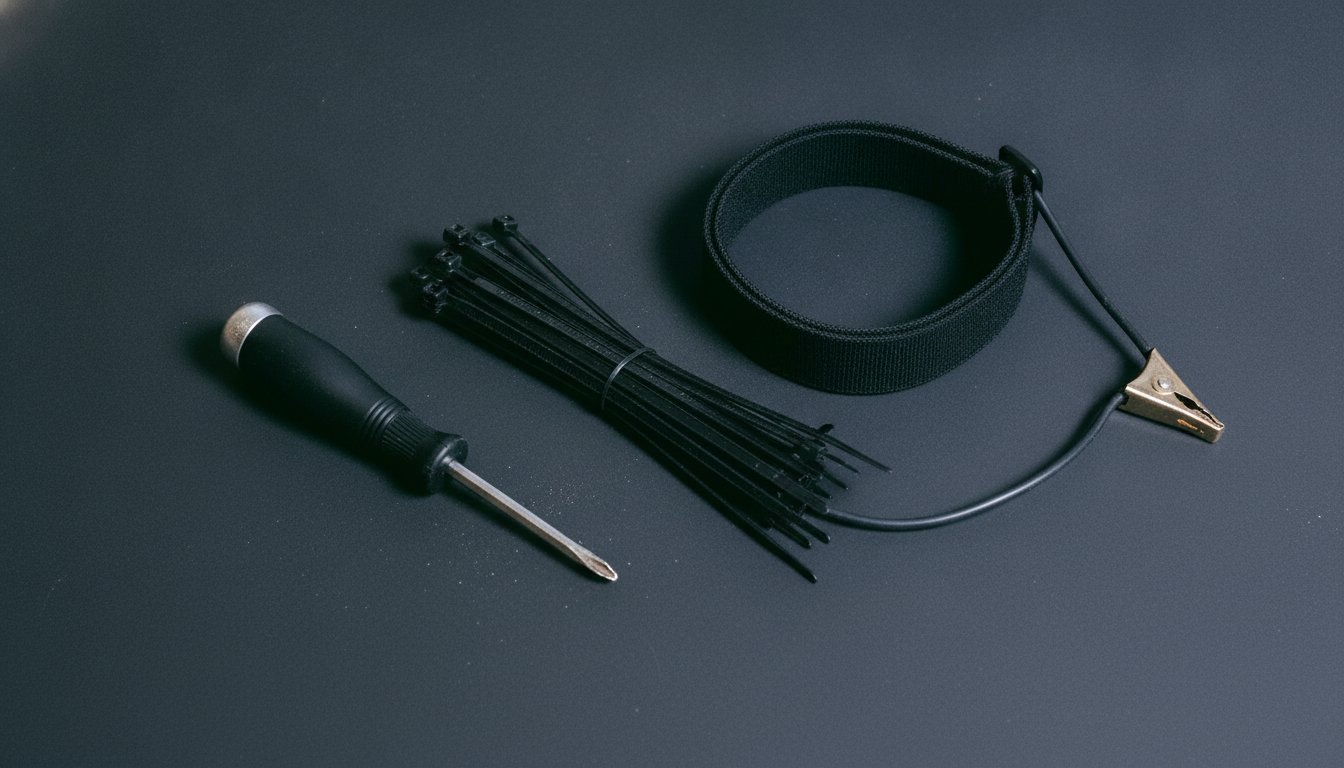
What tools do you need to build a PC is a shorter list than most first time builders expect: one Phillips head screwdriver covers the entire job. Everything else is a convenience. Cable ties keep the wiring tidy, an anti static wrist strap adds cheap insurance while handling the CPU and motherboard, and a magnetic parts tray saves you from chasing screws under the bench.
Thermal paste is the one consumable to think about. It fills the microscopic gaps between the CPU and the cooler plate so heat can actually transfer; Intel's own thermal paste guide explains the mechanism and recommends a pea sized dot in the center of the CPU. A replacement tube runs $5 to $10, and paste does not last forever either; we cover replacement schedules in how long thermal paste lasts.
Do You Need to Buy Windows Separately?
You do need to buy Windows separately when you build a PC; no part in the cart includes an operating system. A Windows 11 Home digital license costs $139 direct from the Microsoft Store as of August 2026, and that number belongs in your build budget from the start because most first time builders forget it.
There are two honest ways around the $139. If you are retiring an old machine with a digital Windows license tied to your Microsoft account, the license can often move to the new build. And Linux distributions cost nothing at all, which is a real option for a browsing and office machine, though most people building a gaming PC will want Windows for game compatibility.
How Do You Know the Parts Fit Together?
You know the parts fit together by checking four compatibility points before you buy anything, because the single most expensive mistake in PC building is a cart full of parts that do not match.
The Four Compatibility Checks
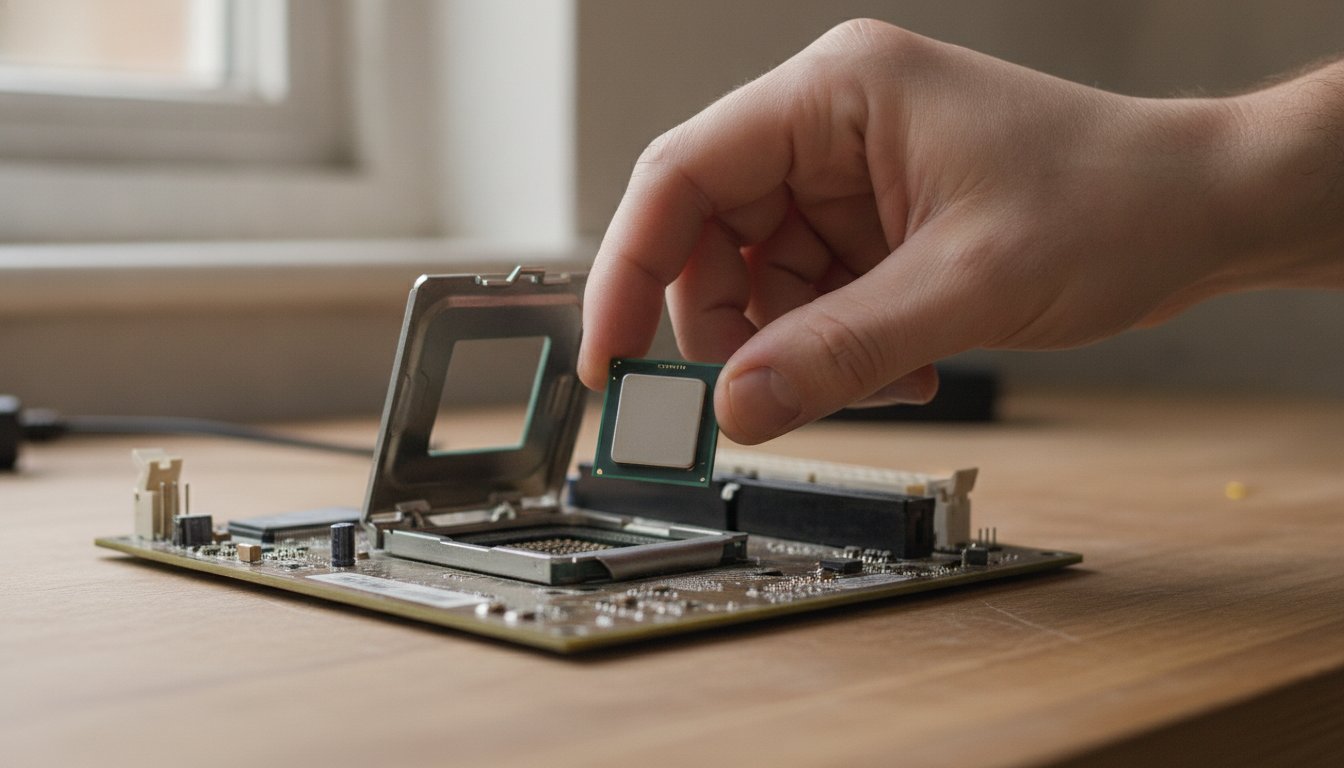
First, the CPU socket must match the motherboard socket exactly; a chip made for one socket does not fit another. Second, the RAM generation must match what the board supports; DDR4 sticks do not work in a DDR5 board. Third, physical clearance: the graphics card must be shorter than the case allows and the cooler shorter than the side panel. Fourth, power: add up what the parts draw, then buy a power supply rated 20 to 30 percent above that total, the headroom range most independent PSU calculators converge on as of 2026.
What PCPartPicker Catches and What It Misses
Free tools such as PCPartPicker cross reference your parts list against a specification database and flag mismatched sockets, unsupported memory, and clearance conflicts before you spend a dollar. Community consensus in a Tom's Hardware forum discussion is that these tools reliably catch the major conflicts but are not authoritative for every edge case, so a two minute manual check of the socket and RAM lines on each product page is still worth doing.
What Order Do the Parts Go Together In?
The parts go together in an order that keeps the delicate work outside the case: seat the CPU, RAM, and cooler on the motherboard at the bench first, then move the loaded board into the case. Working in the open beats working through a case window with a flashlight.
Budget real time for this. A first build commonly takes an afternoon rather than an hour, and we break down realistic phase by phase timing in how long a first build takes. The order above is the short version; the full step by step with the checks between steps lives in our build walkthrough.
Is It Cheaper to Build or Buy a Prebuilt PC?
It is cheaper to build than to buy above roughly $1,300, where 2026 comparisons put self built machines 10 to 25 percent below equivalent prebuilts, and it is often not cheaper below $900 right now. System integrators buy memory in bulk, and the 2025 to 2026 DDR5 price spike hit loose parts buyers hardest: a 32GB kit that ran $100 to $130 in early 2025 was listing near $300 by March 2026. At budget tier, a prebuilt can genuinely beat your own cart.
Price both routes the week you buy. The flip point moves with memory and graphics card prices, and it does not ask permission.
Price Both Routes the Same Day
The honest rule we give customers: spec your build, then price a prebuilt with the same CPU, GPU, RAM, and storage the same day. Above $1,300 the parts cart usually wins, and you also get better cooling and a better power supply per dollar. At $600 the prebuilt often wins. The full component budget math lives in what the parts cost in 2026.
What Mistakes Should First-Time Builders Avoid?
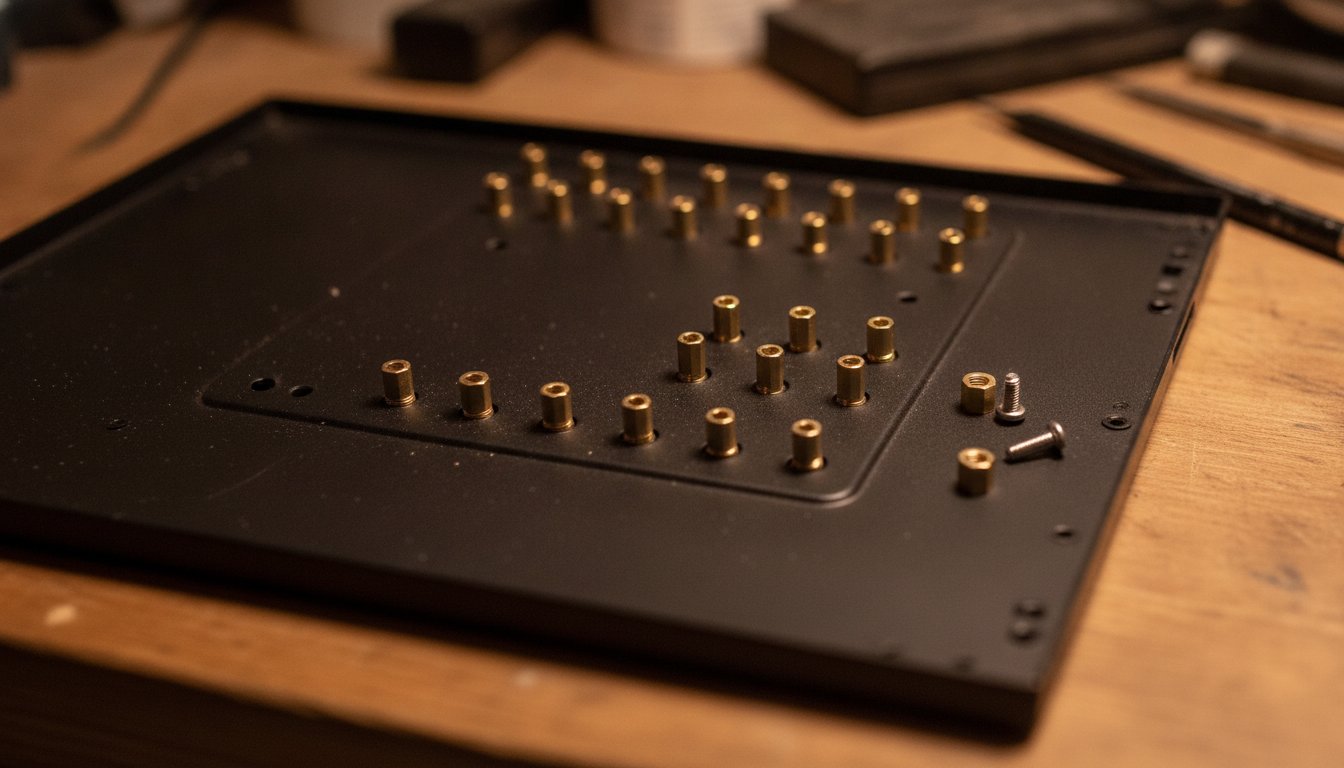
The mistakes first time builders should avoid are almost all small hardware oversights, and two of them can kill a board. Skipping a motherboard standoff lets the back of the board touch bare case metal, which risks a short circuit the moment you power on. Forgetting the I/O shield, the thin metal plate that frames the rear ports, is the classic realize it after the board is screwed down error.
The Mistakes That Cost Money, Not Hardware
The rest cost performance or money rather than hardware. Too much thermal paste squeezes out over the socket; the pea sized dot is enough. RAM seated in the wrong pair of slots runs slower than it should; the motherboard manual names the correct two. And buying more memory than the workload uses is wasted spend: 16GB covers most people, and capacity beyond what programs actually use adds nothing.
Every one of these is avoidable with patience and the manual open. We keep a fuller list of the errors that cross our bench, and what each one costs to undo, for a dedicated page on build mistakes.
Should You Pay a Shop to Build Your PC Instead?
You should pay a shop to build your PC if the checklist above reads like a chore instead of a Saturday hobby. Professional assembly is a real market with published prices, and it removes the bent pin and shorted board risks entirely.
What Big Box Assembly Costs
Micro Center's in store build service runs five tiers, from $149.99 for a standard air cooled assembly to $799.99 for hard tube custom water cooling, each with a 90 day build warranty, per its service page as of August 2026. Best Buy's Geek Squad publishes $39.99 for an in store single component install per its 2022 to 2024 service listings, and user reports describe full from parts builds effectively requiring a membership near $180 per year. Check the live pages before you plan around any of these numbers; service menus change. We compare the big box and local routes fully in our big box versus local breakdown.
| Service | Fee | What it covers |
|---|---|---|
| Geek Squad single part install | $39.99 | One component installed in store (2022 to 2024 listings) |
| Micro Center Tier 1 | $149.99 | Full assembly, air cooled, 90 day warranty (Aug 2026) |
| Micro Center Tier 3 | $249.99 | Assembly with AIO liquid cooler plus OS install (Aug 2026) |
| Micro Center Tier 5 | $799.99 | Custom hard tube water cooling build (Aug 2026) |
How a Local Bench Handles the Same Job
Stateline Tech builds machines from this exact checklist through our custom PC build service: we help you pick the parts for what the machine actually has to do, bill the parts with the receipts in the box, and stress test the finished build before it goes home. You sit down with a person, not a service tier menu, and you know exactly what you are paying before we order anything.
Frequently Asked Questions About PC Parts
What is required to build a PC?
Eight hardware parts are required: CPU, CPU cooler, motherboard, RAM, storage, power supply, case, and a graphics card when the CPU lacks integrated graphics. Beyond hardware you need an operating system, commonly a Windows license sold separately, plus a monitor, keyboard, and mouse to use the machine, and one Phillips screwdriver to assemble it.
Is $500 enough to build a PC?
Yes for an office and browsing machine built on a processor with integrated graphics, which skips the cost of a graphics card entirely. It is tight for a new parts gaming build in 2026, because memory prices spiked through 2025 and 2026 and budget prebuilts currently price very close to loose parts. At this tier, price a prebuilt the same day before committing.
Do you need thermal paste to build a PC?
Yes, the CPU cooler cannot work properly without it, but you rarely need to buy it. Most stock and aftermarket coolers ship with paste pre applied or included in the box. Paste fills microscopic gaps between the CPU and the cooler plate so heat transfers efficiently; a pea sized dot in the center of the chip is the standard application.
How much RAM do you need to build a PC?
16GB of RAM covers most mainstream builds, including gaming, and is the sensible default on a first build. Heavy multitasking, video editing, and large creative projects justify 32GB. Buying beyond what your programs actually use adds no performance, and build guides consistently list over buying memory among the most common wastes of a first time budget.
Can you have a store build a PC for you?
Yes. Micro Center assembles customer parts from $149.99 as of August 2026, Best Buy's Geek Squad installs single components for $39.99 per its published listings with full builds tied to a yearly membership per user reports, and local shops like ours quote the job directly. Fees change, so confirm the current price on the live service page first.
You now know what you need to build a PC; if you would rather hand the checklist to a bench that does this every week, call Stateline Tech at (608) 214-5158 or start with our custom PC builds in Freeport service.